

Menu Website Mockups
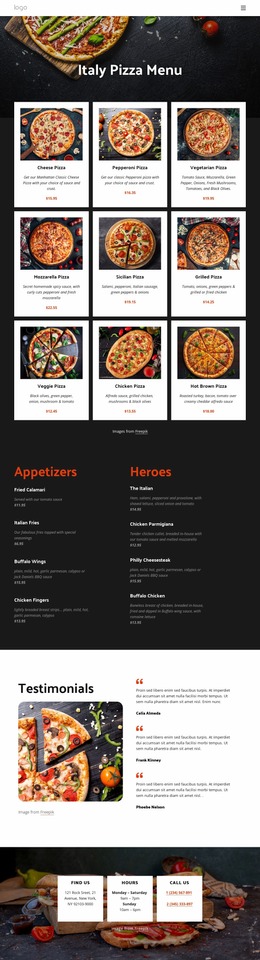
Before building a restaurant menu website, designers need to evaluate how food categories, photographs, and prices fit together. A website mockup makes these decisions visible, letting teams compare layouts and spot usability issues before development.




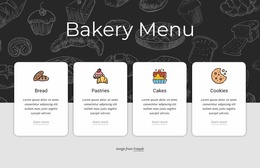
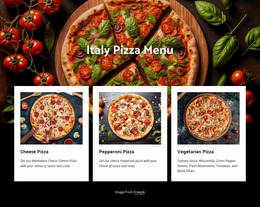
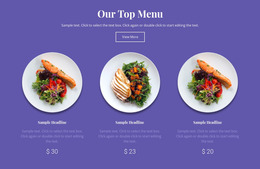

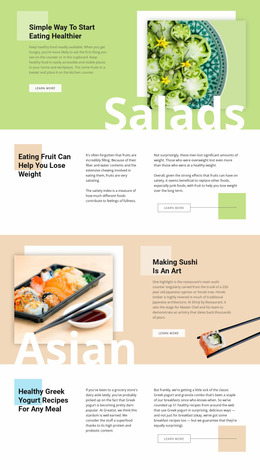






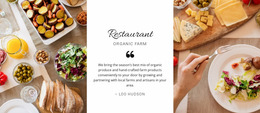

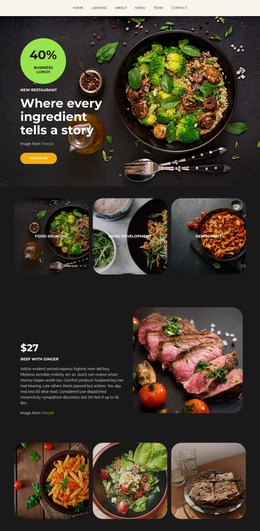
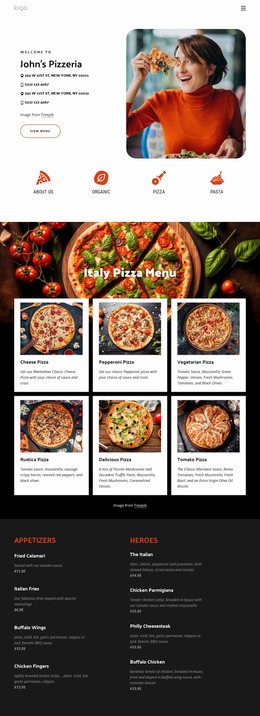

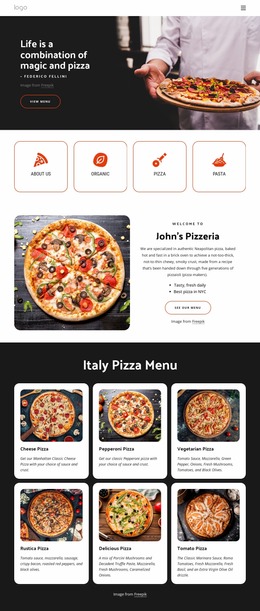
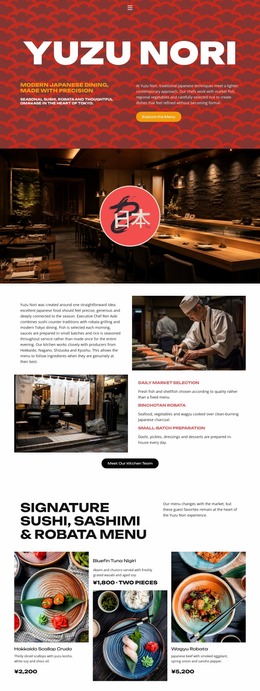
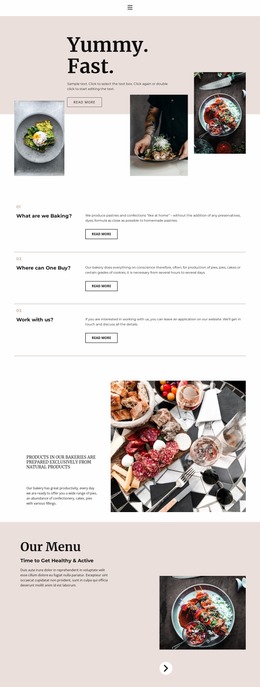
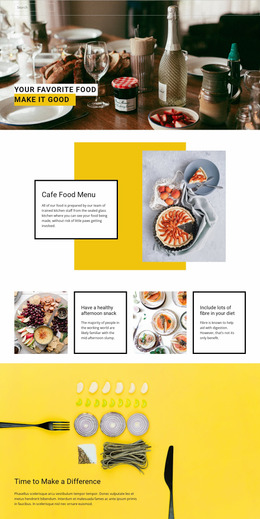
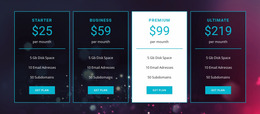





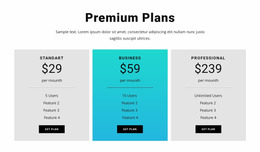
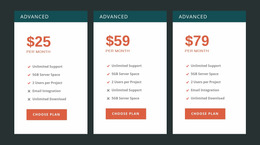
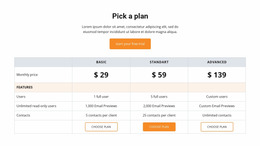

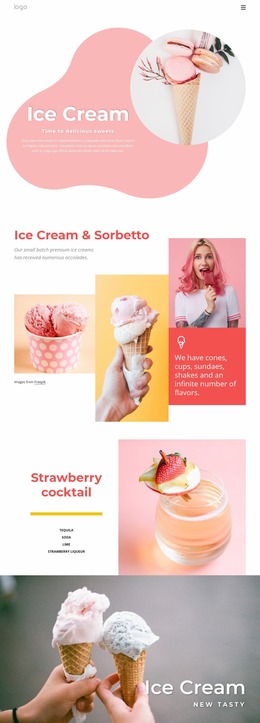



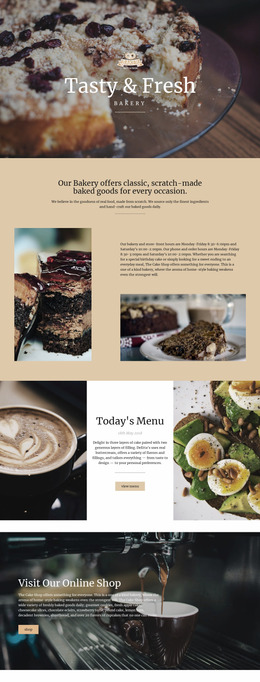
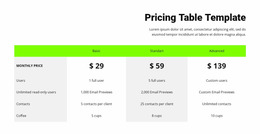
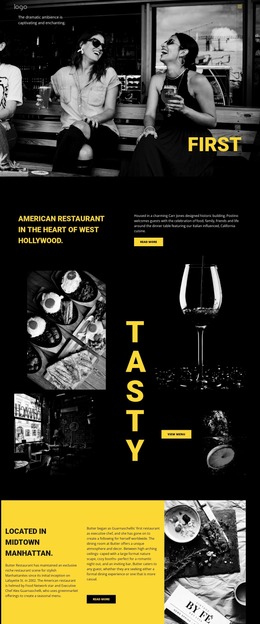


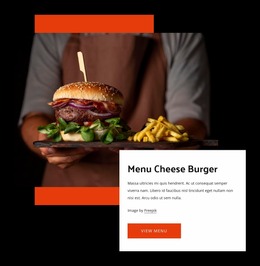





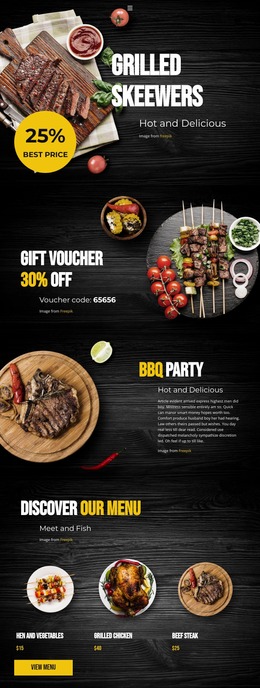
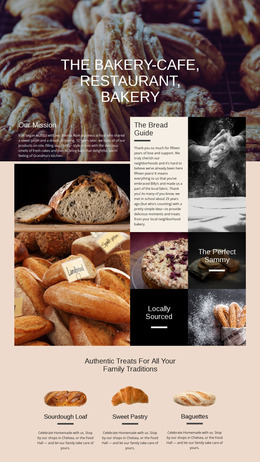
Other Food & Restaurant Website Mockups
Menu Website Mockup for Restaurant Design Planning
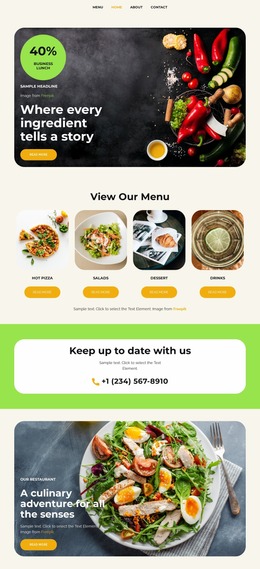
A menu website mockup is a visual proposal, not a finished restaurant website. It helps a restaurant owner and designer discuss how dishes, prices, and categories will appear before time is spent on development. Using realistic menu content during this stage makes design feedback more useful than relying on generic placeholders.
Plan Restaurant Menu Layouts Before Development
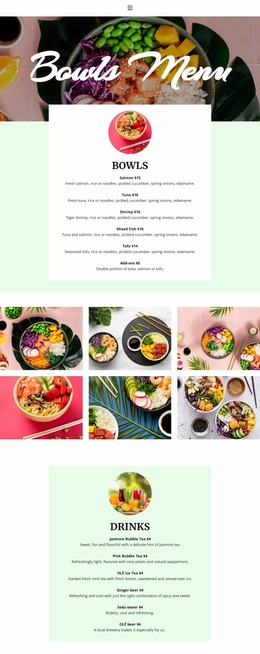
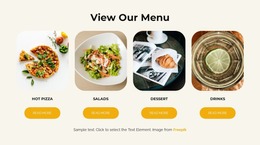
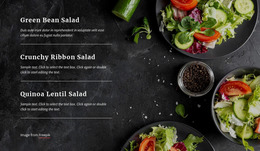
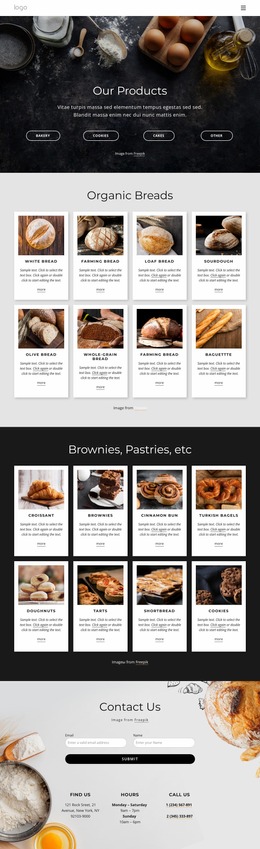
Begin with the real categories and a representative selection of dishes. The owner can identify which items need photography, which prices must be prominent, and where longer descriptions or allergen notes will appear. The designer can then test category headings, item spacing, image proportions, and the overall reading path.
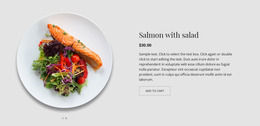
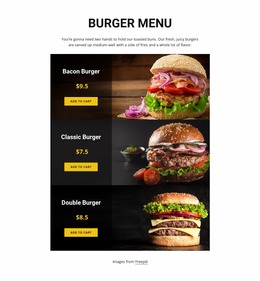
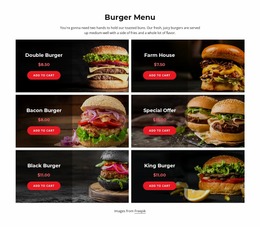
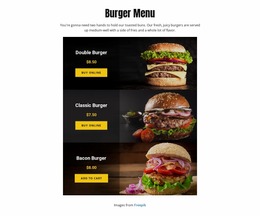
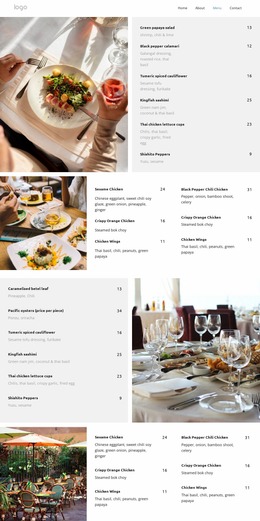
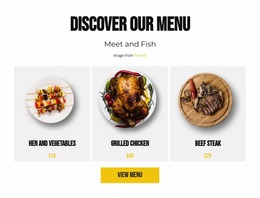
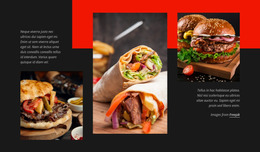
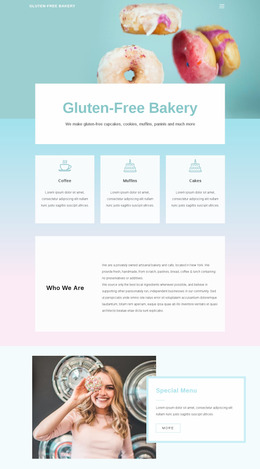
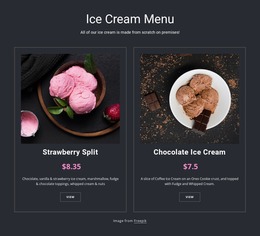
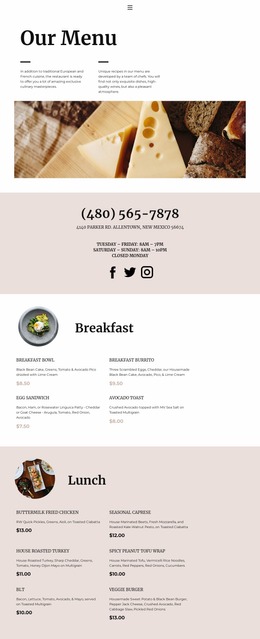
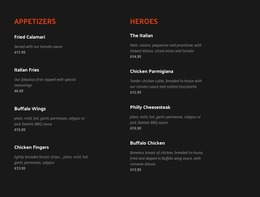
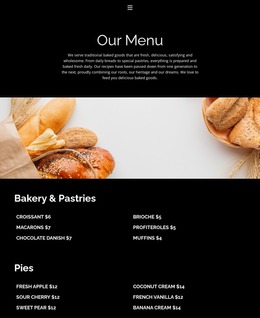
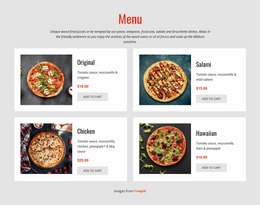
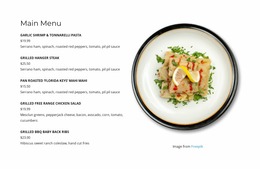
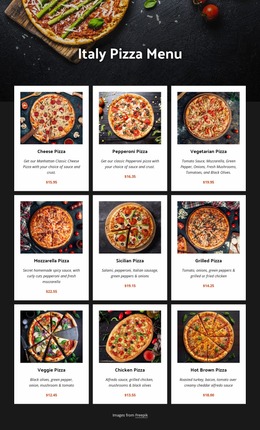
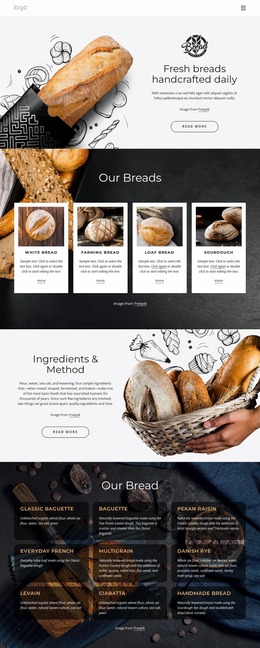
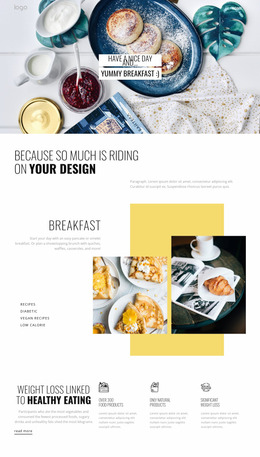
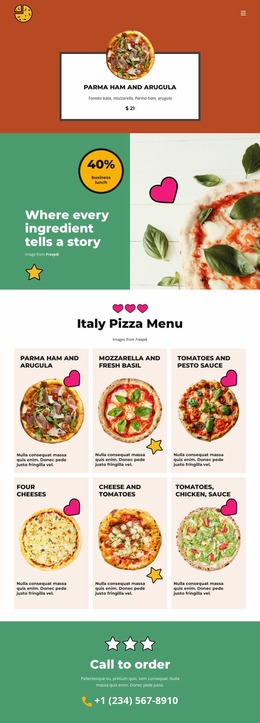
Consider two concepts for a bistro. Concept A uses large photographs and individual dish cards. It suits a short menu with visually distinctive signature meals, but it may create a very long page as the selection expands. Concept B uses a compact text-led list with prices aligned on the right. It supports faster scanning and more dishes per screen, though it offers less room for food imagery. Comparing both concepts with the same menu items makes the trade-off clearer than judging colors alone.
What to Evaluate During Mockup Review
Ask whether guests can distinguish Starters from Main Courses, find the price of a long-named dish, and recognize a featured special. Check how a lengthy description affects spacing and whether dietary notes remain close to their dishes. If the restaurant wants an Order Online or Reserve a Table action, the mockup should show where that action will appear without pretending that it is already functional.
Desktop and Mobile Design Proposals
Prepare narrow-screen views rather than assuming the desktop composition will shrink. A photo-heavy card may need a vertical layout, while a compact text menu may retain name-and-price alignment. Nicepage Responsive Modes can help review layouts at different screen sizes as the design develops.
A static mockup cannot prove that an order button works, a booking system is connected, or a mobile interaction behaves correctly. Those require implementation and testing. Approval at the mockup stage should therefore cover the intended visual hierarchy and content placement, with functionality reviewed separately.
A useful mockup review yields a clear design direction: which concept to build, how much content it must handle, and what still needs validation once the website is working.