
370+ Team One Page Templates
Fit recognizable people into a continuous page without overwhelming nearby content. Compare ready-made Team blocks by member count, total height, and room for names, roles, and short introductions.
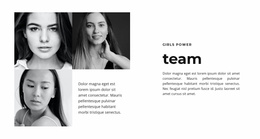
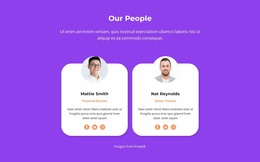
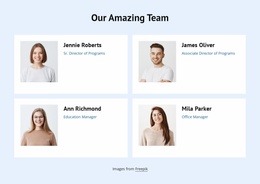
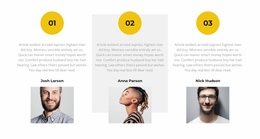


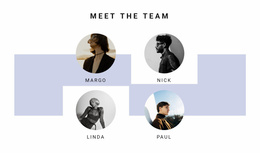
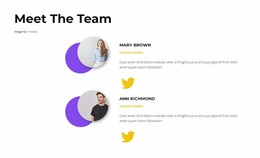





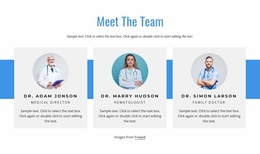
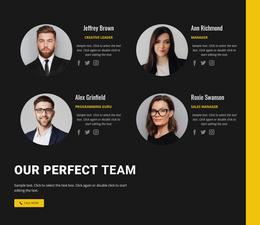
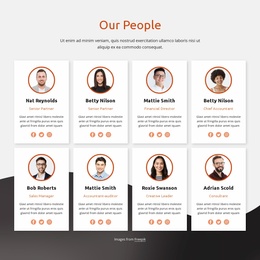
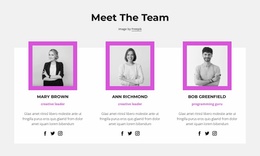
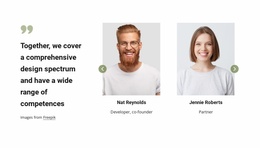
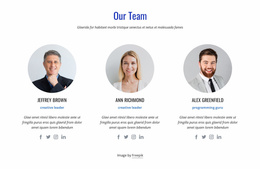


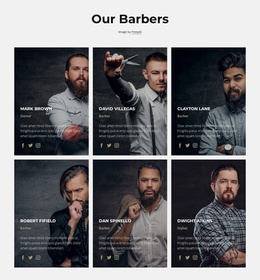
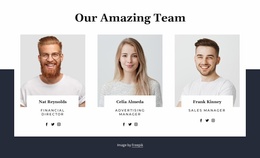
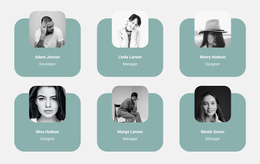
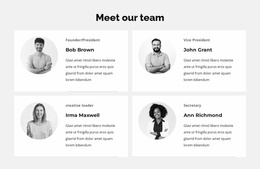

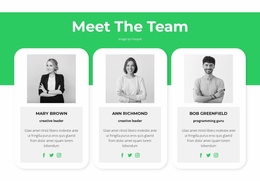

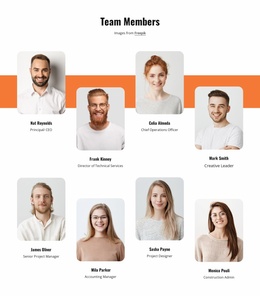
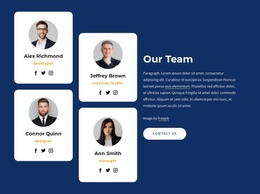
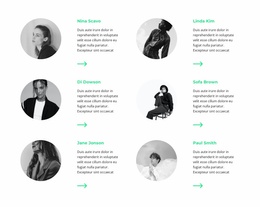
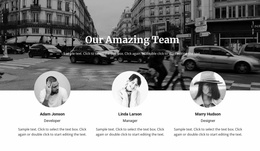


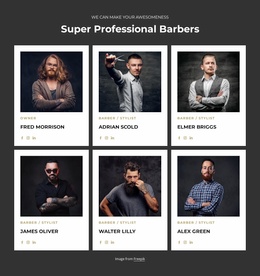
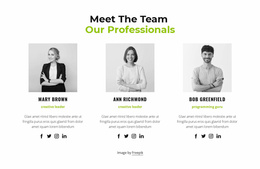
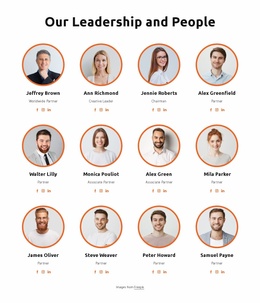
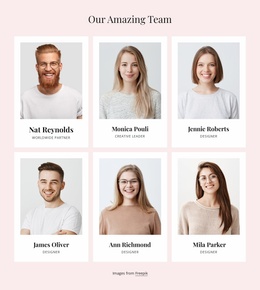
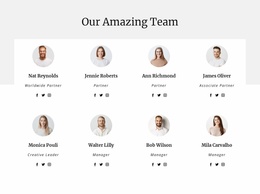
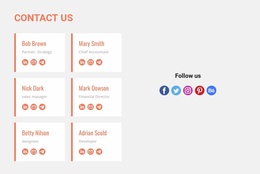
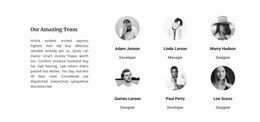
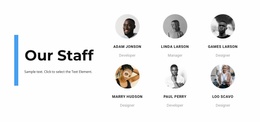

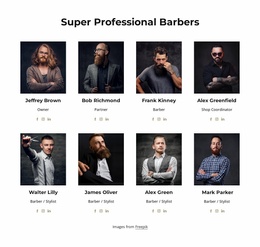
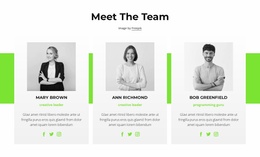
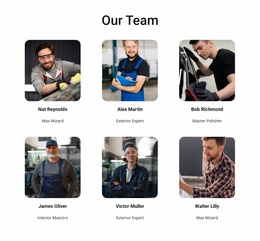
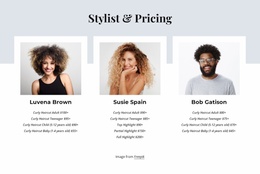

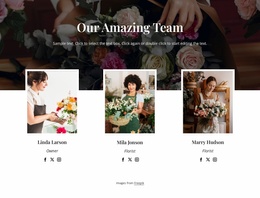
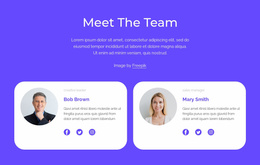


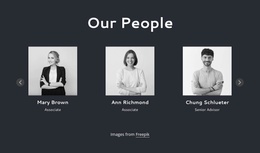
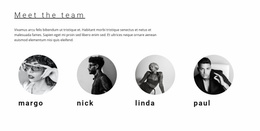
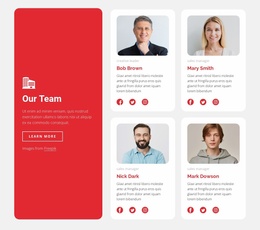

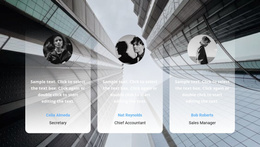

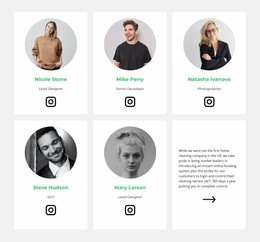
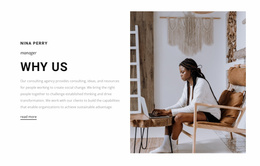

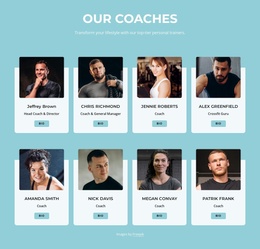

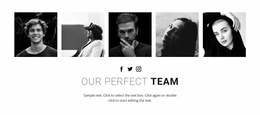

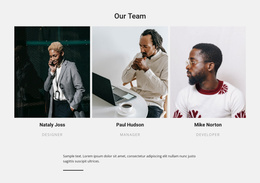
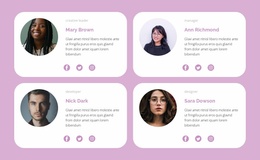

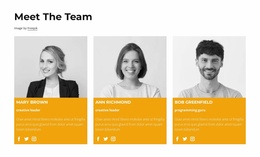
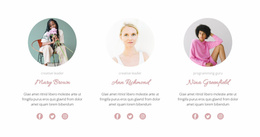
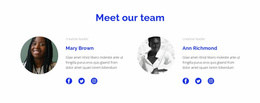


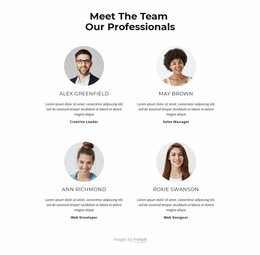
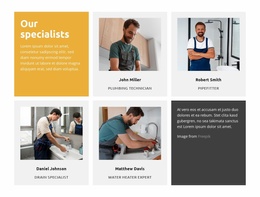
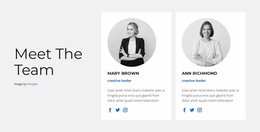

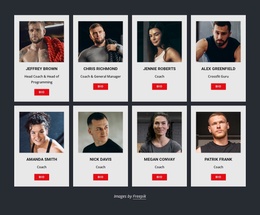
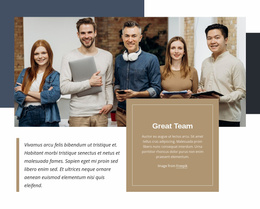
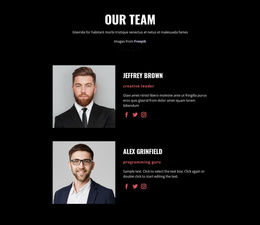
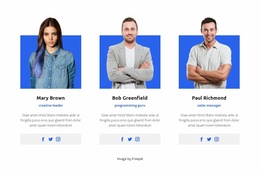

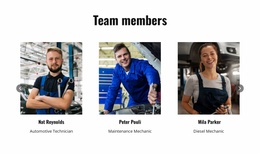
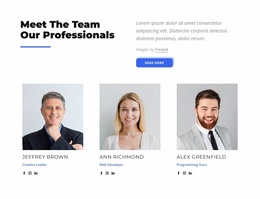
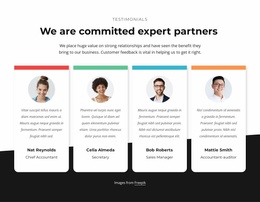
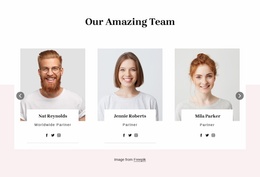
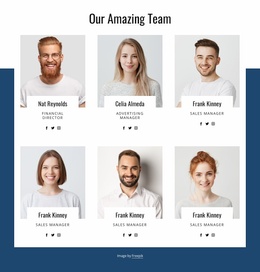
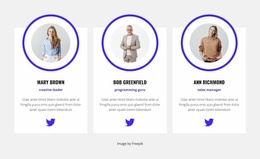
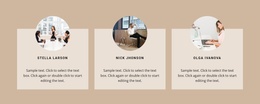
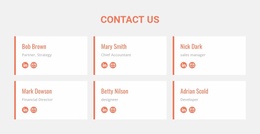

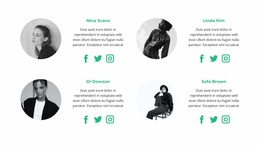

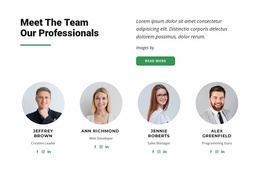


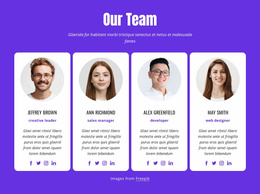

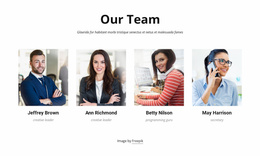
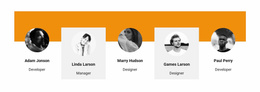
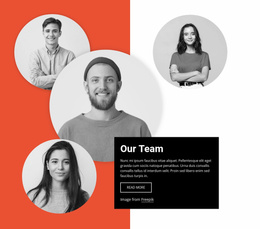
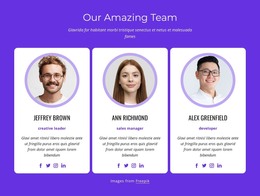

Other Team One Page Templates
Minimal Team One-Page Templates for Compact Staff Introductions
Team One Page Templates offer ready-made staff-profile sections designed to sit within a continuous page. Browse arrangements by section height, number of profiles, portrait prominence, and biography space. Choose a block that introduces the people clearly while leaving enough room for the other content on the page.
Choose a Team Section That Fits One-Page
A short page with several topics often benefits from a compact group of people, while a people-led project may have room for larger portraits and fuller introductions. Compare the prepared designs against the actual space available rather than assuming every one-page layout needs the same staff-card format.
The most useful checks are visual: how much vertical space the section takes up, how quickly visitors can recognize each member, and whether names and roles remain legible as the cards narrow.
Compare Compact and Spacious Team Arrangements
A prepared Team block may emphasize portraits, place text beneath each image, or give short biographies more room. Look for a layout that fits the intended member count without creating an unusually long section.
Each member needs a recognizable portrait, name, role, and an appropriately brief introduction. Optional contact links can remain secondary. If job titles are long, favor a composition with enough width for readable labels rather than shortening important information just to fit a card.
The Nicepage Grid Repeater Element supports coordinated profile styling, but the first step is choosing a suitable existing arrangement.
Fit the Selected Block into the Page
Compare how the ready-made Team section looks between neighboring blocks, such as a project overview and a contact area. A compact arrangement can preserve the page's rhythm; a larger section may be appropriate when the people are the main subject. There is no mandatory location for Team within a single-page layout.
A related Our Team section provides another direction for people-focused content. In Nicepage, select a suitable design and replace the sample portraits, titles, and biographies with your actual team information.
Team or About Us on a One-Page Site?
About Us introduces the project, while Team identifies the individuals who contribute to it. When comparing sections, choose Team cards that keep names and responsibilities immediately recognizable instead of repeating the whole organizational story inside every biography.
Frequently Asked Questions About Team One-Page Templates
What kind of Team layout is best for a short one-page site?
Compare compact, ready-made sections that show the relevant people with clear names and roles while preserving space for the other page content.
Can I use larger Team profiles on a one-page layout?
Yes. A roomier design can work when the people are central to the page. Check the overall section height and how the profile cards appear on mobile widths.
How many members should the Team section include?
Choose an arrangement for the people most relevant to the page. Check the available card count and biography space before selecting a design.
Pick a Team Block for Your One-Page Layout
Browse the prepared Team sections by member count, card proportions, and total section height. Personalize the one that introduces your people without overwhelming the rest of the page.