Car repair team members Website Template
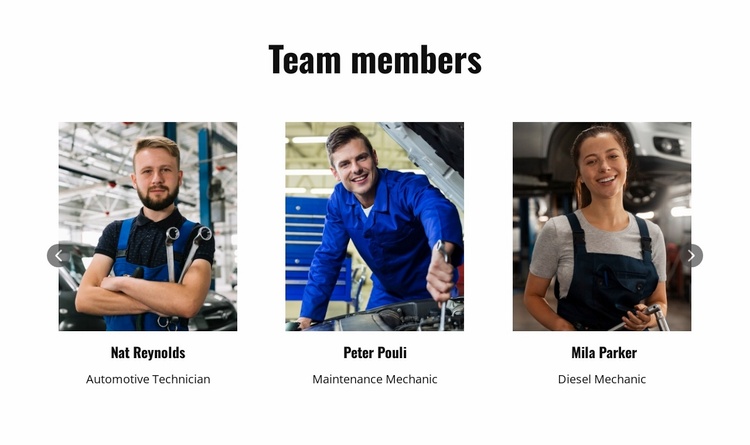
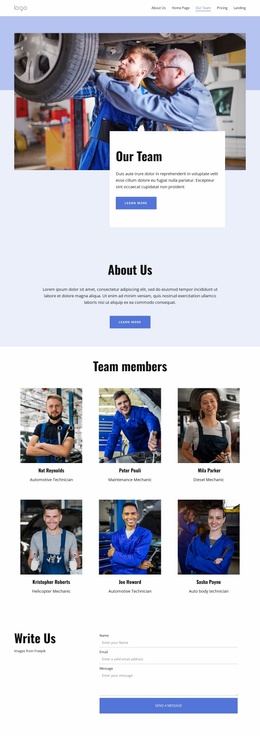
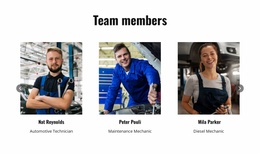
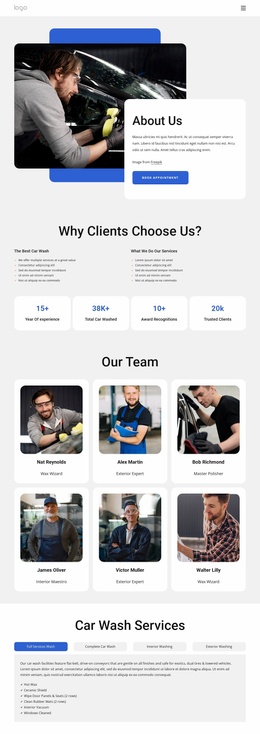
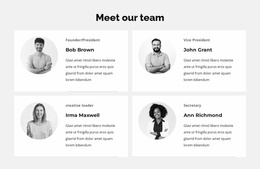
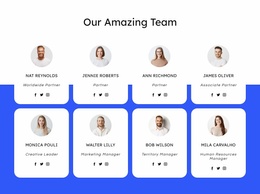
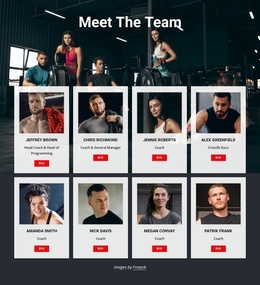
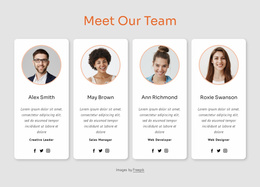
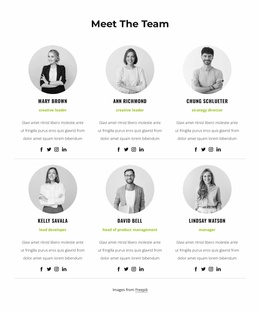
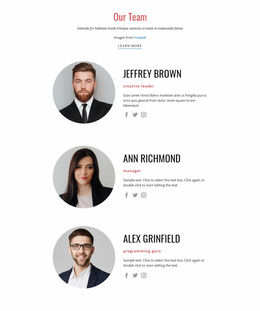
The “Team members” block creates a focused personnel section for an automotive services project. A centered heading introduces six repeated team cards defined in the carousel, while the preview displays three portraits at a time. Each card places a portrait above a name and professional role, including Automotive Technician, Maintenance Mechanic, and Diesel Mechanic labels among the visible profiles. Circular previous and next controls provide access to the remaining cards. The white background, dark typography, and spacious horizontal arrangement give the section a consistent pattern that can recur across a broader website.
ID : 6307815   |   Category : Cars & Transportation, Team

A Reusable Personnel Pattern for Automotive Website Projects

The centered “Team members” heading gives the block a clear content role that can be reused wherever a broader automotive website needs to introduce its personnel. Six repeated cards organize portraits, names, and professional roles into one consistent presentation. The visible Automotive Technician, Maintenance Mechanic, and Diesel Mechanic labels establish the section’s service-oriented context, while the additional defined profiles extend the same pattern without requiring a separate design for each person.

Within a larger website project, this block can provide a recognizable team area alongside service information, company background, or contact content. Its repeated portrait-above-text structure makes it suitable for maintaining a consistent personnel pattern if related pages need similar staff presentations. The white background, centered dark heading, and spacious horizontal arrangement also leave room for the surrounding project to coordinate its own typography, colors, and section spacing without disrupting the team content.

The carousel is especially useful when the personnel list is broader than the first view. Three cards appear in the preview, while circular previous and next controls lead visitors toward the remaining profiles. That keeps the section compact and gives the broader website a controlled way to present six team members. Nicepage’s Pages panel can help place this reusable section within the surrounding project, while the block itself remains focused on introducing automotive service personnel.

Customize with Nicepage

Open this ready-made template in the Website Template Builder and customize it visually in the Nicepage editor. Replace demo content, edit page sections, and adapt the design to your project without rebuilding the template from scratch.

Edit Template Offline

1. Download and Install the Nicepage application for Windows and Mac. Or WordPress and Joomla plugins from the download page
2. Create a new page or select existing
3. Click Add new block, search for id 6307815 and click enter

Edit Template Online

Run Online Builder to edit this template on our hosting

Create Awesome Websites

WordPress Plugin WordPress
Windows Application Windows App
Joomla Plugin Joomla
Mac OS Application Mac OS App
HTML5 HTML5
Online Builder Online

Free Nicepage Builder

15,000+ Templates
Easy Drag-n-Drop
No Coding
Mobile-Friendly

Keywords


Build a Complete Website From This Template

Customize the Website Visually

Use this ready-made website template as a starting point for your project and adapt its pages visually in Nicepage. Change content, images, typography, navigation, sections, and other design elements while keeping the website together as a single editable project.

Manage Website Pages in One Project

Use the Pages panel to open, add, duplicate, and manage the pages of your website. Work on individual pages while keeping navigation and the overall site structure accessible from the same project, making it easier to develop a complete website instead of managing separate page files.

Expand the Website With Matching Designs

When you need additional pages or sections, use Page Design Sets to find Page and Block Designs created in the same visual style. Design Sets group matching designs together, making it easier to expand the website with new content while maintaining a consistent look across its pages and sections.

Organize Larger Multi-Page Websites

As the website grows, use Page Folders to organize related pages and keep larger multi-page projects easier to navigate in the editor. This is especially useful for websites with separate service pages, company information, contacts, landing pages, and other content areas.

This workflow makes the template a practical foundation for building and expanding a complete website while managing its pages, content, and visual design within one Nicepage project.

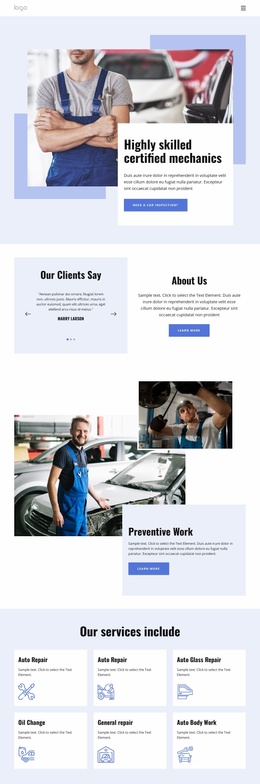
Multiple website pages in the Nicepage editor

More from Cars & Transportation Website Templates