
Biography One Page Templates
A personal biography can unfold naturally from an introduction to career milestones, meaningful achievements, and recent work. One-page templates keep these details within a continuous narrative, with section navigation for visitors who want specific information.







More Website & HTML Templates for Biography


More One Page Templates from Team Category







Other Team One Page Templates
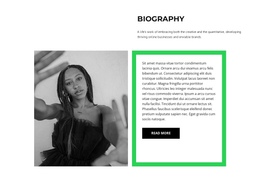
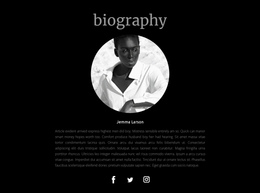
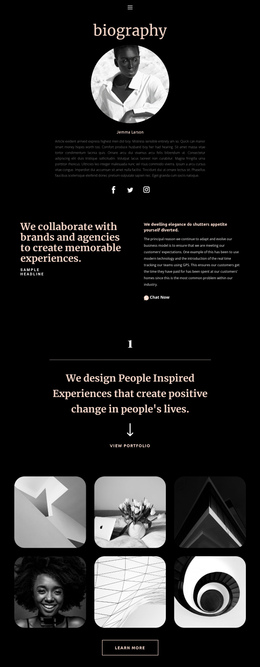
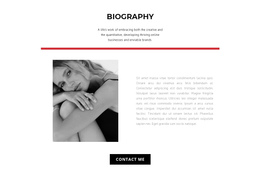
Modern Biography One-Page Template for Personal Stories
A one-page biography template gives authors, artists, professionals, and public figures a focused way to present their life stories on a single, continuous page. Visitors can move from a personal introduction to career milestones, notable achievements, and recent activities without opening separate pages. This format works particularly well when a person's background follows a recognizable narrative and the most important information can fit into a manageable sequence of sections.
Organize a Complete Biography Into One Scrolling Page
A successful single-page biography introduces the subject, then gradually reveals the experiences that shaped their career or public identity. The section order should reflect the story rather than reproduce a chronological list of every event.
An introductory section might establish the person's name, profession, and defining contribution. Subsequent sections can explain formative experiences, major accomplishments, and current activities. Each part should provide enough context to stand alone while staying connected to the surrounding narrative.
A practical scrolling sequence is Hero → Background → Career Timeline → Achievements → Current Work → Contact. Hero gives the subject's name, role, and portrait. Background introduces formative experiences; Career Timeline marks a few decisive transitions; Achievements adds evidence such as awards or published work. Current Work explains what the person is doing now, and Contact closes the narrative with an appropriate way to get in touch.
These are successive screens in one story, not six separate destination pages. A biography with only three major milestones may use a short timeline, while a more visual career can devote additional space to Achievements. The order should encourage continuous reading without forcing every life event into the page.
Connect Biography Sections With Anchor Navigation
A short menu with labels such as About, Timeline, Achievements, and Contact can link directly to anchors within the same document. Unlike a multi-page site menu, these links move the reader through one continuous biography. A fixed or sticky menu keeps the shortcuts available as the reader scrolls, as long as it doesn't cover the destination heading.
For example, a visitor can jump to Achievements to verify a career milestone and then scroll naturally into Current Work. Check that anchor targets remain visible beneath any sticky header and that the labels match the sections readers actually encounter.
Nicepage provides a one-page menu configuration that connects navigation items to Block Anchors. A Sticky on Scroll header can keep these links accessible as readers move through the biography.
Use concise section labels and verify that each anchor opens the intended content. Avoid unnecessary sections that interrupt the story or extend the page without adding useful information.
A one-page biography is less suitable when the subject has an extensive publication archive, dozens of projects needing individual descriptions, or multiple independent sections that deserve their own URLs. In those cases, a multi-page website may be easier to browse and maintain. Choose the one-page format when a coherent career story can unfold through a manageable sequence of scrollable sections, not simply because a single-page design is compact.