Protect you and your customers WordPress Theme


Description and Review Content in One Publishable Page Section
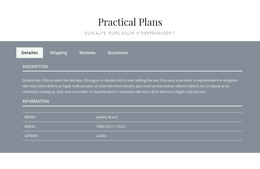
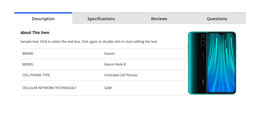
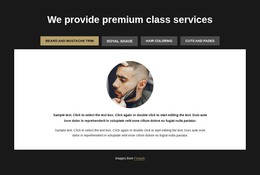
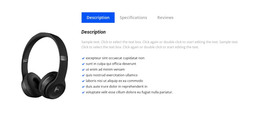
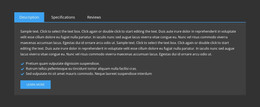
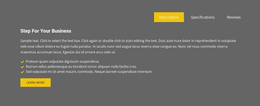
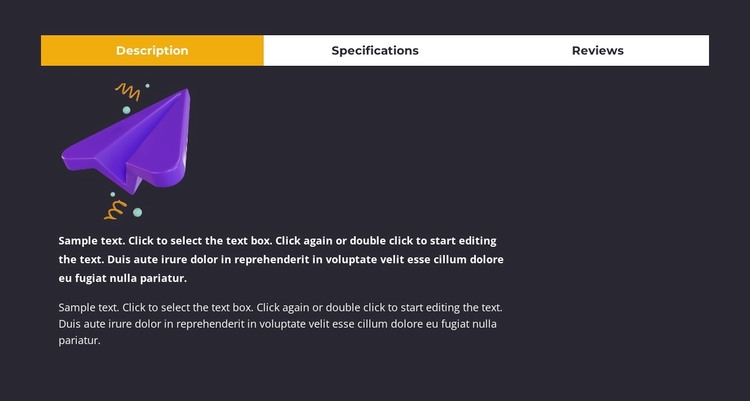
The Description panel gives this block a stable page-content role by presenting a product illustration followed by two explanatory paragraphs. The Specifications tab separates additional text-based product information from the main description, while the Reviews tab creates a distinct area for the prompt “Be The First To Review This Product!” and a review-writing action. Together, these groups make the section suitable for product content that needs to remain organized as the surrounding WordPress-managed site develops.
The tab interaction keeps the three content types available without forcing the page to show all panels at once. A dark charcoal background frames the content, the white tab bar separates the control area from the panel, and the yellow active tab shows which information group is selected. The left-aligned single-column arrangement gives the active content a predictable reading path, with the illustration providing visual context before the description text. In a WordPress-oriented project, this block can be used as a reusable product-details region inside a page while other CMS-managed areas handle product listings, related content, navigation, or broader site functions. The sample product wording can be replaced without changing the section’s content relationships.
Customize with Nicepage
Open this ready-made template in the WordPress Website Builder and customize it visually in the Nicepage editor. Replace demo content, edit page sections, and adapt the design to your project without rebuilding the template from scratch.
Edit Template Offline
2. Create a new page or select existing
3. Click Add new block, search for id 6200701 and click enter
Edit Template Online
Create Awesome Websites


Free Nicepage Builder
Keywords
Manage and Edit This Theme in WordPress
Customize and Install the WordPress Theme
Start with this ready-made theme instead of building the WordPress design from scratch. Customize its layout, content, typography, images, sections, and other design elements visually in Nicepage editor, then export and install the WordPress Theme, Plugin, and Pages on your WordPress site. The Nicepage WordPress Plugin lets you continue working with the site after installation.
Edit the Theme Directly in WordPress
After installation, you can edit the WordPress Theme directly in WordPress with the Nicepage WordPress Plugin. Use Site Style to customize site Colors, Fonts, Header, Footer, Blog, and Post Page Templates while working within your WordPress website.
Edit WordPress Pages Visually
Use the Nicepage WordPress Plugin to edit page content directly from the WordPress admin area. Open a WordPress Page with Nicepage and visually change its text, images, sections, and other page elements while continuing to manage the Page through WordPress.
WordPress Content and Theme Integration
Use the customized theme with WordPress Pages, Posts, Blog and Post Templates, menus, widgets, and other CMS-managed content. Shared theme elements such as Colors, Fonts, Header, Footer, Blog, and Post Page Templates can be managed as part of the overall site design, while WordPress provides the CMS environment for managing site content.
This workflow combines a ready-made WordPress Theme with visual customization, direct theme editing in WordPress, and continued content management through the Nicepage WordPress Plugin.