We provide premium services WordPress Theme


Stable Service Content With Four Publishable Views
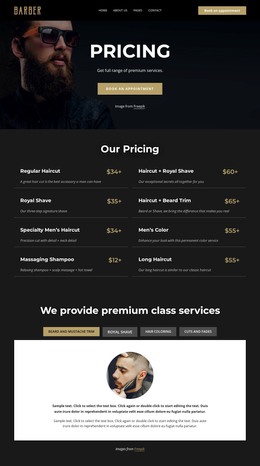
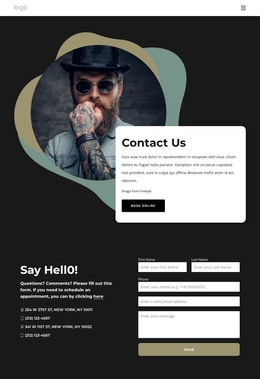
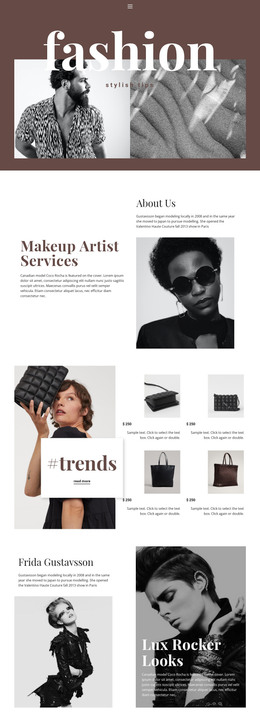
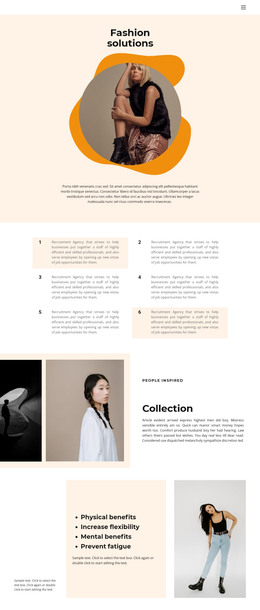
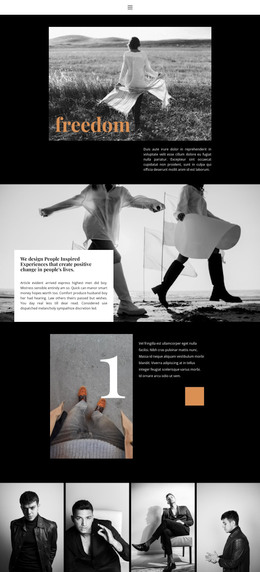
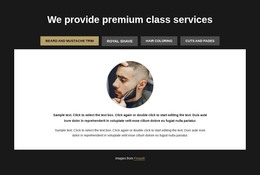
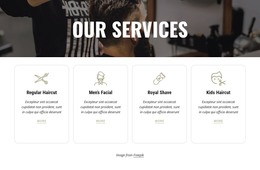
The heading and four named tabs organize the block as a durable services area rather than a stream of unrelated text. Beard and mustache trim, Royal shave, Hair coloring, and Cuts and fades each identify a distinct content view, and selecting one reveals its associated panel. The panel structure is consistent across the group: one circular service image followed by two descriptive paragraphs. In the supplied state, the first view is active and presents a barber portrait, giving the page content an immediate visual reference.
The centered white panel separates the selected service from the dark charcoal section background. Muted gray inactive tabs keep the remaining options available, while the muted gold active accent makes the current content state easy to follow. This combination supports a WordPress-oriented interpretation as stable page content that can remain visually consistent while the broader site manages other sections and editorial material around it.
The block itself remains one reusable section within the page. A WordPress-managed project could place it on a services or similar permanent content area, while separate pages or sections handle contact, portfolio, testimonials, or additional information. The important content relationship is already established: a service label selects a focused image-and-description panel. That makes the block suitable for maintaining a grouped service presentation without requiring the surrounding CMS context to be embedded in the section.
Customize with Nicepage
Open this ready-made template in the WordPress Website Builder and customize it visually in the Nicepage editor. Replace demo content, edit page sections, and adapt the design to your project without rebuilding the template from scratch.
Edit Template Offline
2. Create a new page or select existing
3. Click Add new block, search for id 6407381 and click enter
Edit Template Online
Create Awesome Websites


Free Nicepage Builder
Keywords
Manage and Edit This Theme in WordPress
Customize and Install the WordPress Theme
Start with this ready-made theme instead of building the WordPress design from scratch. Customize its layout, content, typography, images, sections, and other design elements visually in Nicepage editor, then export and install the WordPress Theme, Plugin, and Pages on your WordPress site. The Nicepage WordPress Plugin lets you continue working with the site after installation.
Edit the Theme Directly in WordPress
After installation, you can edit the WordPress Theme directly in WordPress with the Nicepage WordPress Plugin. Use Site Style to customize site Colors, Fonts, Header, Footer, Blog, and Post Page Templates while working within your WordPress website.
Edit WordPress Pages Visually
Use the Nicepage WordPress Plugin to edit page content directly from the WordPress admin area. Open a WordPress Page with Nicepage and visually change its text, images, sections, and other page elements while continuing to manage the Page through WordPress.
WordPress Content and Theme Integration
Use the customized theme with WordPress Pages, Posts, Blog and Post Templates, menus, widgets, and other CMS-managed content. Shared theme elements such as Colors, Fonts, Header, Footer, Blog, and Post Page Templates can be managed as part of the overall site design, while WordPress provides the CMS environment for managing site content.
This workflow combines a ready-made WordPress Theme with visual customization, direct theme editing in WordPress, and continued content management through the Nicepage WordPress Plugin.