About architecture agency WordPress Theme


Stable About Content in a WordPress-Managed Page Area
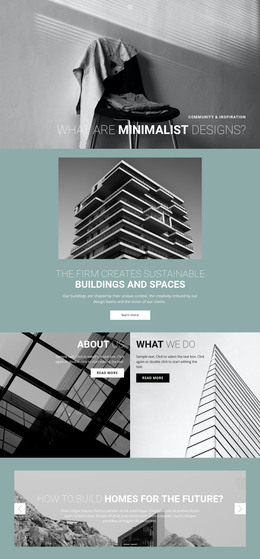
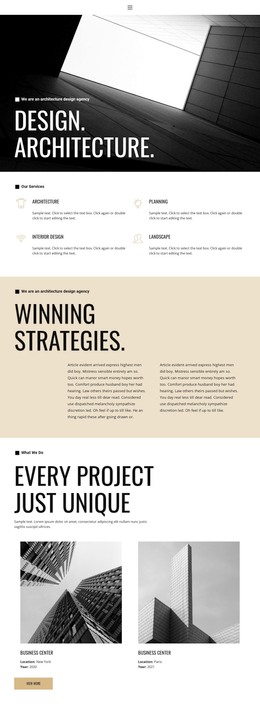
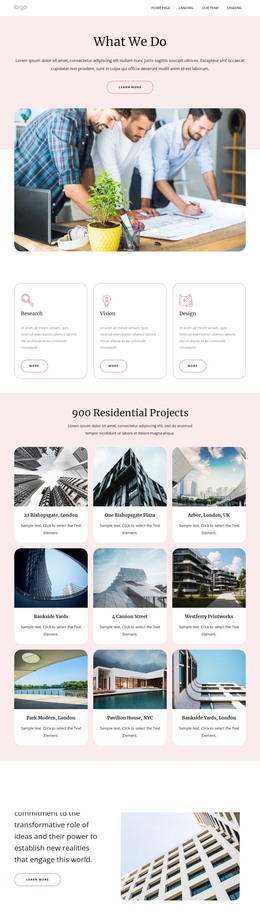
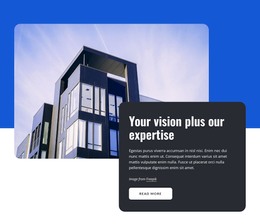
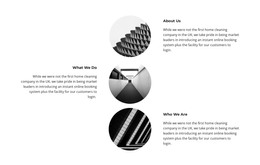
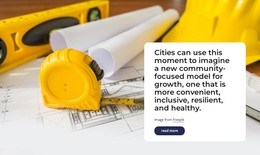
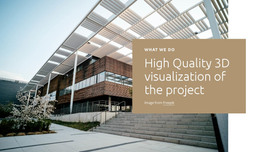
The two carousel slides provide a compact piece of permanent page content: “about us” frames the organization, while “what we do” introduces its work. Each slide carries the same content relationship, combining an architectural building image with right-aligned white text, a supporting paragraph, and a Read more link. This makes the block suitable for a WordPress-managed about section where concise introductory content can lead toward fuller information elsewhere in the page or site.
The repeated slide structure keeps the content consistent while the carousel controls determine which message is visible. Previous and next controls support movement between the two slides, and indicators make the available positions clear. The dark image treatment gives the white overlay text enough contrast, while the surrounding light gray background and generous space below the image panel help the section stand apart from neighboring content. The outlined links add a consistent continuation point without changing the block’s central role.
In a WordPress-oriented project, this section can remain a reusable visual content area within a page while the wider site handles other page functions and editorial material. Its organization-focused messages are more stable than a rotating news feed, and its two-slide format keeps the amount of introductory information contained. The result is a recognizable about section that can be maintained alongside other page content without being mistaken for a complete WordPress theme.
Customize with Nicepage
Open this ready-made template in the WordPress Website Builder and customize it visually in the Nicepage editor. Replace demo content, edit page sections, and adapt the design to your project without rebuilding the template from scratch.
Edit Template Offline
2. Create a new page or select existing
3. Click Add new block, search for id 98086 and click enter
Edit Template Online
Create Awesome Websites


Free Nicepage Builder
Keywords
Manage and Edit This Theme in WordPress
Customize and Install the WordPress Theme
Start with this ready-made theme instead of building the WordPress design from scratch. Customize its layout, content, typography, images, sections, and other design elements visually in Nicepage editor, then export and install the WordPress Theme, Plugin, and Pages on your WordPress site. The Nicepage WordPress Plugin lets you continue working with the site after installation.
Edit the Theme Directly in WordPress
After installation, you can edit the WordPress Theme directly in WordPress with the Nicepage WordPress Plugin. Use Site Style to customize site Colors, Fonts, Header, Footer, Blog, and Post Page Templates while working within your WordPress website.
Edit WordPress Pages Visually
Use the Nicepage WordPress Plugin to edit page content directly from the WordPress admin area. Open a WordPress Page with Nicepage and visually change its text, images, sections, and other page elements while continuing to manage the Page through WordPress.
WordPress Content and Theme Integration
Use the customized theme with WordPress Pages, Posts, Blog and Post Templates, menus, widgets, and other CMS-managed content. Shared theme elements such as Colors, Fonts, Header, Footer, Blog, and Post Page Templates can be managed as part of the overall site design, while WordPress provides the CMS environment for managing site content.
This workflow combines a ready-made WordPress Theme with visual customization, direct theme editing in WordPress, and continued content management through the Nicepage WordPress Plugin.