What differentiates our company WordPress Theme


Stable feature content for a WordPress-managed page
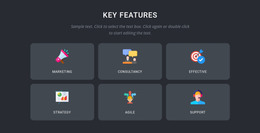
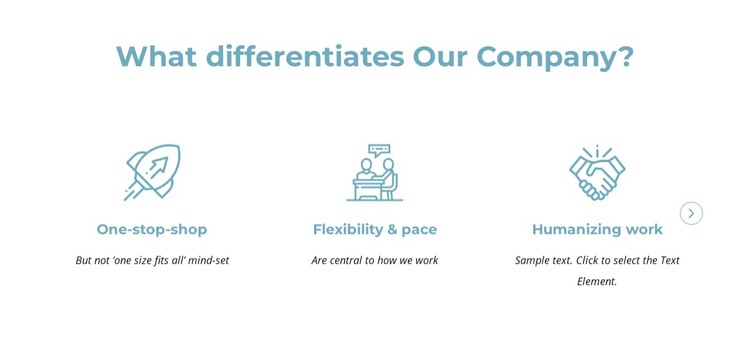
The heading and five named feature items form stable, page-oriented content that can explain company differentiation in a WordPress-managed site. One-stop-shop, Flexibility & pace, Humanizing work, Geographic reach, and Our people are presented as parallel information units, each with an icon, title, and supporting description. This structure suits content that should remain visually consistent as part of a broader page while surrounding sections handle other subject areas.
The carousel provides a compact way to publish the complete feature set without placing all five descriptions in one initial row. Three items appear in the supplied preview state, and previous and next controls expose the remaining content. That relationship is useful when a page needs a recognizable feature section that can sit between an introduction and later content, while retaining enough detail to explain several differentiators. The white background and teal-blue treatment give the section a defined visual identity within the page.
In a WordPress-oriented project, the block can therefore serve as a reusable content region inside a wider page or theme context. Its role is the presentation of this feature set, not the definition of the whole site or theme. The existing icon-led hierarchy can remain intact while surrounding page content is maintained and expanded through the broader CMS project.
Customize with Nicepage
Open this ready-made template in the WordPress Website Builder and customize it visually in the Nicepage editor. Replace demo content, edit page sections, and adapt the design to your project without rebuilding the template from scratch.
Edit Template Offline
2. Create a new page or select existing
3. Click Add new block, search for id 5516550 and click enter
Edit Template Online
Create Awesome Websites


Free Nicepage Builder
Keywords
Manage and Edit This Theme in WordPress
Customize and Install the WordPress Theme
Start with this ready-made theme instead of building the WordPress design from scratch. Customize its layout, content, typography, images, sections, and other design elements visually in Nicepage editor, then export and install the WordPress Theme, Plugin, and Pages on your WordPress site. The Nicepage WordPress Plugin lets you continue working with the site after installation.
Edit the Theme Directly in WordPress
After installation, you can edit the WordPress Theme directly in WordPress with the Nicepage WordPress Plugin. Use Site Style to customize site Colors, Fonts, Header, Footer, Blog, and Post Page Templates while working within your WordPress website.
Edit WordPress Pages Visually
Use the Nicepage WordPress Plugin to edit page content directly from the WordPress admin area. Open a WordPress Page with Nicepage and visually change its text, images, sections, and other page elements while continuing to manage the Page through WordPress.
WordPress Content and Theme Integration
Use the customized theme with WordPress Pages, Posts, Blog and Post Templates, menus, widgets, and other CMS-managed content. Shared theme elements such as Colors, Fonts, Header, Footer, Blog, and Post Page Templates can be managed as part of the overall site design, while WordPress provides the CMS environment for managing site content.
This workflow combines a ready-made WordPress Theme with visual customization, direct theme editing in WordPress, and continued content management through the Nicepage WordPress Plugin.