Pet care information One Page Template



Edit Template Offline
2. Create new page and search for id 3483627
Edit Template Online
Create Awesome Websites


Free Nicepage Builder
Keywords
From Pet Topics to Newsletter: A Continuous Information Journey
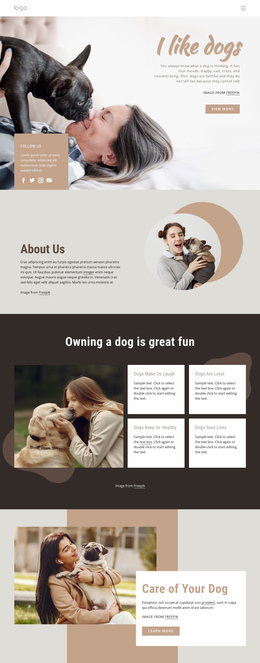
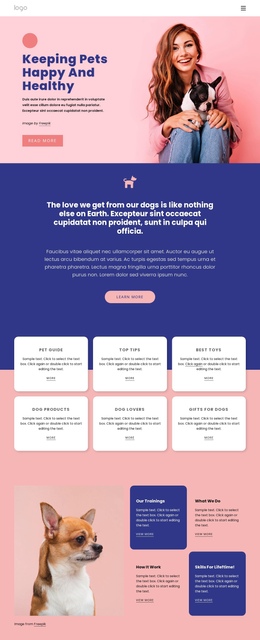
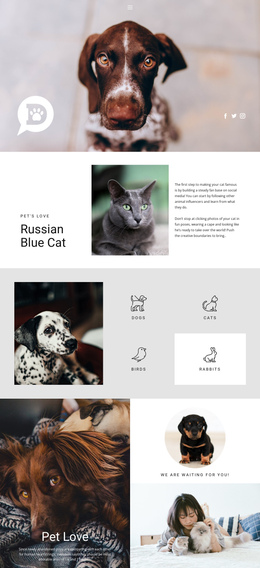
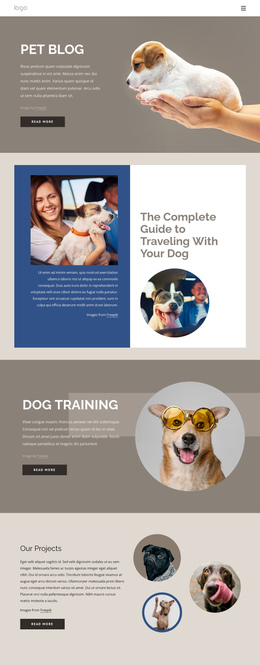
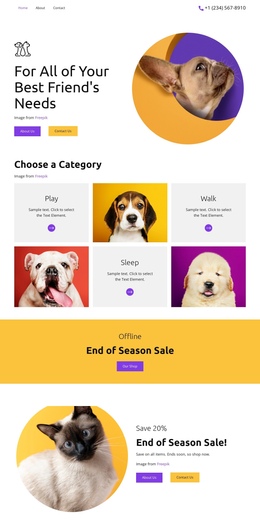
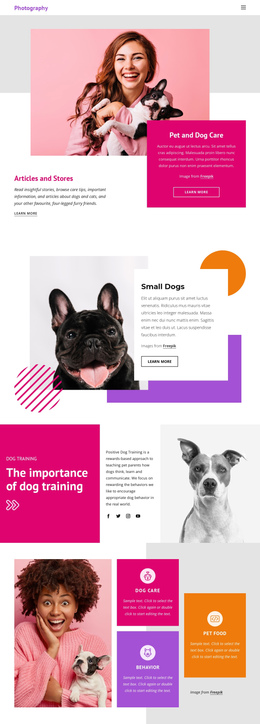
The page contains enough distinct content zones to support a one-page journey with meaningful stops along the way. The opening hero introduces the promise of keeping pets happy and healthy, while the following blue statement gives that promise a broader emotional context. The six-card topic grid then acts as an early directory for Pet Guide, Top Tips, Best Toys, Dog Products, Dog Lovers, and Gifts for Dogs. These subjects create several natural destinations without requiring the visitor to leave the document.
The sequence becomes more specific as it continues. Training and behavior blocks explain the site's educational direction, the Interesting Facts composition adds a visual pause, and the later features connect dog-friendly living with Homemade Food, Dog Treat Recipes, walking, health, and lifestyle advice. The stacked tip cards beside a dog photograph provide another focused section before the newsletter offer. This order moves from general orientation to grouped subjects, then to practical information and a final content response. Navigation can therefore be planned around the actual section boundaries rather than treating the page as one uninterrupted text column. The deep-blue footer and social links provide a clear ending, while the newsletter card functions as the final destination for readers who want bonus content.
Customize with Nicepage
Open this ready-made template in the One Page Template Builder and customize it visually in the Nicepage editor. Replace demo content, edit page sections, and adapt the design to your project without rebuilding the template from scratch.
Build a Navigable One-Page Website
Connect the Menu to Page Sections
Organize the website as a sequence of sections on a single page and use the Menu For One-Page Site to connect menu items with individual page Blocks. Visitors can jump directly to sections such as About, Services, Testimonials, or Contact without opening separate pages.
Keep the Website on One URL
A one-page template can combine several parts of a small website within one continuous page. Arrange the Header, introduction, services, portfolio, company information, reviews, contact details, and other relevant sections in the order that fits the project while keeping them accessible through the same page navigation.
Make Long Pages Easier to Navigate
For longer one-page websites, keep navigation labels short and connected to meaningful sections so visitors can move through the page without relying only on scrolling. You can also use the Back To Top element to provide a quick way back to the beginning after longer sections.
This workflow makes the template suitable for compact websites that need several distinct content sections while keeping the complete visitor experience on one URL.