Faq page One Page Template


Edit Template Offline
2. Create new page and search for id 6416832
Edit Template Online
Create Awesome Websites


Free Nicepage Builder
Keywords
From Classroom Introduction to Five Question Destinations
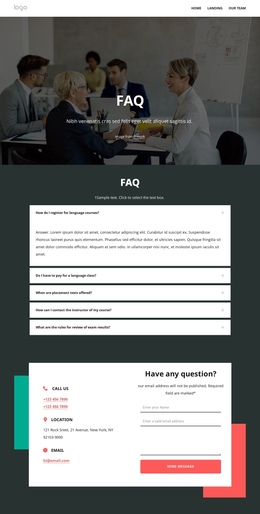
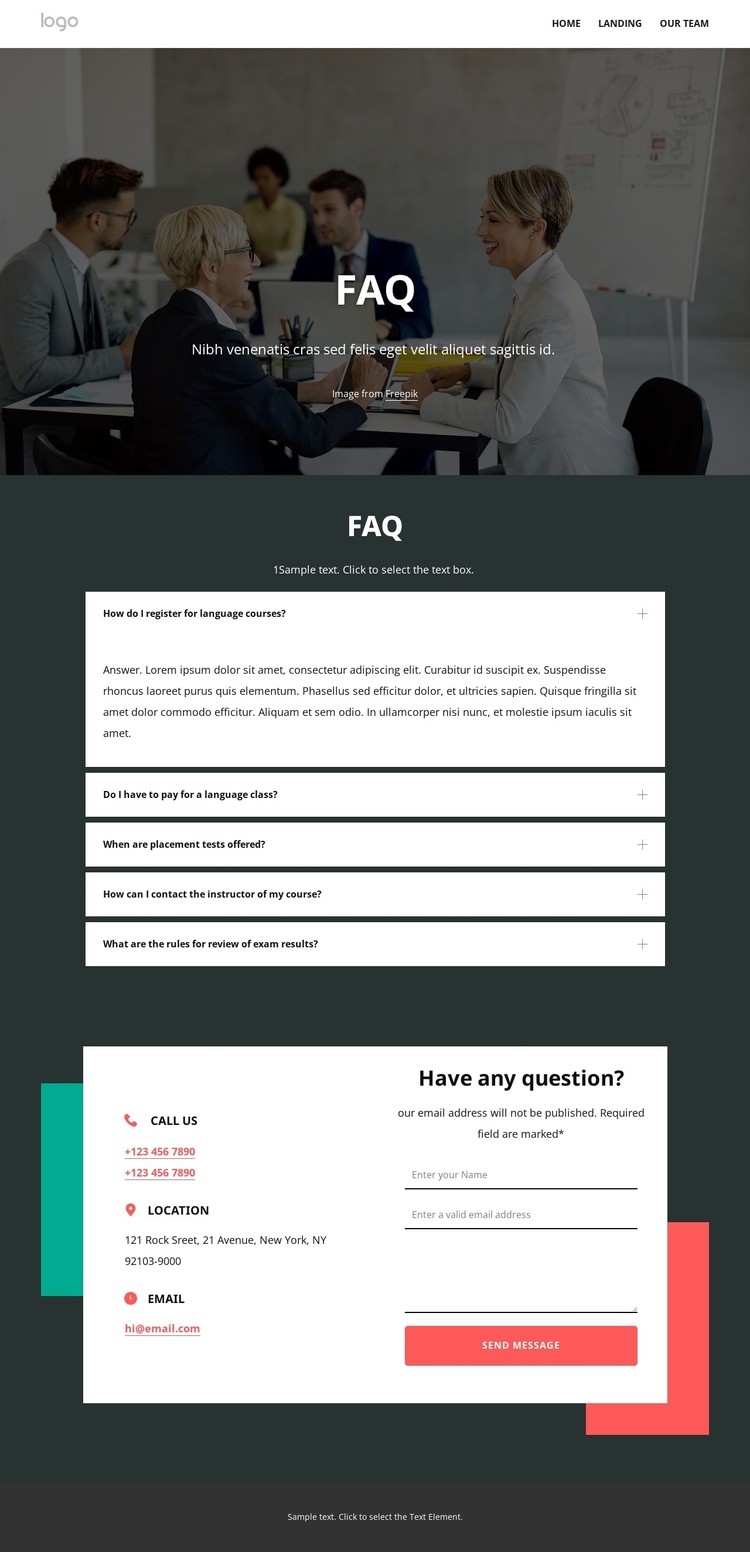
The page’s sections form a clear continuous journey: navigation and contact action at the top, a classroom-image introduction, five expandable question panels, a contact area, and a grouped footer. Within that sequence, each question creates a meaningful information destination. Registration, course fees, placement tests, instructor contact, and exam-result reviews can be explored as separate points of interest while remaining part of the same FAQ page rather than being distributed across multiple URLs.
The course links extend the content sequence after the questions by identifying private lessons, online learning, English for kids, long-term courses, and English for business. This gives visitors a natural transition from general answers to more specific study categories. The two-column contact area then provides another destination, pairing phone, location, and email details with a message form. The footer continues the same page experience with newsletter signup, course links, help and support links, and social icons.
The design therefore works through navigation and content progression rather than through a single response point alone. Visitors can move from the subject-setting hero to the question group, compare the available course directions, and reach contact information when they need personal assistance. The sections are distinct enough to support meaningful menu labels or other page navigation decisions, while the underlying experience remains one connected document with a consistent visual and informational rhythm.
Customize with Nicepage
Open this ready-made template in the One Page Template Builder and customize it visually in the Nicepage editor. Replace demo content, edit page sections, and adapt the design to your project without rebuilding the template from scratch.
Build a Navigable One-Page Website
Connect the Menu to Page Sections
Organize the website as a sequence of sections on a single page and use the Menu For One-Page Site to connect menu items with individual page Blocks. Visitors can jump directly to sections such as About, Services, Testimonials, or Contact without opening separate pages.
Keep the Website on One URL
A one-page template can combine several parts of a small website within one continuous page. Arrange the Header, introduction, services, portfolio, company information, reviews, contact details, and other relevant sections in the order that fits the project while keeping them accessible through the same page navigation.
Make Long Pages Easier to Navigate
For longer one-page websites, keep navigation labels short and connected to meaningful sections so visitors can move through the page without relying only on scrolling. You can also use the Back To Top element to provide a quick way back to the beginning after longer sections.
This workflow makes the template suitable for compact websites that need several distinct content sections while keeping the complete visitor experience on one URL.