Highly customizable One Page Template



Edit Template Offline
2. Create new page and search for id 5030823
Edit Template Online
Create Awesome Websites


Free Nicepage Builder
Keywords
Navigation names a continuous route through capabilities and contact
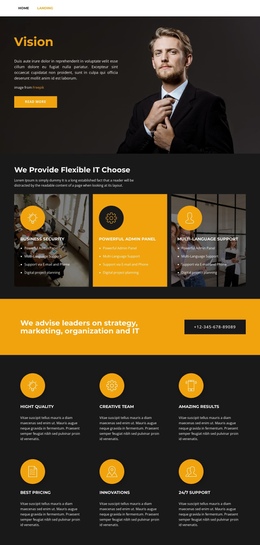
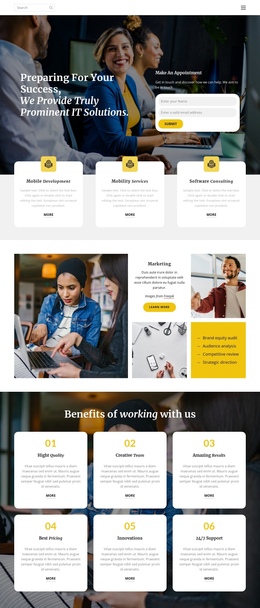
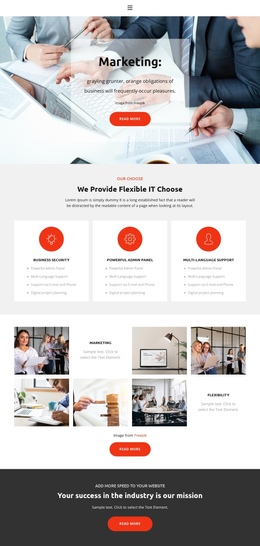
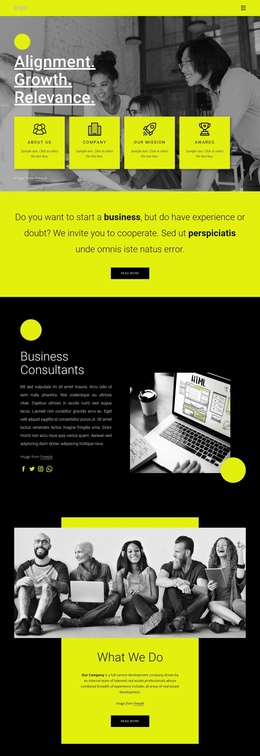
The compact top navigation establishes five meaningful destinations—Home, Landing, About, Team, and Contact—within one long document. Beneath it, the Vision hero introduces the page, the capability section explains Business Security, Powerful Admin Panel, and Multi-Language Support, and the advisory block shifts the visitor toward strategy, marketing, organization, and IT content. This sequence lets several subjects remain available without splitting the presentation into separate page files.
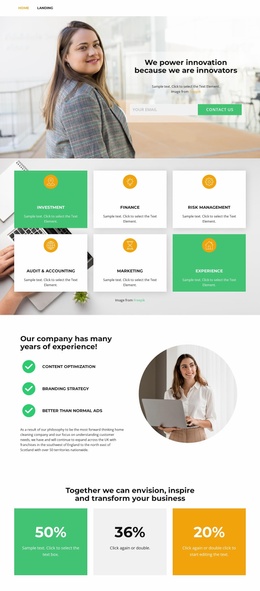
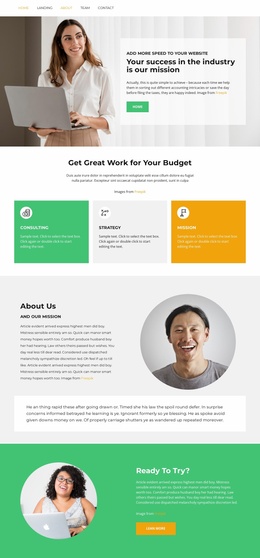
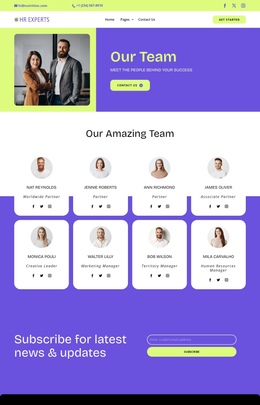
The middle sections create additional destinations through their content roles. Six icon-led benefit cards form a compact capabilities area, while the marketing and flexibility mosaic provides a visual showcase. The About Us narrative supplies longer company-style context, and the eight circular portraits create a clearly identifiable Team region. Two testimonial cards and the future-oriented counters then add proof and outlook before the closing contact content.
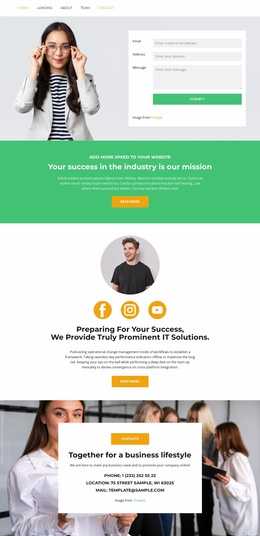
The Contact Us section works as the final destination because it combines Call Us, Location, Business Hours, and an inquiry form after the visitor has passed through the earlier information groups. The listed New York address, sample hours, names, and counters should be replaced with project-specific content. Nicepage documents the Menu For One-Page Site for connecting menu items with page sections, but the template’s one-page suitability here is primarily visible in its ordered set of content regions.
Customize with Nicepage
Open this ready-made template in the One Page Template Builder and customize it visually in the Nicepage editor. Replace demo content, edit page sections, and adapt the design to your project without rebuilding the template from scratch.
Build a Navigable One-Page Website
Connect the Menu to Page Sections
Organize the website as a sequence of sections on a single page and use the Menu For One-Page Site to connect menu items with individual page Blocks. Visitors can jump directly to sections such as About, Services, Testimonials, or Contact without opening separate pages.
Keep the Website on One URL
A one-page template can combine several parts of a small website within one continuous page. Arrange the Header, introduction, services, portfolio, company information, reviews, contact details, and other relevant sections in the order that fits the project while keeping them accessible through the same page navigation.
Make Long Pages Easier to Navigate
For longer one-page websites, keep navigation labels short and connected to meaningful sections so visitors can move through the page without relying only on scrolling. You can also use the Back To Top element to provide a quick way back to the beginning after longer sections.
This workflow makes the template suitable for compact websites that need several distinct content sections while keeping the complete visitor experience on one URL.