
Traffic HTML5 Templates
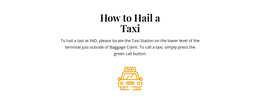
Travelers at busy terminals need an unmistakable pickup point and time window, not a crowded banner. A traffic HTML5 template presents route guidance in structured, mobile-friendly sections that reviewers can check before publication.



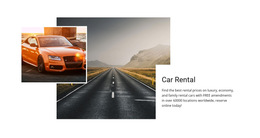






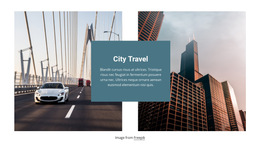

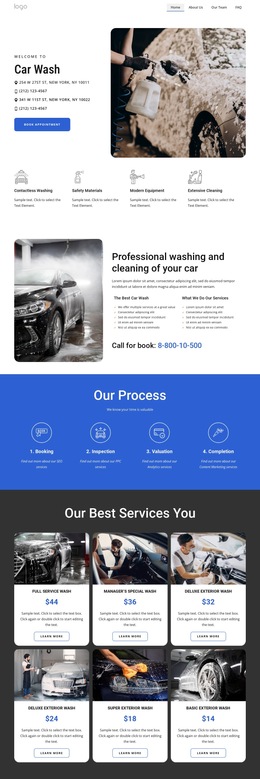

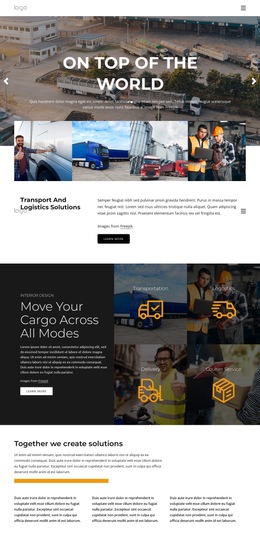

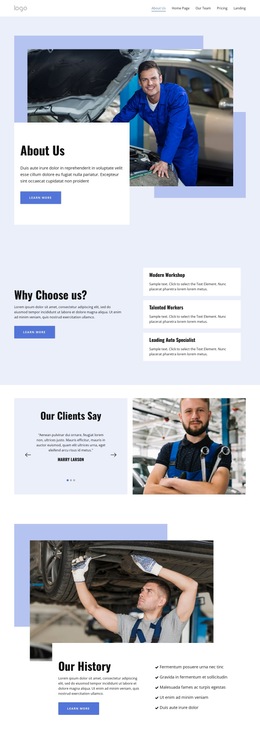
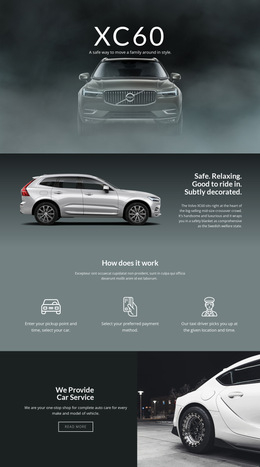
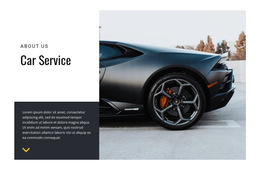
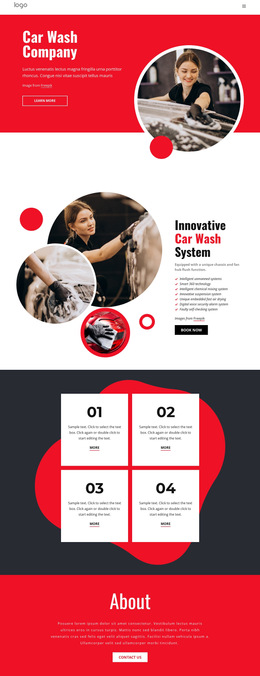
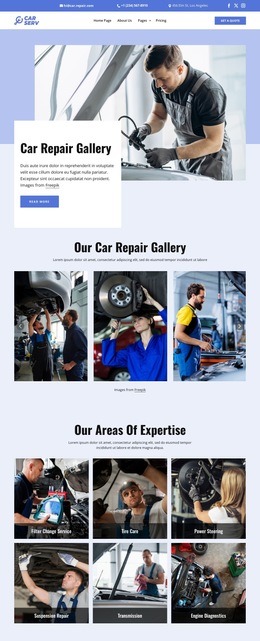
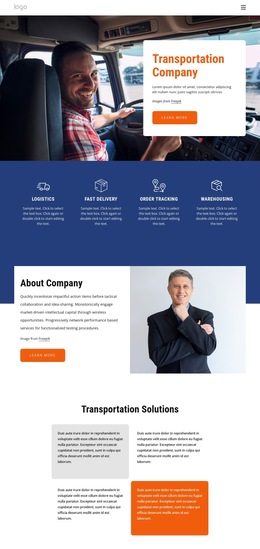
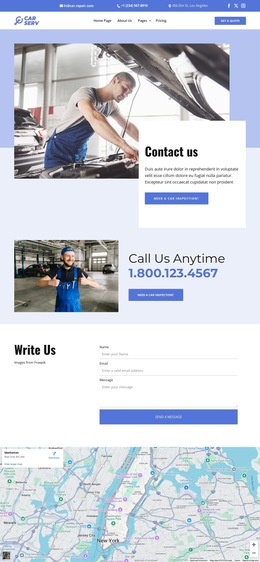

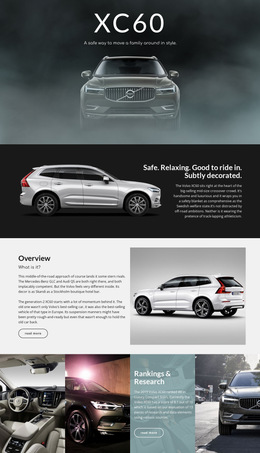

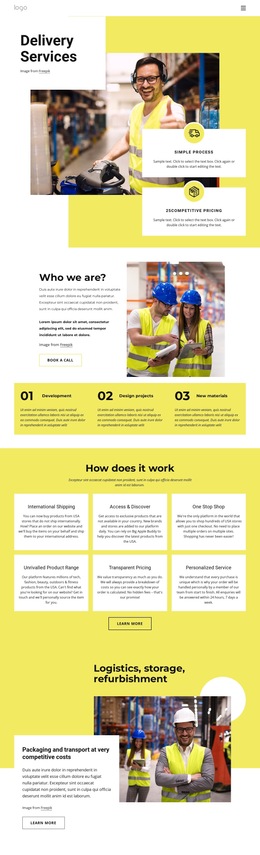


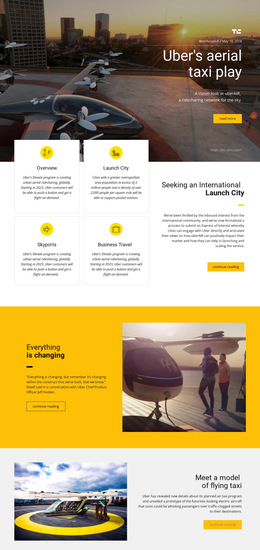
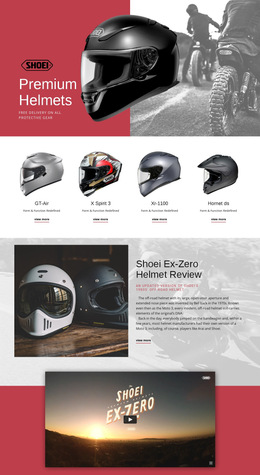























Other Cars & Transportation HTML5 Templates
Lightweight Traffic HTML5 Template
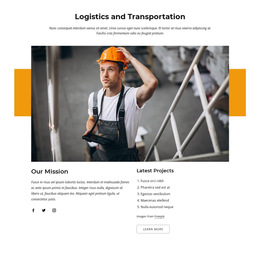
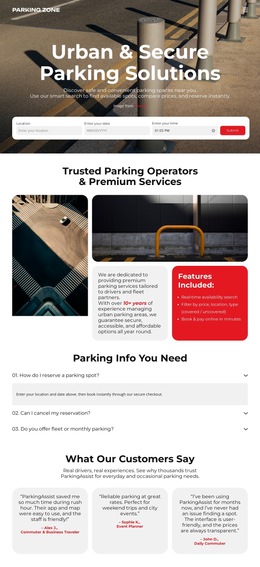
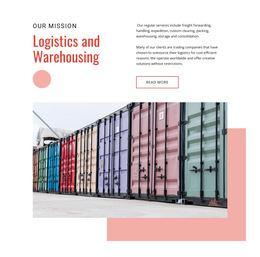
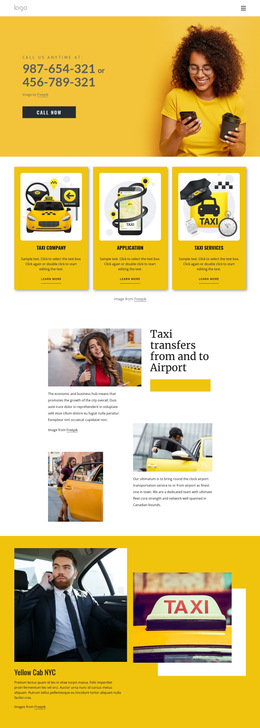
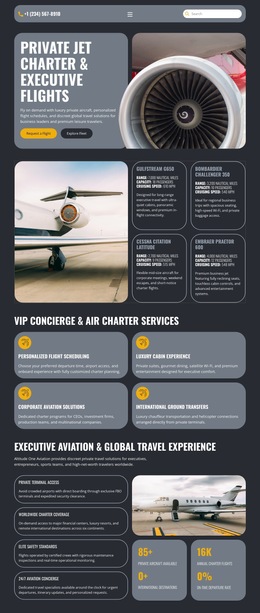
People who choose a traffic HTML5 template usually already know their niche. They need to judge how much work separates the demo from a live site on their own server. Nicepage's HTML5 designs in this group lean toward cars and transport. Taxi firms, rental agencies, and parking operators are well represented. Logistics carriers and repair shops show up often, and the occasional design targets SEO services.
From Editor to Exported Files
The work starts in the Nicepage editor and ends with pages, scripts, and images that any host can serve:
- Swap in your own text, photos, and prices before any code is involved.
- Export the project as a folder, a ZIP archive, or directly over FTP. Folder and FTP export work only in the desktop apps.
- Upload the package to your host or hand it to a developer, who can keep editing the exported files.
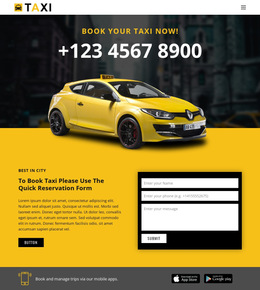
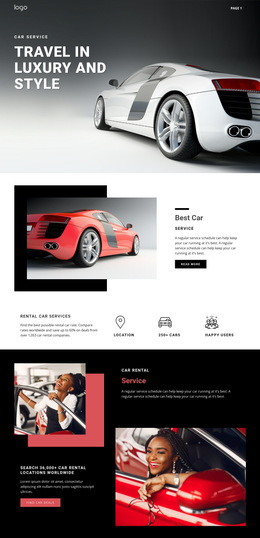
A booking block in a taxi or car rental design collects details through a form, while checking availability or taking payment needs a separate service. Repeated cards keep updates simple: a new rental model or logistics service means copying a card and updating its content.
Catching Broken Paths and Silent Forms
A local preview catches most layout issues, but Nicepage forms can only be tested on the real server. A short round of checks covers the usual trouble spots:
- Click through every page and internal link after upload. Links can be relative or start from the root, and root links may break when the project lives in a subfolder.
- Send a test request through each form from the live site to confirm it reaches the inbox or script you chose.
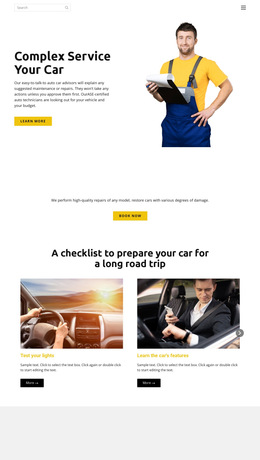
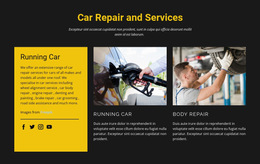
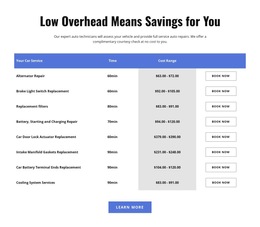
- In a car repair template, try your longest service name and a full price table. The Grid Element can stack cells on phones, but you still need to review the order of the title, price, and booking button.
- Check the SEO headings and image descriptions after replacing demo blocks, since a swapped section can leave two main headings. A W3C validator offers a second opinion on the generated HTML5 markup.
Live Data Needs Outside Help
Free parking spaces or current traffic delays appear on an exported page only after you connect an outside data service. Fixed details belong in readable text. On an airport transfer page, a photo with the terminal and meeting point baked in cannot be searched or translated. Once the real content fits the cards, the files open cleanly on your host, and a test booking arrives, the traffic HTML5 template is ready to go live.