

Taxi HTML5 Templates
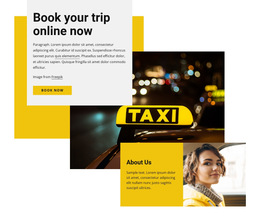
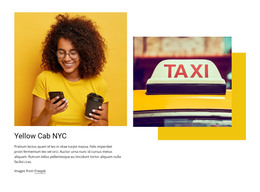
Compare ready-made taxi HTML5 layouts with service introductions, fleet information, and passenger contact details. Suitable HTML5 form controls for dates, times, and telephone details can make advance ride inquiries easier without implying a confirmed booking.
-
-

-
-
-
-
-
-
Free Website Builder SoftwareDownload
-
-
-
-
-
-
-
-
-


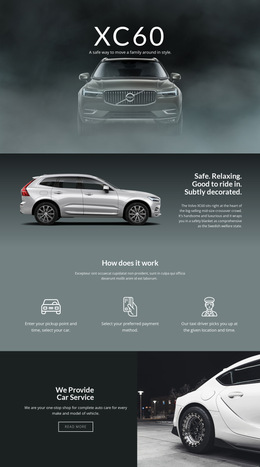







More HTML5 Templates from Cars & Transportation Category
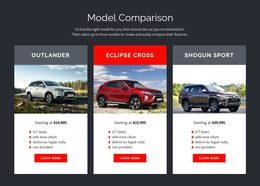
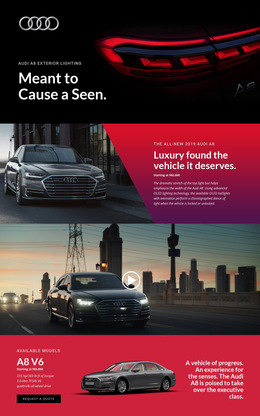
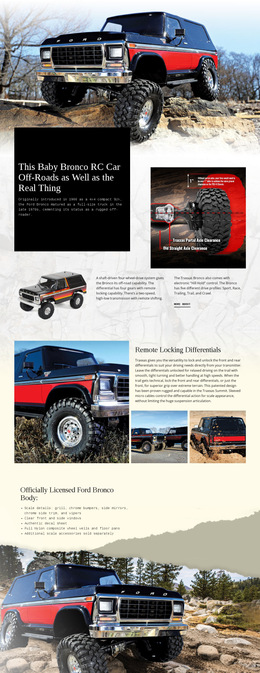
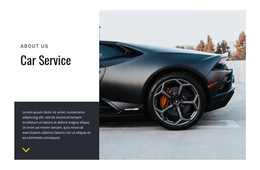
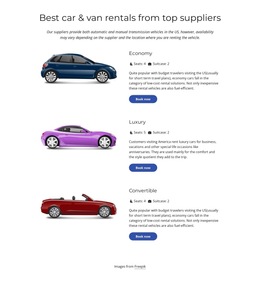
Other Cars & Transportation HTML5 Templates
Taxi HTML5 Template for Transport Websites
A taxi HTML5 template is a ready-made transport website layout, not simply a collection of form fields. Like other taxi HTML designs, it may include service introductions, vehicle information, fare conditions, and contact information. When comparing the finished options, give additional attention to how HTML5 form controls are incorporated into the passenger journey. That is a useful selection criterion for scheduled rides, without implying that HTML and HTML5 templates are fundamentally different products.
Ready-Made HTML5 Sections for Taxi Services
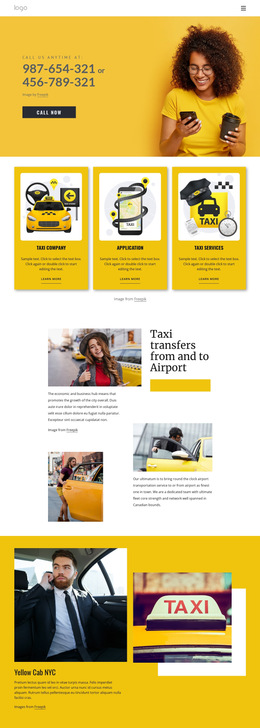
A complete HTML5 layout may combine a service overview, fleet information, fare conditions, and contact details before introducing an optional advance-inquiry area. For a scheduled airport pickup, the form should fit naturally beside the relevant journey conditions, with labels that stay clear in the final layout. For ordinary local rides, the same type of ready-made page may instead give more prominence to a telephone contact.
The input controls should feel like part of the supplied transport design rather than a disconnected form attached beneath unrelated sections. Check their placement relative to route details and vehicle options, while keeping enough room for passengers who want to review services and call.
HTML5 Form Features Worth Comparing
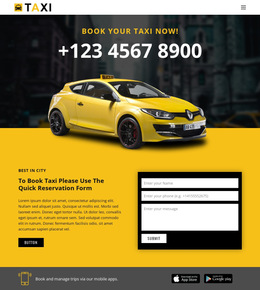
For scheduled taxi inquiries, inspect the HTML5 form as part of the supplied layout. Date, time, and telephone controls can simplify data entry, but their value depends on placement, clear labels, and the surrounding service information. Browser presentation varies by device, so a finished template preview should be assessed on the screens passengers are likely to use.
When evaluating the inquiry section, consider how five common details fit into the ready-made design:
- Route details: Are pickup address and destination clearly distinguished within the same journey area?
- Travel date: Does the
datecontrol fit naturally beside the trip conditions? - Pickup time: Is the
timefield clearly labeled for the service's local time? - Contact number: Is the
telfield convenient to complete on a phone? - Vehicle preference: Does an optional selector reflect the vehicles the company actually offers?
Nicepage Contact Form Field Types include options relevant to telephone, date, time, and dropdown inputs. These controls can be convenient when adapting a selected design. Browser-level validation, including required fields, can help with incomplete entries, but it cannot determine driver availability or confirm a reservation.
Choose a Ready-Made HTML5 Layout with Suitable Form Controls
An airport-transfer operator may appreciate a template with travel-date and pickup-time inputs already positioned near its transfer offer; a phone-led local cab company may choose a more compact contact area. These differences among ready-made layouts are useful, but they don't mean HTML and HTML5 templates are fundamentally different products or meant for separate audiences.
Select a taxi HTML5 template for its complete transport presentation and the suitability of any included inquiry controls. Modern field types can improve data entry, but the finished design still needs an appropriate booking service to process and confirm reservations.