

Login WordPress Themes
WordPress membership sites often need a login experience that reflects their brand, not the default authentication screen. Nicepage lets designers prepare custom Login Templates and integrate them into WordPress themes with the required plugin setup.











More WordPress Themes from Contact Form Category

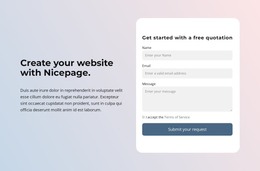
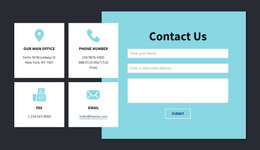

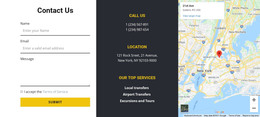
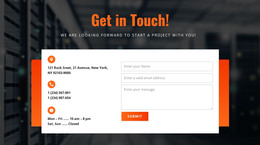


Other Contact Form WordPress Themes
Login WordPress Themes for Custom Account Pages
Customizing the WordPress sign-in experience involves both theme design and integration. With Nicepage, site owners can prepare a Login Template for a WordPress theme, then configure the environment needed to display it. The exported design alone does not replace WordPress authentication.
Custom Login Templates for WordPress
WordPress includes its own login mechanism, but a site may need a different presentation for visitors. Nicepage provides a dedicated Login Template in its desktop application, letting designers adjust the layout and visual elements before theme export.
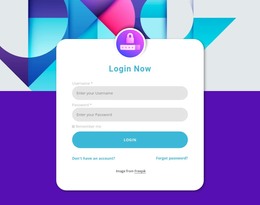
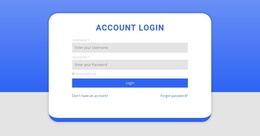
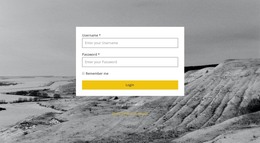
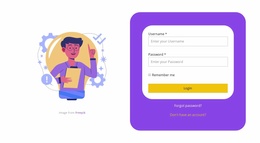
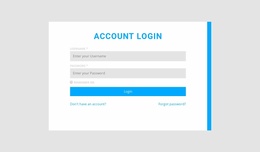
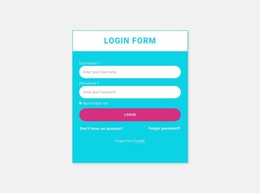
When choosing a ready-made login theme, compare how its sign-in layout fits the WordPress site: a compact form may suit an editorial community, while a wider design with an image panel may suit a membership brand. Check typography, color contrast, and space for account guidance before adjusting the Nicepage Login Template.
WordPress Theme Export and Installation
The practical workflow begins in Nicepage and finishes in WordPress:
- Prepare the Login Template in the Nicepage desktop application.
- Export the project as a WordPress theme.
- Install and activate the exported theme through WordPress administration.
- Install and activate the required login plugin according to the applicable Nicepage instructions.
- Open the login page and test the complete sign-in and sign-out experience.
Nicepage's Login Page Template documentation describes using the Theme My Login plugin for the documented integration. Check the current documentation and plugin compatibility for the versions in use before deployment; the exported theme should not be assumed to enable the login workflow on its own.
Testing the Installed Login Experience
After installation, verify that the intended template appears at the correct login destination. Check that a valid account can sign in, an invalid attempt receives suitable feedback, and a signed-out visitor cannot access protected pages without authorization. Test any password-reset route and redirects configured by the site as well.
Visual changes should be reviewed in the installed WordPress environment, not only in the design editor. Theme updates, plugin settings, or site-specific redirects may affect what users actually see.
WordPress Login Integration Requirements
The deciding factor is whether the theme fits the site's WordPress setup. Confirm plugin compatibility and login-page routing after updates, alongside the visual fit of the finished page. A ready-made design is useful when it can be customized without disrupting the account flow already configured on the site.