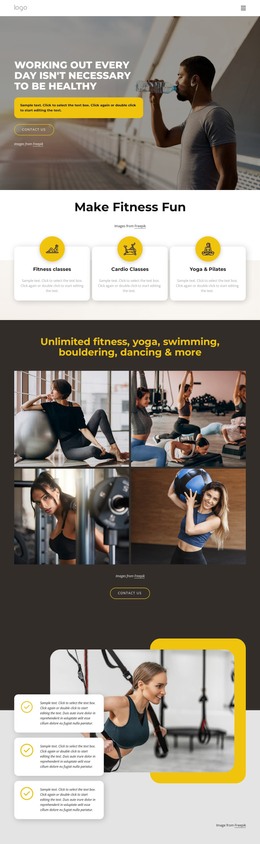
Exercise programs WordPress Theme


Edit Template Offline
2. Create new page and search for id 6211134
Edit Template Online
Create Awesome Websites


Free Nicepage Builder
Keywords
Service Cards and Feature Content Give the Theme Reusable Page Areas
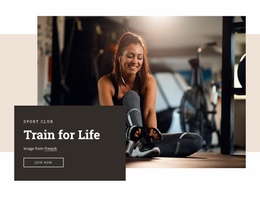
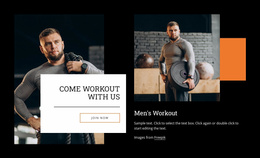
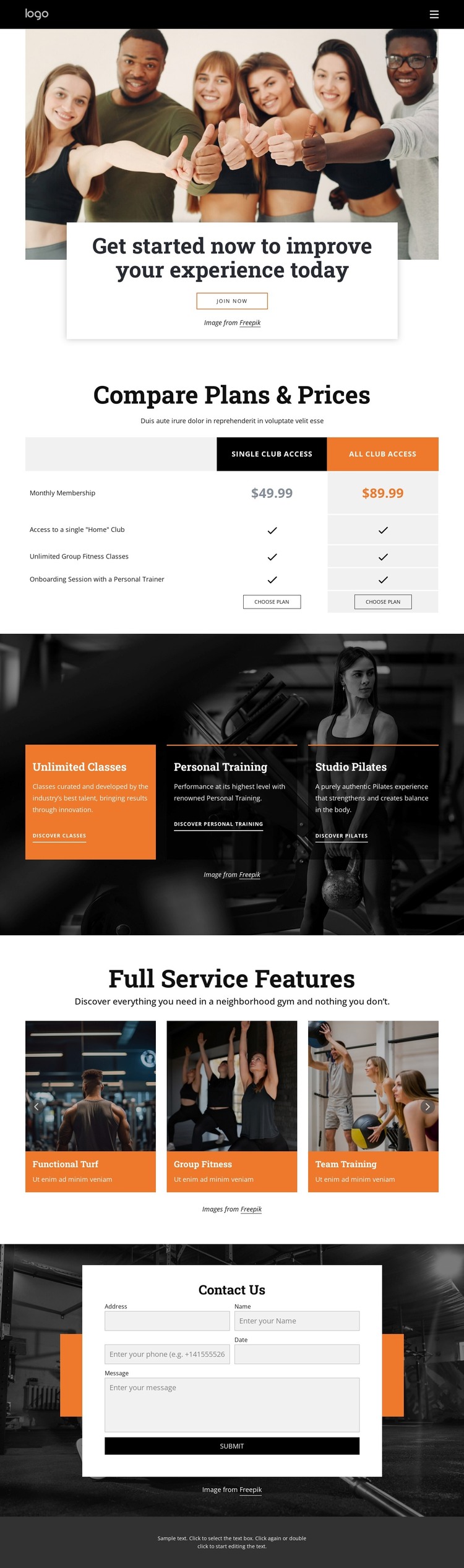
The membership comparison gives the design a clear page-content core: two club access plans are placed in a structured table with prices, benefits, and choose-plan actions. In a WordPress-oriented project, that area can remain the main presentation for permanent membership information while the surrounding design continues to organize related fitness content. The hero supports that content with a large group-training image and a join-now action that introduces the page before visitors reach the detailed comparison.
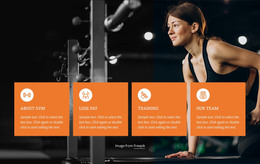
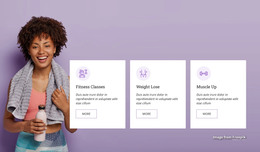
The service cards provide a different kind of content area. Unlimited Classes, Personal Training, and Studio Pilates are separated into three compact promotional units, making them suitable subjects for further page or editorial treatment without claiming that such pages already exist. The six-item feature showcase supplies another content relationship: Functional Turf, Group Fitness, Team Training, Strength & Cardio, Total Body, and Personal Training are presented as visual club features rather than as one dense paragraph. This distinction helps a WordPress project separate core services from facility and training highlights while retaining one visual direction.
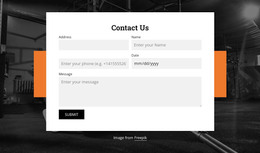
Navigation, mobile-navigation, and the final Contact Us section complete the page-oriented structure. The form gathers name, email, phone, date, and message details, so inquiries can retain useful context for follow-up. The theme therefore offers a practical content framework for a fitness site: membership information first, service and feature content next, and a structured contact area at the end.
Customize with Nicepage
Open this ready-made template in the WordPress Website Builder and customize it visually in the Nicepage editor. Replace demo content, edit page sections, and adapt the design to your project without rebuilding the template from scratch.
Manage and Edit This Theme in WordPress
Customize and Install the WordPress Theme
Start with this ready-made theme instead of building the WordPress design from scratch. Customize its layout, content, typography, images, sections, and other design elements visually in Nicepage editor, then export and install the WordPress Theme, Plugin, and Pages on your WordPress site. The Nicepage WordPress Plugin lets you continue working with the site after installation.
Edit the Theme Directly in WordPress
After installation, you can edit the WordPress Theme directly in WordPress with the Nicepage WordPress Plugin. Use Site Style to customize site Colors, Fonts, Header, Footer, Blog, and Post Page Templates while working within your WordPress website.
Edit WordPress Pages Visually
Use the Nicepage WordPress Plugin to edit page content directly from the WordPress admin area. Open a WordPress Page with Nicepage and visually change its text, images, sections, and other page elements while continuing to manage the Page through WordPress.
WordPress Content and Theme Integration
Use the customized theme with WordPress Pages, Posts, Blog and Post Templates, menus, widgets, and other CMS-managed content. Shared theme elements such as Colors, Fonts, Header, Footer, Blog, and Post Page Templates can be managed as part of the overall site design, while WordPress provides the CMS environment for managing site content.
This workflow combines a ready-made WordPress Theme with visual customization, direct theme editing in WordPress, and continued content management through the Nicepage WordPress Plugin.