Fitness classes, indoor pools WordPress Theme


Edit Template Offline
2. Create new page and search for id 4928892
Edit Template Online
Create Awesome Websites


Free Nicepage Builder
Keywords
Class Cards and Format Tiles Give WordPress Content a Clear Page Structure
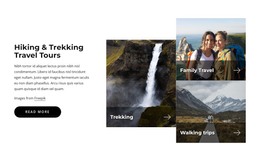
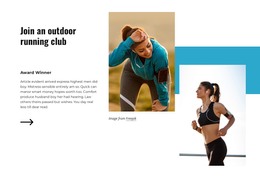
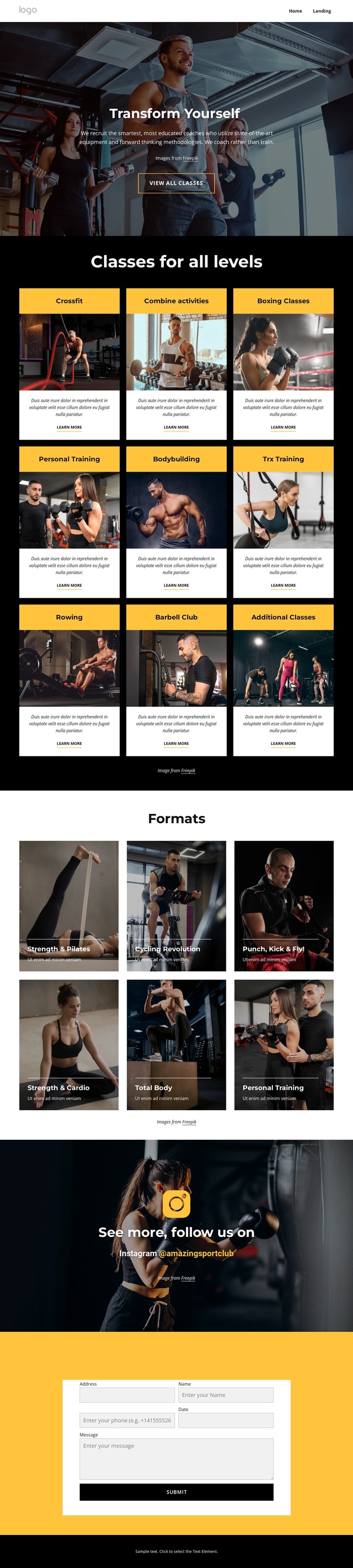
The nine class cards provide the most substantial content structure in the design. Each repeated unit has a category title, photograph, description, and “Learn more” link, so a WordPress-oriented project could interpret the section as a set of page-focused training areas rather than one undifferentiated block of promotional copy. The visual repetition also helps related content remain within the same theme direction while individual class information changes.
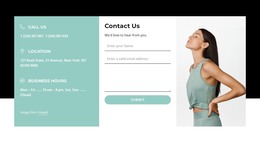
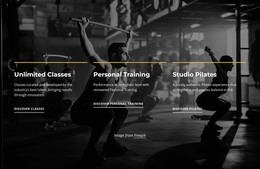
The six format tiles offer a different content relationship. Their labels appear over fitness imagery, making them suitable for a concise overview of training formats that complements the more detailed class cards. Together, these two sections separate category information from visual program presentation. The Instagram banner adds a social-content region, while the contact section supplies permanent inquiry content near the end of the page.
This mapping does not claim that WordPress Posts, categories, or other CMS structures already exist in the template. Instead, it shows how the verified page areas could be maintained as WordPress-oriented content while preserving the design’s dark backgrounds, yellow accents, white cards, and photographic character. Permanent class information can remain connected to the main page, and future editorial or promotional content can be added only where the project requires it. The result is a theme interpretation grounded in the actual content areas rather than in CMS terminology alone.
Customize with Nicepage
Open this ready-made template in the WordPress Website Builder and customize it visually in the Nicepage editor. Replace demo content, edit page sections, and adapt the design to your project without rebuilding the template from scratch.
Manage and Edit This Theme in WordPress
Customize and Install the WordPress Theme
Start with this ready-made theme instead of building the WordPress design from scratch. Customize its layout, content, typography, images, sections, and other design elements visually in Nicepage editor, then export and install the WordPress Theme, Plugin, and Pages on your WordPress site. The Nicepage WordPress Plugin lets you continue working with the site after installation.
Edit the Theme Directly in WordPress
After installation, you can edit the WordPress Theme directly in WordPress with the Nicepage WordPress Plugin. Use Site Style to customize site Colors, Fonts, Header, Footer, Blog, and Post Page Templates while working within your WordPress website.
Edit WordPress Pages Visually
Use the Nicepage WordPress Plugin to edit page content directly from the WordPress admin area. Open a WordPress Page with Nicepage and visually change its text, images, sections, and other page elements while continuing to manage the Page through WordPress.
WordPress Content and Theme Integration
Use the customized theme with WordPress Pages, Posts, Blog and Post Templates, menus, widgets, and other CMS-managed content. Shared theme elements such as Colors, Fonts, Header, Footer, Blog, and Post Page Templates can be managed as part of the overall site design, while WordPress provides the CMS environment for managing site content.
This workflow combines a ready-made WordPress Theme with visual customization, direct theme editing in WordPress, and continued content management through the Nicepage WordPress Plugin.