Total-body outdoor workouts WordPress Theme



Edit Template Offline
2. Create new page and search for id 4018212
Edit Template Online
Create Awesome Websites


Free Nicepage Builder
Keywords
Running Content, Repeatable Cards, and a WordPress Page Structure
The design separates broad activity content from more focused running material, which creates useful page-oriented regions for a WordPress-managed fitness site. Four cards introduce Running, Meditation, Hatha Yoga, and Walking as primary activity categories. A second grid presents six weekend options—Mindfulness, Running, Cycling, Basketball, Stretching, and Gymnastic—using a repeated image-and-label pattern that can accommodate distinct pieces of content while keeping the presentation coordinated.
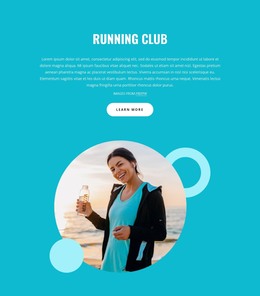
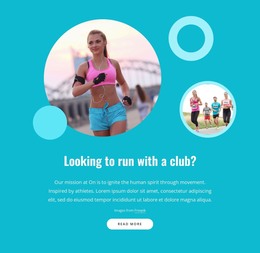
The page’s central workout panel provides a different type of content. Descriptive text sits beside 50% and 99% callouts, creating space for highlighted information or replaceable statistics. Since these values are demo content, they should remain structural examples until supported by real source material. The following Running Community and Running Training Plans sections shift attention toward ongoing fitness interests, using prominent circular imagery, overlapping forms, short explanatory text, and Learn More buttons.
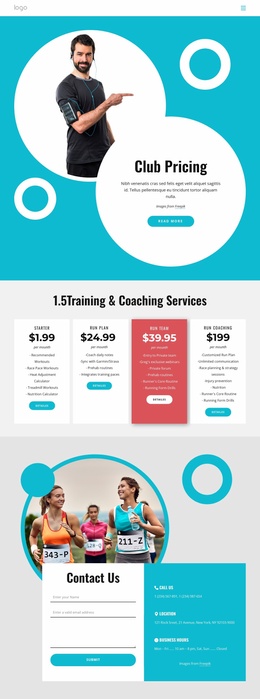
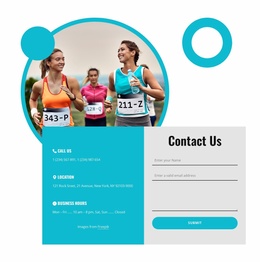
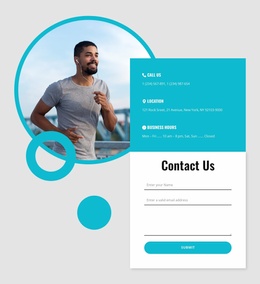
The Contact Us section is especially useful as a permanent page area: it combines a runner image with call information, location information, business hours, and a compact inquiry form with a Submit button. The top navigation and dark footer provide shared site elements around these content areas. In a WordPress project, the activity, training, community, and contact regions can therefore remain part of one visual system while the site’s page content develops around them.
Customize with Nicepage
Open this ready-made template in the WordPress Website Builder and customize it visually in the Nicepage editor. Replace demo content, edit page sections, and adapt the design to your project without rebuilding the template from scratch.
Manage and Edit This Theme in WordPress
Customize and Install the WordPress Theme
Start with this ready-made theme instead of building the WordPress design from scratch. Customize its layout, content, typography, images, sections, and other design elements visually in Nicepage editor, then export and install the WordPress Theme, Plugin, and Pages on your WordPress site. The Nicepage WordPress Plugin lets you continue working with the site after installation.
Edit the Theme Directly in WordPress
After installation, you can edit the WordPress Theme directly in WordPress with the Nicepage WordPress Plugin. Use Site Style to customize site Colors, Fonts, Header, Footer, Blog, and Post Page Templates while working within your WordPress website.
Edit WordPress Pages Visually
Use the Nicepage WordPress Plugin to edit page content directly from the WordPress admin area. Open a WordPress Page with Nicepage and visually change its text, images, sections, and other page elements while continuing to manage the Page through WordPress.
WordPress Content and Theme Integration
Use the customized theme with WordPress Pages, Posts, Blog and Post Templates, menus, widgets, and other CMS-managed content. Shared theme elements such as Colors, Fonts, Header, Footer, Blog, and Post Page Templates can be managed as part of the overall site design, while WordPress provides the CMS environment for managing site content.
This workflow combines a ready-made WordPress Theme with visual customization, direct theme editing in WordPress, and continued content management through the Nicepage WordPress Plugin.