Moments of wedding Website Design


Edit Template Offline
2. Create new page and search for id 16742
Edit Template Online
Create Awesome Websites


Free Nicepage Builder
Keywords
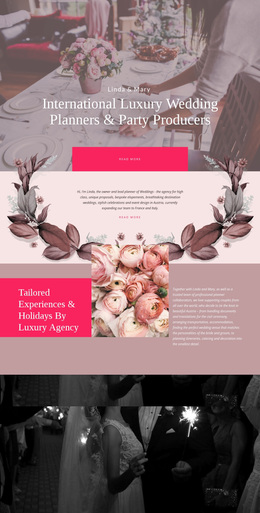
Floral Details and Muted Tones Define the Agency Identity
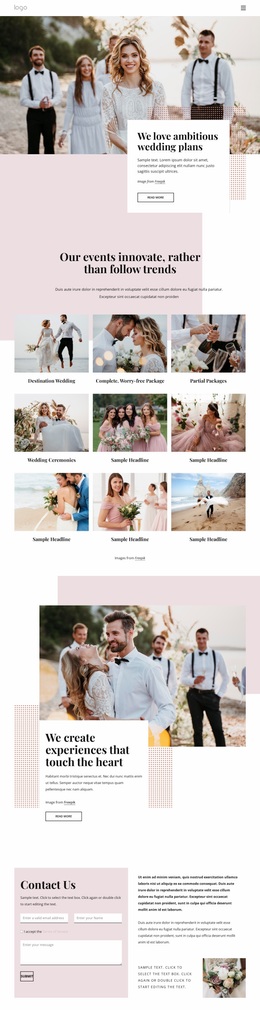
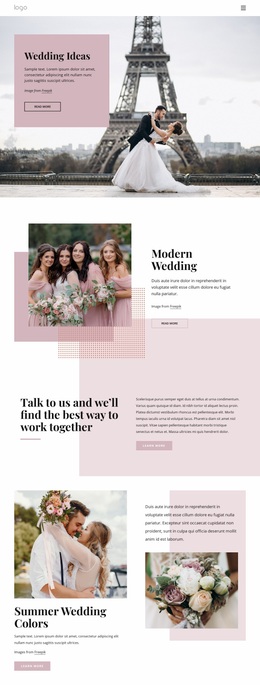
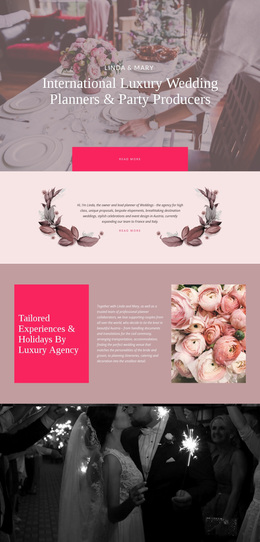
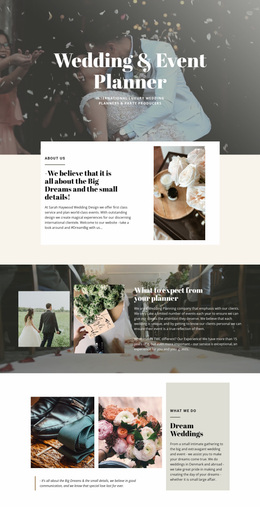
The design communicates its subject primarily through a coordinated visual language rather than through dense branding elements. Soft floral imagery appears with the opening Weddings and Events treatment and returns around agency messaging, linking the introduction to the About Our Agency and Glad To See You sections. Pale cream surfaces and muted rose and sage tones keep the page gentle, while wedding, floral arrangement, table-setting, and celebration photography supplies the more specific event context.
Typography reinforces the distinction between atmosphere and information. Decorative script provides a ceremonial accent, while serif and sans-serif text handles headings, labels, and explanatory copy with a more controlled reading rhythm. The three circular service images give Wedding, Birthday, and Parties a shared visual treatment, and the two gallery collages extend the same identity into portfolio presentation. Testimonial slides use large photographic backgrounds and centered copy, allowing social proof to remain part of the aesthetic system instead of appearing as a disconnected text panel. Even the four-counter row is presented as a visual band over photography, although its sample figures are not verified business claims. Across the page, repeated floral motifs, centered alignment, image-led sections, and restrained color contrast create a recognizable design direction that could guide related agency pages without relying on one isolated hero section.
Customize with Nicepage
Open this ready-made template in the Website Design Builder and customize it visually in the Nicepage editor. Replace demo content, edit page sections, and adapt the design to your project without rebuilding the template from scratch.
Create a Consistent Design Across the Website
Define a Site-Wide Visual Style
Use Theme Settings to establish the visual foundation of the website across its pages and sections. Set global Colors, Fonts, and Typography so the site follows the same design direction instead of styling each page independently.
Coordinate Colors and Typography
Choose a color scheme and font combination that fit the character of the website, then fine-tune Headings H1-H6, regular Text, links, buttons, quotes, lists, and other typography styles. Consistent use of these settings helps create a clear visual hierarchy and keeps recurring design elements recognizable throughout the website.
Add Motion and Interaction
Use Animation Effects to make the website design more dynamic and interactive. Elements and Containers can use effects such as Run On Display, Animation On Hover, and Animation Sync With Scroll to introduce content as visitors move through the site or respond to user interaction. Animation Presets provide ready-made effects that can be adapted to the visual style of the website.
Keep the Website Visually Consistent
Apply the same design direction to shared website elements such as the Header, Menu, and Footer. The Theme Settings Panel brings common site-wide styling controls together, making it easier to maintain a coordinated look as the website expands across multiple pages.
This workflow makes the template a useful starting point for creating a website with a consistent visual identity, coordinated colors and typography, shared design rules, and interactive effects across its pages.