Crossfit gym quote WordPress Theme


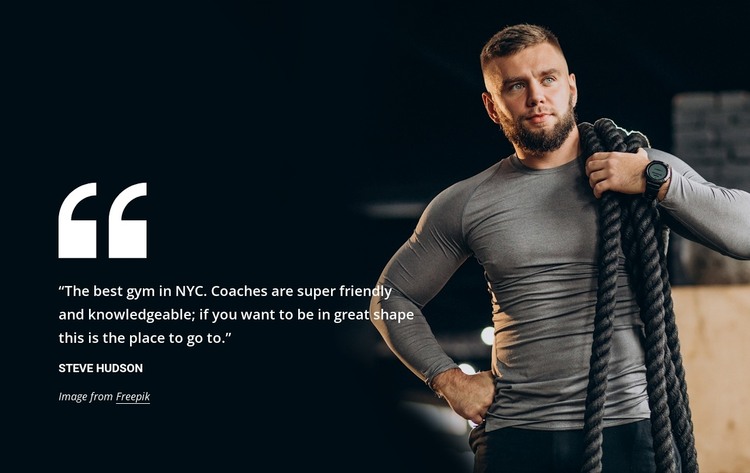
Stable Testimonial Content for a WordPress-Managed Page
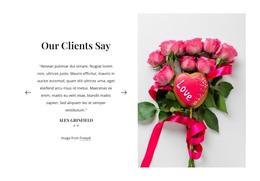
The quote and author name form a durable page-content unit rather than a time-sensitive feed or post listing. In a WordPress-managed project, this makes the section suitable for a services, about, or gym information page where one customer perspective supports the surrounding content. The left-side placement gives the written endorsement a predictable reading area, and the large quotation mark helps distinguish it from ordinary descriptive copy.
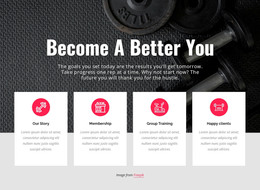
The right-side photograph of a male athlete carrying battle ropes adds visual context without creating another content category. Its full-height treatment and dark overlay work with the white typography to keep the section cohesive. The supplied wording and author are sample material, so the project can update those details while retaining the same page-section structure. WordPress can manage the broader page and site content, but the block itself remains one reusable visual region rather than a complete theme. Its static interaction also makes it appropriate for permanent page content that visitors can read immediately. Used alongside other blocks, it can provide a consistent testimonial moment within a wider fitness site while leaving navigation, additional sections, and CMS-level organization to the surrounding project.
Customize with Nicepage
Open this ready-made template in the WordPress Website Builder and customize it visually in the Nicepage editor. Replace demo content, edit page sections, and adapt the design to your project without rebuilding the template from scratch.
Edit Template Offline
2. Create a new page or select existing
3. Click Add new block, search for id 4401676 and click enter
Edit Template Online
Create Awesome Websites


Free Nicepage Builder
Keywords
Manage and Edit This Theme in WordPress
Customize and Install the WordPress Theme
Start with this ready-made theme instead of building the WordPress design from scratch. Customize its layout, content, typography, images, sections, and other design elements visually in Nicepage editor, then export and install the WordPress Theme, Plugin, and Pages on your WordPress site. The Nicepage WordPress Plugin lets you continue working with the site after installation.
Edit the Theme Directly in WordPress
After installation, you can edit the WordPress Theme directly in WordPress with the Nicepage WordPress Plugin. Use Site Style to customize site Colors, Fonts, Header, Footer, Blog, and Post Page Templates while working within your WordPress website.
Edit WordPress Pages Visually
Use the Nicepage WordPress Plugin to edit page content directly from the WordPress admin area. Open a WordPress Page with Nicepage and visually change its text, images, sections, and other page elements while continuing to manage the Page through WordPress.
WordPress Content and Theme Integration
Use the customized theme with WordPress Pages, Posts, Blog and Post Templates, menus, widgets, and other CMS-managed content. Shared theme elements such as Colors, Fonts, Header, Footer, Blog, and Post Page Templates can be managed as part of the overall site design, while WordPress provides the CMS environment for managing site content.
This workflow combines a ready-made WordPress Theme with visual customization, direct theme editing in WordPress, and continued content management through the Nicepage WordPress Plugin.