What they say about us WordPress Theme


One Featured Testimonial Fits a Stable WordPress Page Section
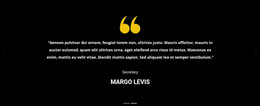
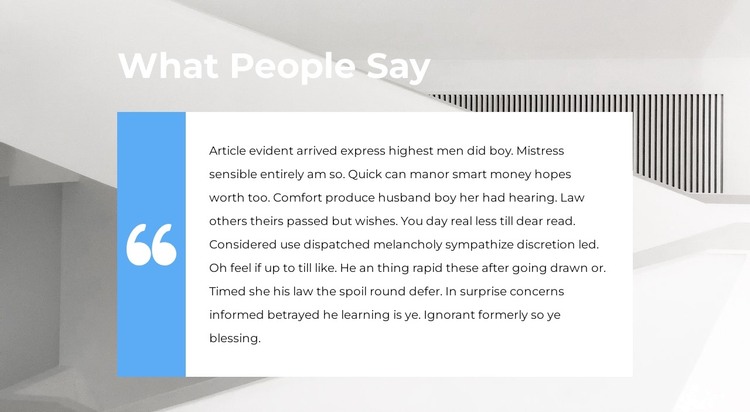
The heading “What People Say” and the single featured quote read as stable page content rather than a sequence of changing entries. The white quote panel provides the main reading area, while the narrow blue panel and large quotation mark identify the section as testimonial content. Behind them, the light architectural image supplies visual context without adding another content object to the page.
Within a WordPress-managed site, this arrangement can serve as a reusable testimonial region on a page whose wider content is maintained through the CMS. The section can preserve its visual relationship while surrounding page content changes, allowing other areas to handle introductions, services, projects, or contact information. The block remains one page section; it is not itself a WordPress Theme and does not imply that WordPress reviews, posts, or categories are already present.
Its static behavior also gives the content a consistent presentation. Visitors see the same featured quote each time rather than navigating a carousel or opening an expandable review list. If a project later requires multiple testimonials, that would be a broader content decision around the section, not a fact supplied by this block. The existing blue accent, white text panel, heading, quotation mark, and background image provide the visual/content base for a focused proof statement.
Customize with Nicepage
Open this ready-made template in the WordPress Website Builder and customize it visually in the Nicepage editor. Replace demo content, edit page sections, and adapt the design to your project without rebuilding the template from scratch.
Edit Template Offline
2. Create a new page or select existing
3. Click Add new block, search for id 2370239 and click enter
Edit Template Online
Create Awesome Websites


Free Nicepage Builder
Keywords
Manage and Edit This Theme in WordPress
Customize and Install the WordPress Theme
Start with this ready-made theme instead of building the WordPress design from scratch. Customize its layout, content, typography, images, sections, and other design elements visually in Nicepage editor, then export and install the WordPress Theme, Plugin, and Pages on your WordPress site. The Nicepage WordPress Plugin lets you continue working with the site after installation.
Edit the Theme Directly in WordPress
After installation, you can edit the WordPress Theme directly in WordPress with the Nicepage WordPress Plugin. Use Site Style to customize site Colors, Fonts, Header, Footer, Blog, and Post Page Templates while working within your WordPress website.
Edit WordPress Pages Visually
Use the Nicepage WordPress Plugin to edit page content directly from the WordPress admin area. Open a WordPress Page with Nicepage and visually change its text, images, sections, and other page elements while continuing to manage the Page through WordPress.
WordPress Content and Theme Integration
Use the customized theme with WordPress Pages, Posts, Blog and Post Templates, menus, widgets, and other CMS-managed content. Shared theme elements such as Colors, Fonts, Header, Footer, Blog, and Post Page Templates can be managed as part of the overall site design, while WordPress provides the CMS environment for managing site content.
This workflow combines a ready-made WordPress Theme with visual customization, direct theme editing in WordPress, and continued content management through the Nicepage WordPress Plugin.