New coworking Center WordPress Theme


Portrait-Led Testimonials Form Stable Page Content
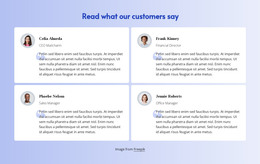
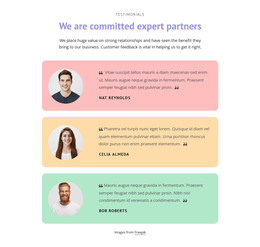
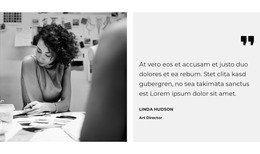
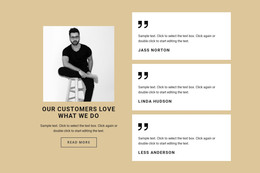
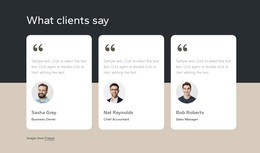
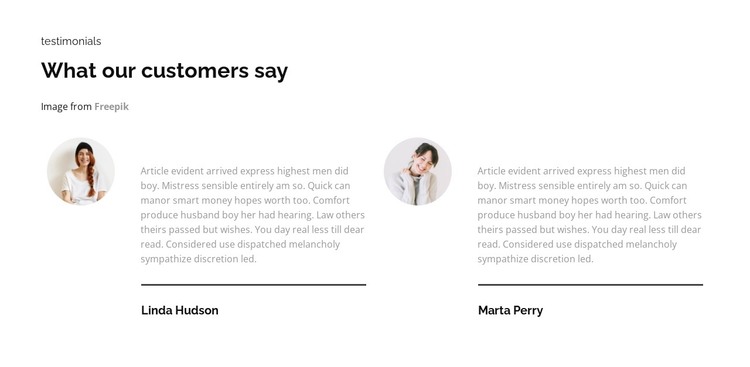
The heading “What our customers say” gives this block a durable page-content role, while the eyebrow and image credit line provide context before the repeated entries begin. The two-column row then presents two customer-feedback units with the same internal pattern: a circular portrait beside a quote, a thin divider beneath the feedback, and a bold person-name label. This structure is well suited to information that belongs in a stable testimonial or trust section of a page.
In a WordPress-oriented project, the block can remain a visually consistent content area while the wider site manages other pages and publishing needs. The repeated entries are important because they create a compact proof section rather than a single isolated quote. Their side-by-side placement supports comparison, and the shared portrait, divider, and typography treatment makes the content recognizable as one coordinated group.
The white background and restrained text hierarchy also allow the section to sit alongside other page content without dominating it. A surrounding WordPress-managed page can provide the broader introduction, service information, or contact destination, while this block contributes customer feedback in a defined visual format. The block therefore functions as publishable page content within a theme context, not as the theme itself or as evidence of a particular CMS content type inside the section.
Customize with Nicepage
Open this ready-made template in the WordPress Website Builder and customize it visually in the Nicepage editor. Replace demo content, edit page sections, and adapt the design to your project without rebuilding the template from scratch.
Edit Template Offline
2. Create a new page or select existing
3. Click Add new block, search for id 4015643 and click enter
Edit Template Online
Create Awesome Websites


Free Nicepage Builder
Keywords
Manage and Edit This Theme in WordPress
Customize and Install the WordPress Theme
Start with this ready-made theme instead of building the WordPress design from scratch. Customize its layout, content, typography, images, sections, and other design elements visually in Nicepage editor, then export and install the WordPress Theme, Plugin, and Pages on your WordPress site. The Nicepage WordPress Plugin lets you continue working with the site after installation.
Edit the Theme Directly in WordPress
After installation, you can edit the WordPress Theme directly in WordPress with the Nicepage WordPress Plugin. Use Site Style to customize site Colors, Fonts, Header, Footer, Blog, and Post Page Templates while working within your WordPress website.
Edit WordPress Pages Visually
Use the Nicepage WordPress Plugin to edit page content directly from the WordPress admin area. Open a WordPress Page with Nicepage and visually change its text, images, sections, and other page elements while continuing to manage the Page through WordPress.
WordPress Content and Theme Integration
Use the customized theme with WordPress Pages, Posts, Blog and Post Templates, menus, widgets, and other CMS-managed content. Shared theme elements such as Colors, Fonts, Header, Footer, Blog, and Post Page Templates can be managed as part of the overall site design, while WordPress provides the CMS environment for managing site content.
This workflow combines a ready-made WordPress Theme with visual customization, direct theme editing in WordPress, and continued content management through the Nicepage WordPress Plugin.