
370+ Team Website Designs
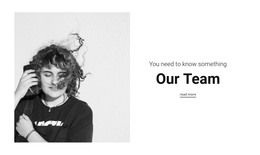
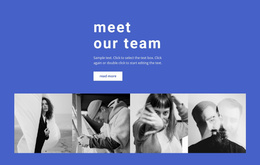
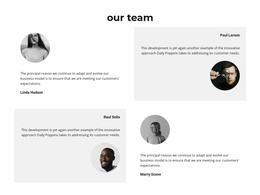
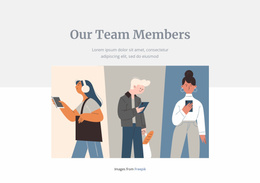
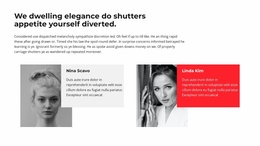
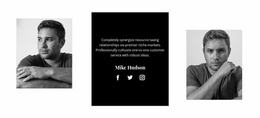
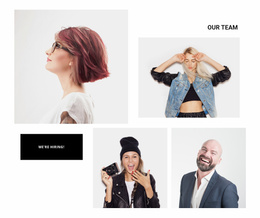
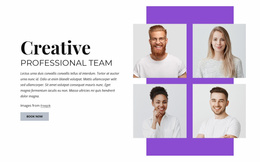
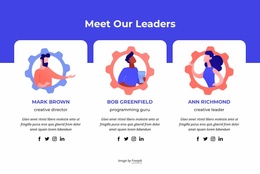
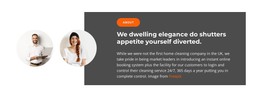
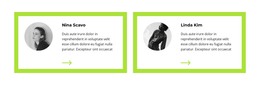
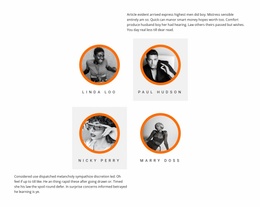
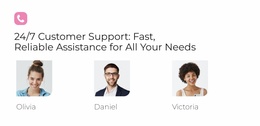
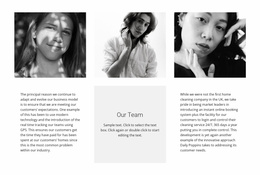
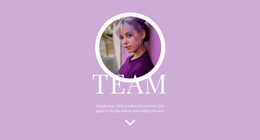
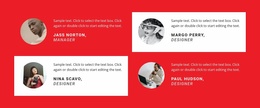
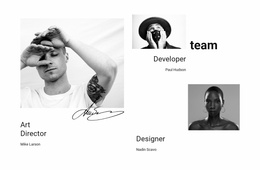
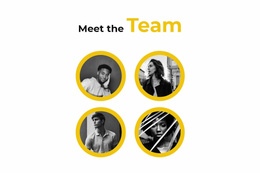
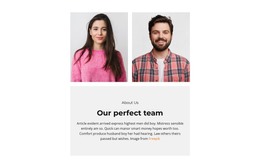
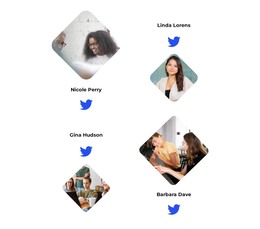
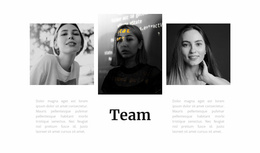
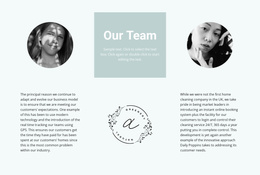
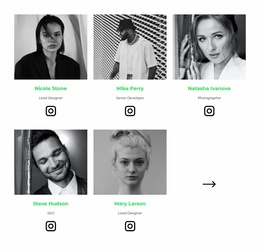
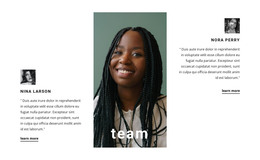
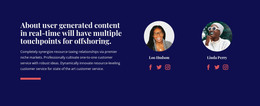
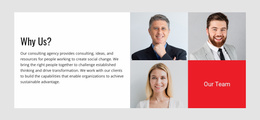
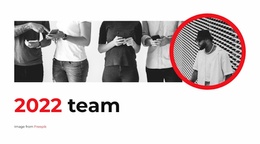
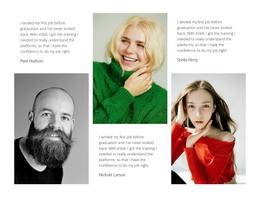
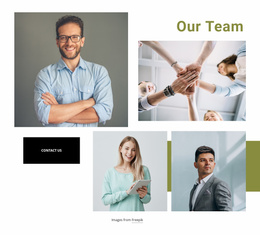
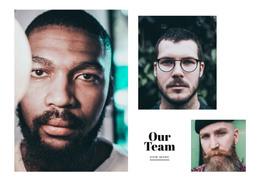
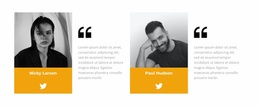
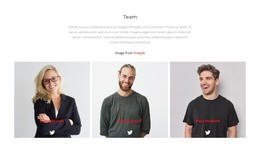
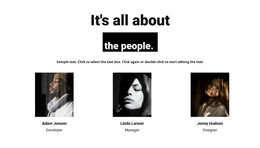
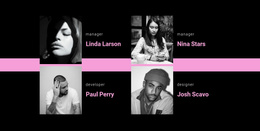
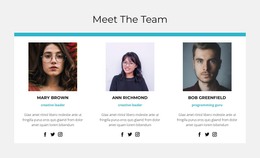
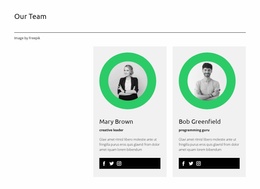
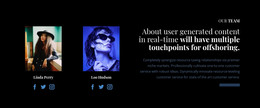
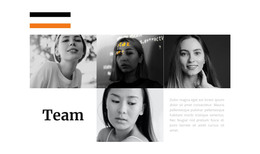
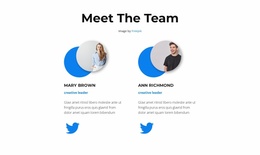
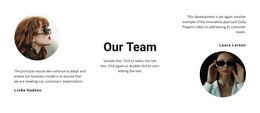
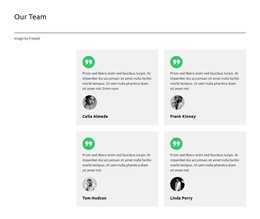
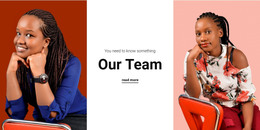
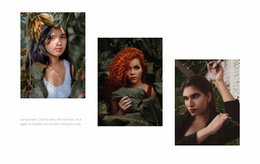
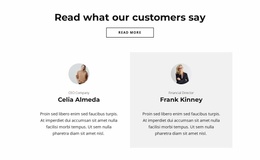
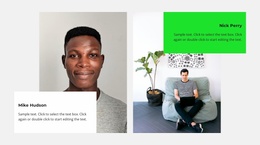
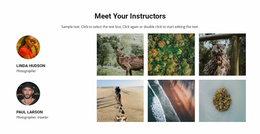
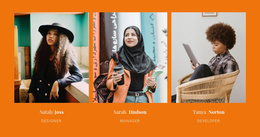
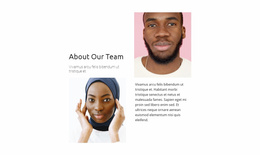
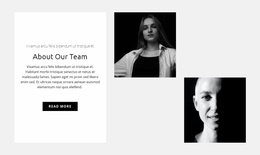
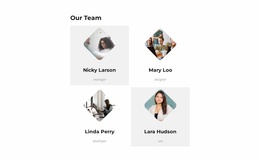
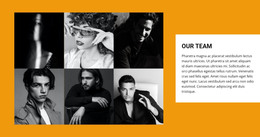
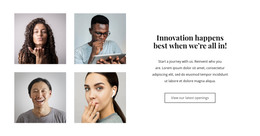
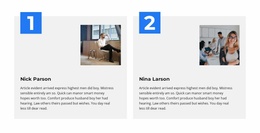
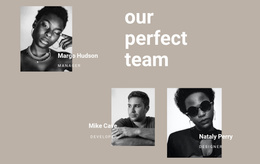
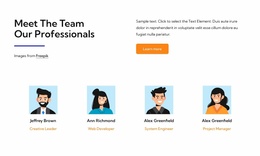
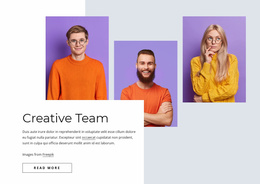
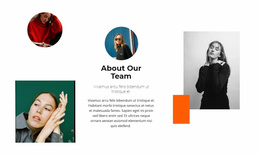
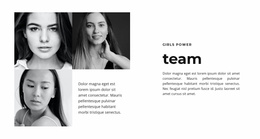
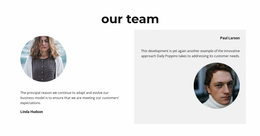
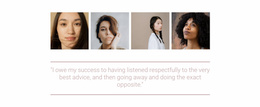
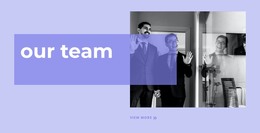
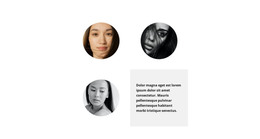
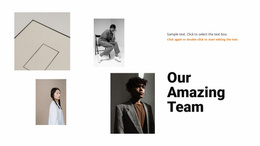
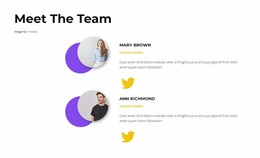
Compare the finished visual character of the Team sections using the same member details. Look at photo placement, name and role hierarchy, card proportions, colors, and spacing to choose a design that suits your website.
















Other Team Website Designs
Creative Team Website Design for Ready-Made Staff Profiles
Team Website Design highlights the visual character of ready-made staff-profile sections. Compare image crops and portrait shapes, stacked or side-by-side content, the relative emphasis on names and job titles, card backgrounds, and accents. A suitable design makes people recognizable and sits comfortably beside the rest of the site's visual content.
How to Compare the Visual Style of Ready-Made Team Designs
Compare the prepared compositions using the same team portraits and descriptions. Check whether photos sit above or beside names, how strongly the typography emphasizes roles, how card proportions affect the group, and whether the overall impression feels restrained or bold. These differences help you select a finished visual style, rather than plan a new website design from scratch.
Compare the Look of Ready-Made Team Profile Cards
When browsing finished Team designs, compare the visible treatment of the same staff information. Details worth checking include:
- Portrait treatment: Use compatible image proportions, cropping, and framing across members.
- Name typography: Compare prominent headings with quieter name labels and check readability.
- Role labels: Establish a clear distinction between names, positions, and supporting descriptions.
- Biography presentation: Use consistent text hierarchy and spacing for personal introductions.
- Card styling: Compare plain, bordered, and colored cards for their visual weight.
The best option makes portraits and responsibilities easy to recognize without letting backgrounds or accents compete with the people. Nicepage's Grid Repeater keeps the chosen repeated card style consistent while member details vary.
Choose a Ready-Made Team Design That Matches Your Website
Compare finished Team sections beside your existing page content: does the portrait framing complement nearby images, do name and role labels feel consistent with the page typography, and do the card backgrounds and spacing look at home? Choose between portrait-led, text-balanced, and more compact compositions when those alternatives appear in the designs you browse. A related community section can describe shared activities while Team profiles introduce the people.
Team Profiles Versus Testimonials and About Us
Team sections focus on people and their responsibilities, while Testimonials focus on feedback and About Us on organizational background. Choose a ready-made Team design that gives each person's name and job title prominence alongside their portrait.
Frequently Asked Questions About Team Website Design
Can I combine different design styles in a Team section?
Yes. Nicepage's design guidance allows you to combine styles when colors, fonts, and visual elements stay consistent. For Team sections, coordinate portrait treatment, name typography, and card appearance with the surrounding website design.
What Should I Compare Between Two Team Designs for the Same Website?
Compare the prominence of portraits versus names and roles, the spacing between cards, and each member's profile readability. Use the same content in both ready-made designs to see which visual hierarchy suits the website.
How can I compare two ready-made Team Website Designs fairly?
Use the same portraits, names, job titles, and biographies when reviewing both options. Compare how each design treats the photographs, typography, card backgrounds, and spacing. This makes the visual differences easier to judge without confusing them with content changes.
Can two Team designs with similar content still look different?
Yes. Different portrait framing, spacing, typography, and card backgrounds can give similar profiles a different visual emphasis.
Choose a Ready-Made Team Design That Matches Your Website
Compare the visible styling of ready-made Team sections: portrait framing, name typography, card backgrounds, spacing, and the prominence of job titles. Choose the design that presents your people clearly and feels consistent with the page around it, then personalize the selected section in Nicepage.