Top management One Page Template


Edit Template Offline
2. Create new page and search for id 4490963
Edit Template Online
Create Awesome Websites


Free Nicepage Builder
Keywords
The single-page sequence separates team discovery from contact
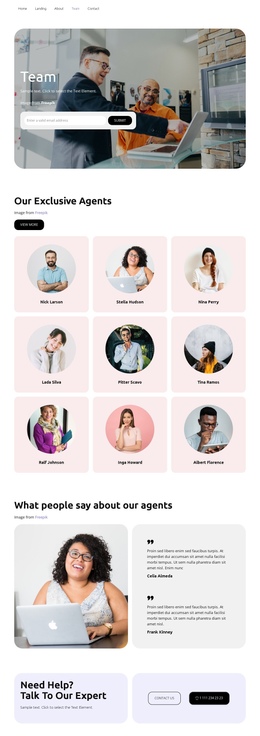
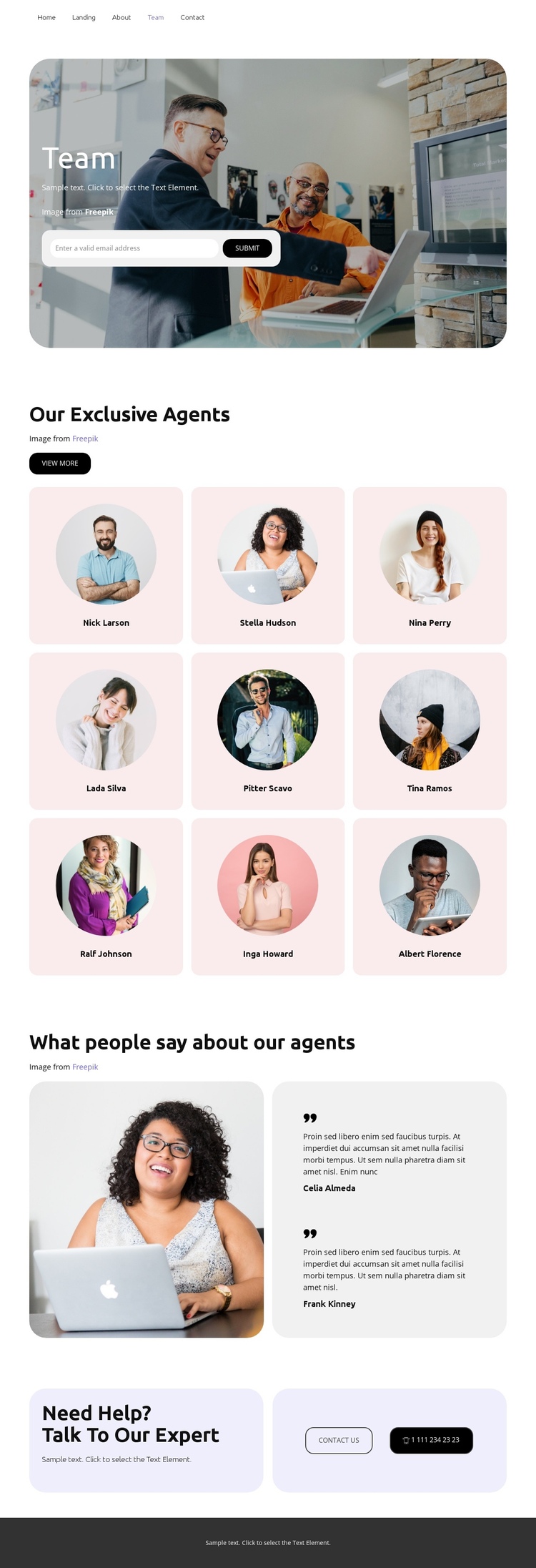
The layout creates several meaningful destinations within one continuous document. The hero introduces the team and places an email capture form at the beginning, while the three-column agent collection becomes the main destination for exploring the people presented on the page. Because nine profiles share the same card pattern, this section can be scanned as one coherent group rather than treated as nine unrelated pages.
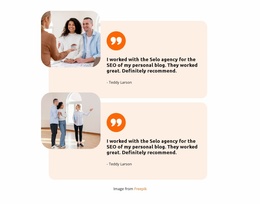
The next destination changes from personnel to commentary: a large photograph and two testimonial entries create a distinct area for customer-oriented context. From there, the closing help section provides a final content zone with “Contact us” and telephone actions, allowing the visitor to move from team information to direct communication without leaving the page. The verified team navigation link can help connect this page with the broader site, but the template itself does not prove that anchor navigation is configured. Its one-page value comes from the visible order and separation of the sections: introduction, agents, testimonials, contact, and footer. The dark footer acts as the endpoint of that journey, while the repeated rounded panels and generous spacing make transitions between destinations easy to recognize. This is a navigation and content-sequence interpretation, not a claim that the page has a completed one-page menu system.
Customize with Nicepage
Open this ready-made template in the One Page Template Builder and customize it visually in the Nicepage editor. Replace demo content, edit page sections, and adapt the design to your project without rebuilding the template from scratch.
Build a Navigable One-Page Website
Connect the Menu to Page Sections
Organize the website as a sequence of sections on a single page and use the Menu For One-Page Site to connect menu items with individual page Blocks. Visitors can jump directly to sections such as About, Services, Testimonials, or Contact without opening separate pages.
Keep the Website on One URL
A one-page template can combine several parts of a small website within one continuous page. Arrange the Header, introduction, services, portfolio, company information, reviews, contact details, and other relevant sections in the order that fits the project while keeping them accessible through the same page navigation.
Make Long Pages Easier to Navigate
For longer one-page websites, keep navigation labels short and connected to meaningful sections so visitors can move through the page without relying only on scrolling. You can also use the Back To Top element to provide a quick way back to the beginning after longer sections.
This workflow makes the template suitable for compact websites that need several distinct content sections while keeping the complete visitor experience on one URL.