
Tiles Website Designs
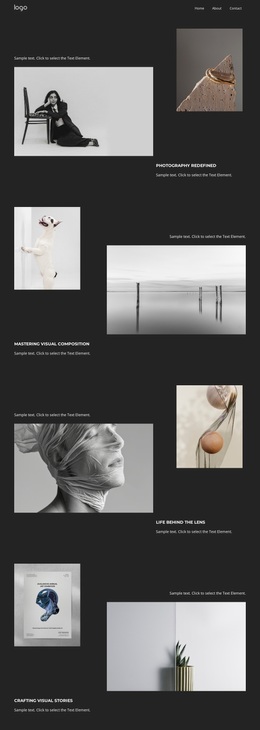
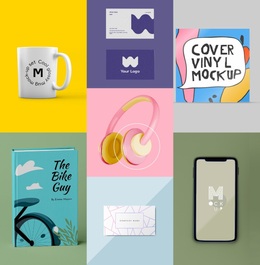
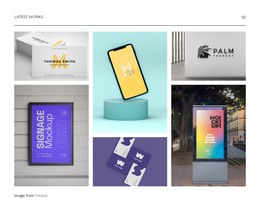
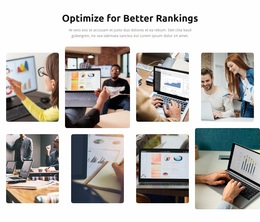
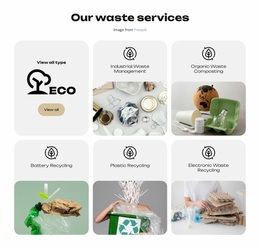
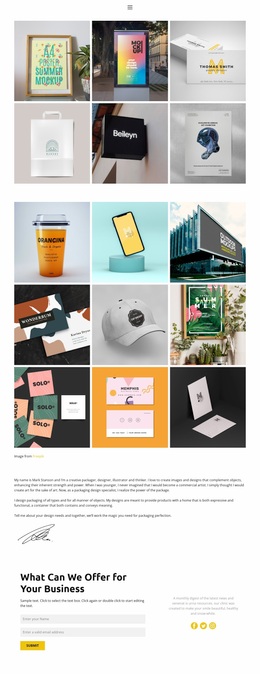
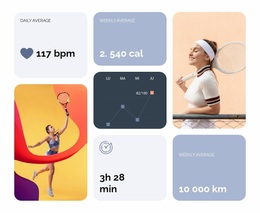
For image-led brands, tile layouts must feel related even when each page uses a different composition. Shared color, typography, image treatment, and spacing rules turn varied grids into one recognizable visual language.




More Website Designs from Tiles Category
-
-

-
-
-
-
-
-
-
-
-
-
-
-
-
-
-
-
-
-
-
-
-
-
-
-
-
-
-
-
-
-
-
-
-
-
-
-
-
-
-
Free Website Builder SoftwareDownload
-
-
-
-
-
-
-
-
-
-




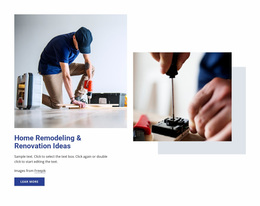




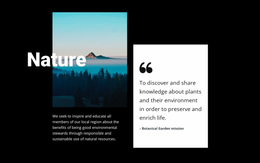



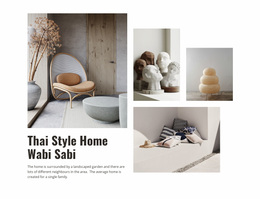






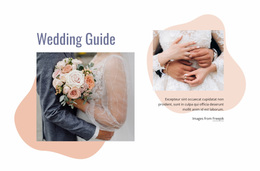

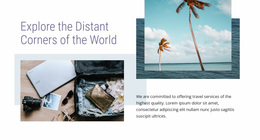
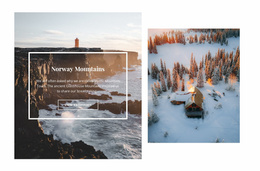


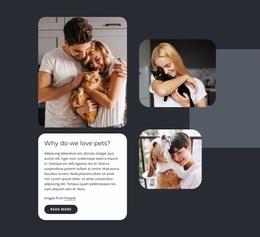
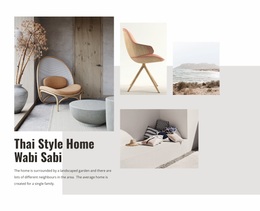


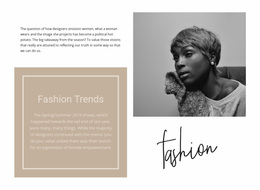


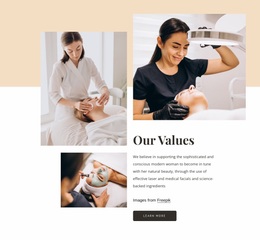
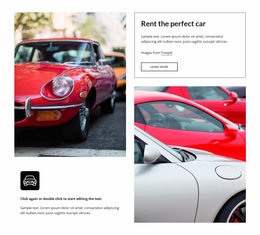
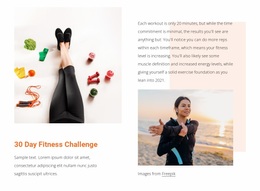
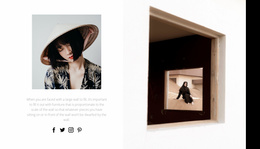
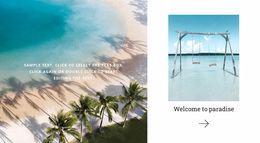
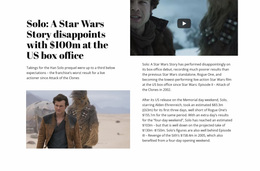

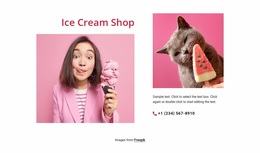



Modern Tiles Website Design With One Visual Language
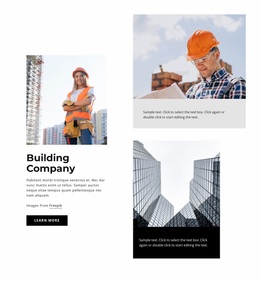
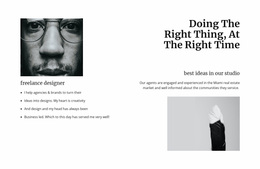
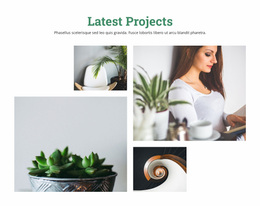
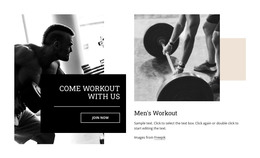
A tile grid shapes what a visitor sees first, before they read a single word. Tiles website design is mostly about controlling that order: which panel dominates, how much air sits between groups, and what survives a content change. The same decisions serve a photo gallery, a product showcase, or an editorial front screen.
Scale Decides Where Eyes Land
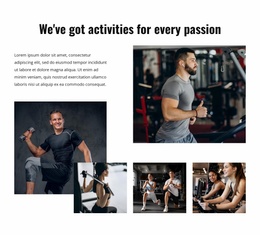
One large panel beside several small ones creates a hierarchy that needs no explanation: the big tile reads as the main thing, and the small ones as everything related. An even grid does the opposite, giving every item an equal claim on attention, which suits a catalog but fails as a showcase for one hero piece.
A workable visual system fixes a few rules and leaves the rest open:
- Two or three tile scales, used consistently across the site.
- A caption style per scale, so a narrow tile never inherits a wide tile's headline.
- Gaps that stay equal inside a group and widen between groups.
- One cropping rule per recurring content type.
Alternating Dense With Open Stretches
Spacing is the quietest tool here and the easiest to misjudge. Gaps that run too tight turn a mosaic into a wall. Gaps that run too generously break the group apart, and the panels stop reading as one composition. Density works the same way at the section level: a tightly packed run of images calls for a calmer stretch afterward.
Matching the composition to the material takes less effort than it sounds:
- A calm gallery of equal work: even tiles, generous gaps, one caption style.
- A showcase with a headline piece: mixed sizes, tighter spacing below the dominant tile.
- A large catalog: even tiles, with a rhythm break every few rows.
One cropping ratio across a row keeps comparison easy, while mixed ratios add movement at the cost of that scan. A texture close-up and a wide interior shot answer different questions.
Type and Color Keep It Recognizable
Typography carries the continuity when the grid stops being predictable. Short labels want compact styles, longer descriptions want air, and holding both steady lets an irregular arrangement stay easy to scan. Contrast deserves the same discipline, since a caption that works on a dark photo disappears on a pale one.
Color ties unlike tiles into one family. Nicepage keeps that in one place through its site-wide color settings, and the Site Colors documentation explains how backgrounds, accents, and buttons follow a single palette rather than drifting from screen to screen.
The measure of a tile-based visual language is recognition. A visitor should land on any screen and know, without reading a word, that it belongs where they were.