
Client Web Page Designs
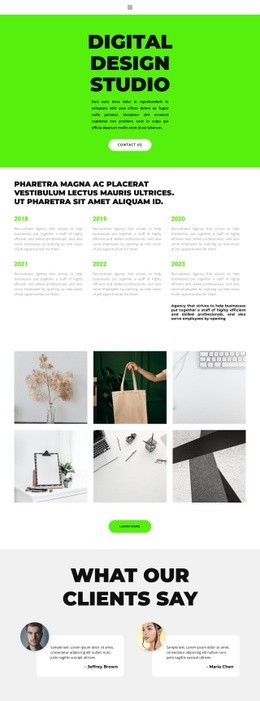
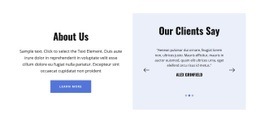
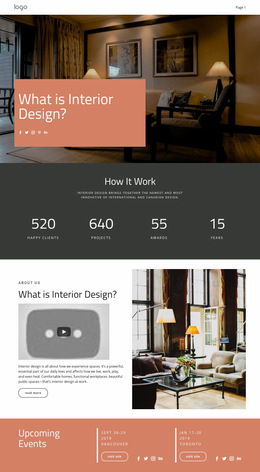
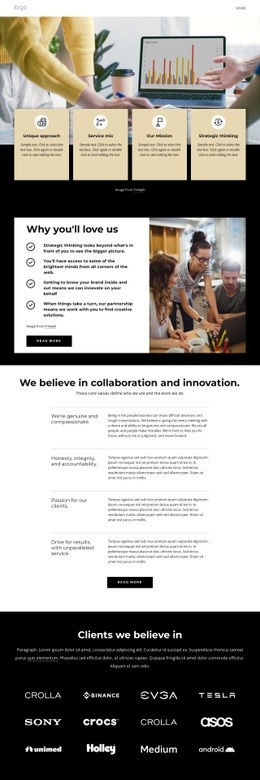
Strong client pages answer practical questions in the right order: what is offered, why it is credible, and how to respond. A focused layout can connect services, proof, testimonials, and contact information without overloading a single screen.














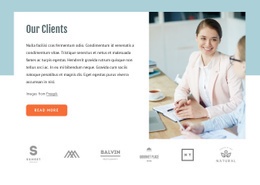
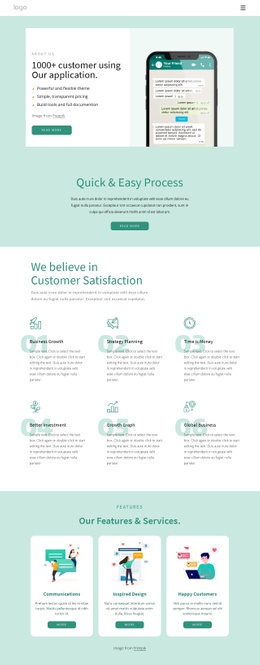


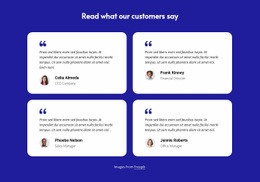
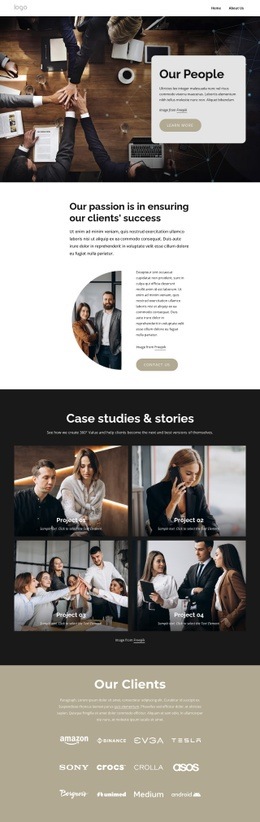








































Other Travel & Hotels Web Page Designs
Modern Client Web Page Design for Prospects and Existing Clients
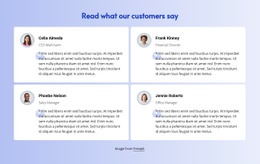
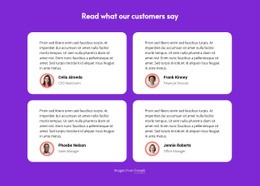
Not every client page exists to sell something. Some prove a track record, some put the work itself on display, and some sit behind a sign-in where a current client checks a project or approves a draft. Client web page design starts with the job the page is given, because the visual order that suits a proof page will frustrate someone who only wants to know whether an invoice went through.
Layout Follows the Actual Visitor Task
A handful of client-facing formats keep coming back, and each one leads with something different:
- proof pages, where testimonials and results carry the weight;
- showcase pages, built around projects and the outcomes behind them;
- portal pages, where status, documents, and the next action come first;
- onboarding pages, which work as a progress list with support attached.
Client pages usually fail when two of those jobs share the same screen. A dashboard with a marketing hero above it wastes the first screenful on somebody who signed the contract months ago.
Organize Account Details, Project Status, and Files
Once the job is clear, the order of information almost writes itself. An existing client needs identity first, meaning which project and which stage; then whatever is awaiting a decision; then reference material, such as documents and earlier deliverables. Company positioning can drop to the bottom or even disappear if nobody signs in to read it.
Grouping helps more than decoration here. Timeline, approvals, and files behave like separate stacks, and keeping them visually apart saves a support email later. Nicepage builds a screen from ready-made sections you adjust one at a time, and the Block Designs guide covers that section-by-section way of working, which suits pages whose blocks have very different jobs.
Make Next Step Impossible to Miss
For a prospect, the step after reading is usually a form or a call. On a client page, it can be an approval, an upload, or an invoice download, and whichever it is, its control should be visible without having to scroll back up.
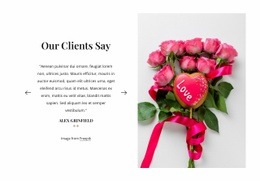
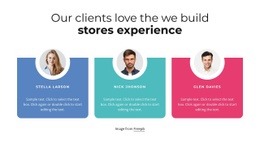
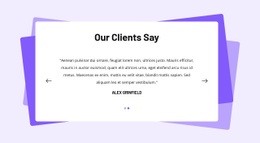
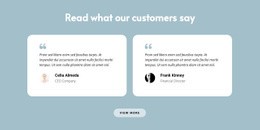
A testimonial about consulting belongs beside the consulting claim, where it settles a doubt someone has at that moment. On a project screen, proof is mostly noise, and what people came for is a date and a file. Judge any client page design by how fast a visitor sees where they are, what applies to them, and what happens next.