Tabs Web Page Designs
-

-

-
-
-
-
-
-
-
-
-
-
-
-
-
-
-
-
-
-
-
-
-
-
-
-
-
-
-
-
-
Free Website Builder SoftwareDownload
-
-
-
-
-







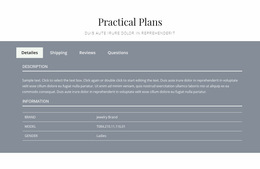








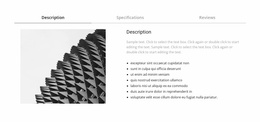
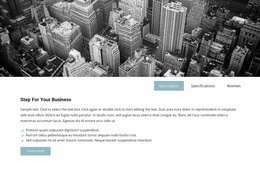
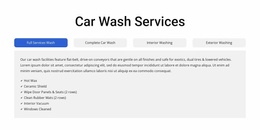

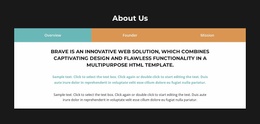
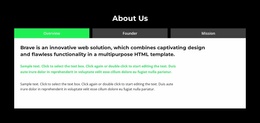

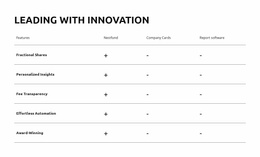


Modern Tabs Web Page Design Blocks for Flexible Page Composition
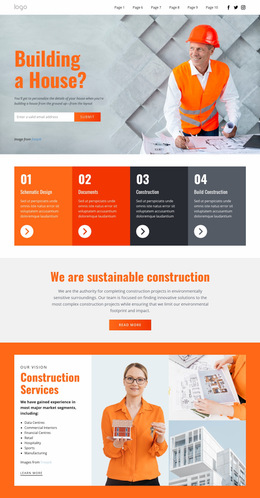
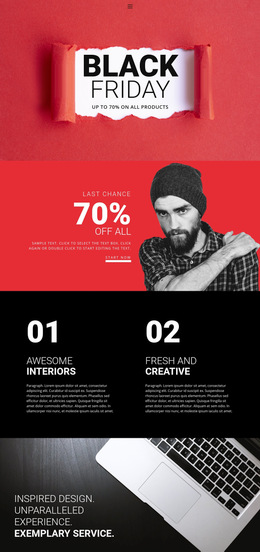
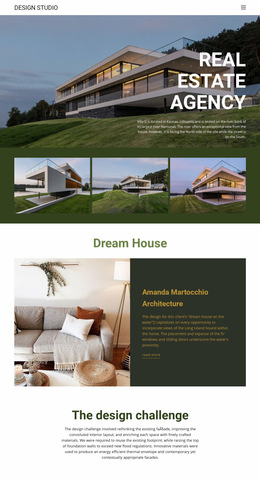
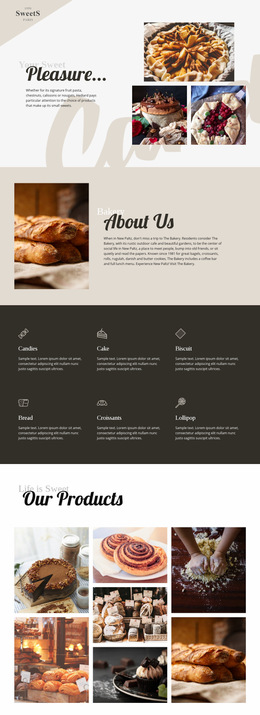
A Tabs Web Page Design section has to work at two levels: inside the block and inside the page. The controls, active panel, media, and text need a clear internal hierarchy, while the section as a whole must also fit the rhythm of the sections around it.
That makes Tabs design a broader composition task than simply adjusting spacing.
Choose Horizontal or Vertical Tab Controls
Control orientation can change the section's entire character.
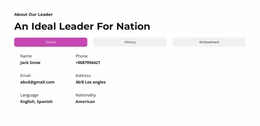
Horizontal Tabs work well when:
- there are only a few controls;
- labels are short;
- the panel needs the full width below;
- the section should feel compact.
Vertical Tabs can work better when:
- labels need more room;
- the section has several categories;
- the active panel benefits from sitting beside the controls;
- the layout should feel more editorial or dashboard-like.
Nicepage Tabs block designs provide different visual directions that can be adapted around these needs.
Balance Media and Text Inside the Panel
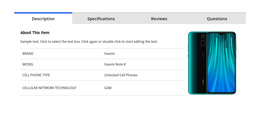
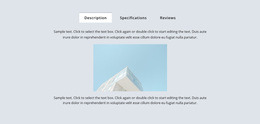
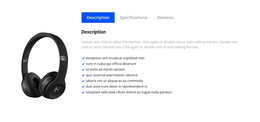
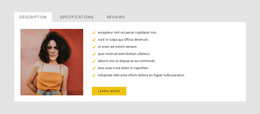
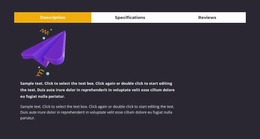
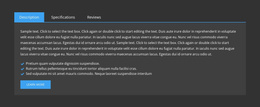
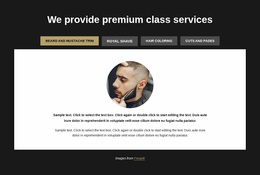
Panel composition matters as much as the tab row. A text-only view can be compact, while a panel with a large image, product visual, or illustration may need more space and a different alignment.
Useful panel patterns include:
- text beside an image;
- a large visual above short supporting copy;
- icon or card groups;
- product details with supporting media;
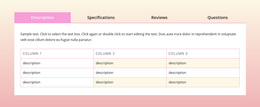
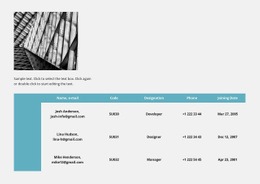
- concise comparison content.
The most important rule is consistency of purpose, not identical height. Panels can differ, but the section should not jump between completely unrelated visual structures.
Plan for Overflow and Mobile Behavior
A horizontal control row can become a weak point on narrow screens. Long labels may wrap badly, compress into unreadable widths, or require a different arrangement.
During mobile review, consider whether controls should:
- wrap onto additional lines;
- become more compact;
- switch to a vertical arrangement;
- use shorter labels;
- reduce internal spacing.
Nicepage Responsive Modes lets you review these changes across multiple viewport sizes.
Connect the Tabs Block to Adjacent Sections
Outer spacing should reflect the role of the block. A major comparison section may need more separation from neighboring content, while a supporting details block can sit more quietly in the page flow.
Check:
- the transition from the previous section;
- the visual weight of the control area;
- panel width and height;
- the amount of space after the block;
- whether the following section feels like a continuation or an abrupt reset.
Use Active States as Part of the Composition
The selected control needs enough contrast to guide the eye, but it should not become a second headline competing with the panel. Color, border, typography, spacing, or background treatment can all create the necessary distinction.
The active state should support the page hierarchy, not fight it.
Tabs Web Page Design FAQ
When Should I Use Vertical Tabs Instead of Horizontal Tabs?
Vertical tabs work well when labels are long, there are many categories, or the active panel benefits from sitting beside the controls. Horizontal tabs are usually more compact when the control set is small.
Can Tab Panels Use Different Media Layouts?
Yes. Panels can combine text, images, products, icons, or mixed content. Keep their purpose and visual hierarchy related so the section still feels like one coordinated design.
What Should I Do if Tabs Become Crowded on Mobile?
Reduce label length or spacing, allow a different control arrangement, or switch to a more vertical pattern. Review the result in responsive views instead of forcing the desktop row to stay unchanged.
Should Every Tab Panel Have the Same Height?
No. Some variation is acceptable, but extreme changes can make the page feel unstable. Try to keep the visual weight comparable across panels.
What Should I Check Around the Tabs Block Itself?
Review outer spacing, the relationship to the preceding section, how dominant the controls feel, and whether the following section continues the page naturally.
Design the Section as Part of the Whole Page
Choose the control orientation, panel proportions, and responsive behavior together. Then refine active states and outer spacing so the Tabs block feels integrated into the page rather than inserted as a self-contained widget.