FAQ Web Page Designs
-
-

-
-
-
-
-
-
-
-
-
-
-
-
-
-
-
-
-
-
-
-
-
-
-
-
-
-
-
-
-
Free Website Builder SoftwareDownload
-
-
-
-
-
-
-
-
-
-
-
-
-
-
-
-
-
-
-
-
-

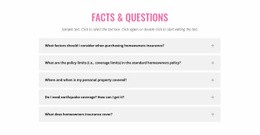

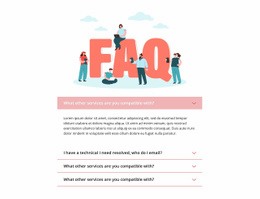
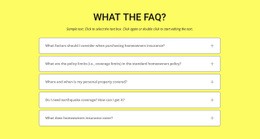
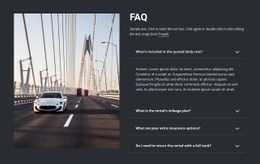
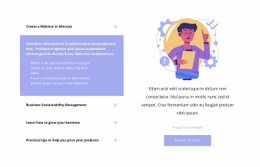
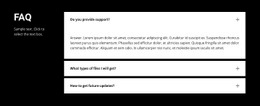
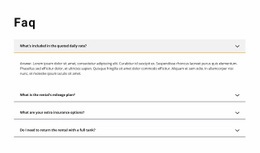

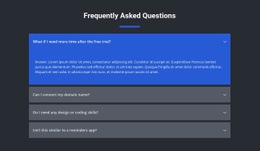

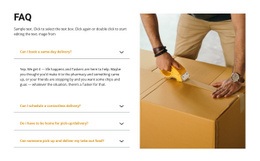
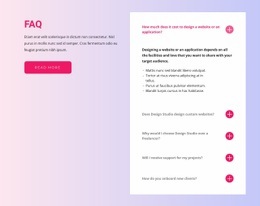

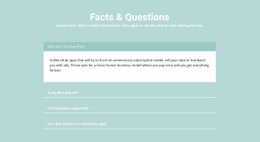
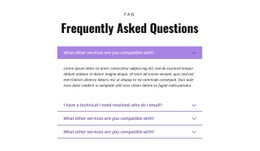





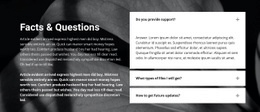
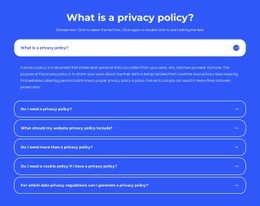
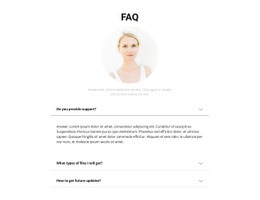
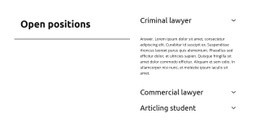
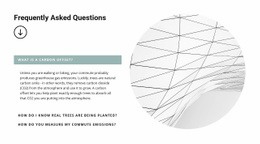
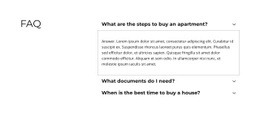
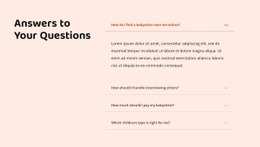
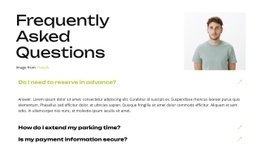
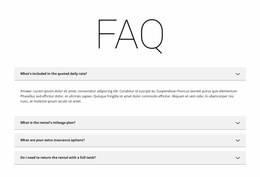
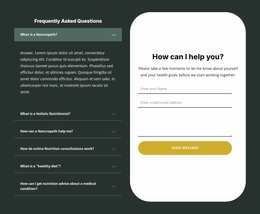
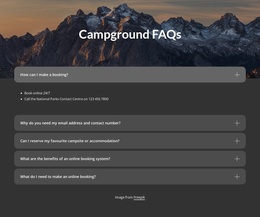
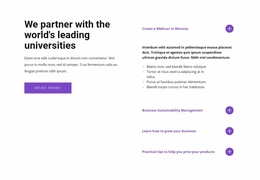
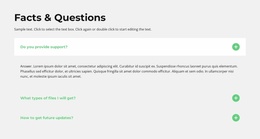
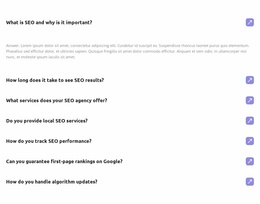
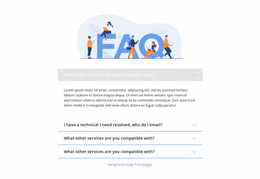
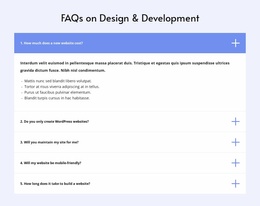
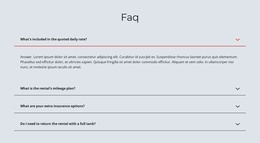





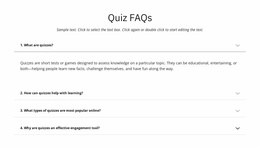
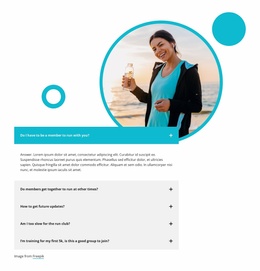
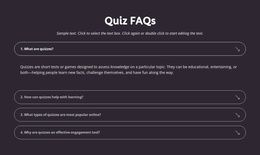
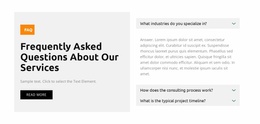
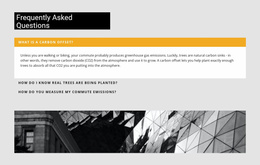

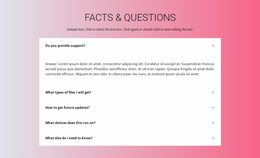
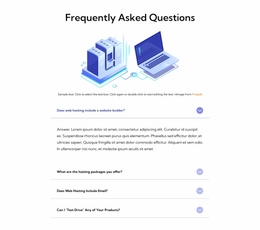

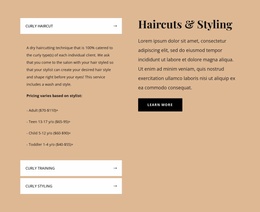
Responsive FAQ Web Page Design Templates for Clear Answers Within a Single Page
Someone reading a product page may need one answer about shipping. Someone arriving directly on a help page may need to find a billing category first. Those are different FAQ page-design problems, even if the questions use the same expandable component.
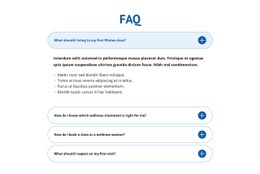
FAQ Web Page Design templates can support a short section inside an existing page or the content arrangement of a dedicated questions page. Here, the important decisions are where the answers sit, how readers move between topics, and what follows once a question is resolved.
Place FAQ Answers Where Questions Arise
On a page about a product, an FAQ often belongs after specifications and delivery information. On a service page, it can follow the service overview and answer questions about eligibility or timing. Following a pricing section, it can clarify billing terms before readers reach a contact or purchase action.
- After product details: answer compatibility, delivery, or returns questions while those details are fresh.
- Below service information: explain requirements or the next step without interrupting the main service description.
- After pricing: clarify payment conditions before a final CTA.
- Near the end of an informational page: collect a few unresolved questions once the main explanation is complete.
A dedicated FAQ page is another valid approach when inquiries span several subjects. Give it a title and clear topic groups, but do not make every embedded FAQ behave like a help center.
Keep the FAQ Connected to the Page's Reading Flow
An embedded FAQ should continue the subject readers have just encountered, not introduce an unrelated support menu. On a pricing page, the natural sequence might be plan details → billing questions → signup action. A product page might move from features to practical Q&A and then to ordering information.
Give the FAQ a clear section heading and a distinct boundary from neighboring content. The questions should read in the same order visitors are likely to consider them. Keep answer rows within a text width that makes sense beside nearby sections.
Nicepage's FAQ Element can display expandable answers with Rich Text formatting. This supports longer explanations without requiring the entire page to become a FAQ directory.
Design Transitions Around the FAQ Section
Check the content on both sides of the block. The preceding section creates the question; the FAQ resolves it; the following section provides a way forward. A narrow pricing column followed by an edge-to-edge FAQ, for example, can feel disconnected even when both sections are individually well designed.
A standalone FAQ page needs simple topic navigation and clear routes back to relevant product or service pages. For an embedded section, though, page rhythm and proximity matter more than elaborate categories. Use a search field only if the site genuinely supports question search.
Adjust FAQ Spacing for Responsive Web Page Layouts
A FAQ section that reads comfortably on a large screen may need adjustments on smaller devices. Long questions can wrap onto multiple lines, while expanded answers may occupy a substantial portion of the visible screen.
Nicepage Responsive Modes allow layouts to be customized for different device views. When reviewing a FAQ block, pay particular attention to:
- Question wrapping: long headings should remain understandable across multiple lines.
- Answer width: text needs sufficient space without becoming difficult to read.
- Vertical spacing: expanded items should remain distinguishable from the questions around them.
- Section transitions: the FAQ should still connect naturally to adjacent page content.
Do not force the desktop arrangement onto every screen size. The priority is preserving question clarity and page reading order as available space changes.
FAQ Web Page Design FAQ
How do I add expandable questions and answers in Nicepage?
Use the built-in FAQ Element in the Nicepage editor. It organizes questions and answers in one structure, letting visitors click a question row to expand or collapse the corresponding answer.
Can I adjust an FAQ section for mobile screens?
Yes. Nicepage Responsive Modes let you customize layouts for different device views, including tablets and phones. You can review question wrapping, answer spacing, and the FAQ section's relationship to surrounding content.
Should a FAQ section appear before or after product details?
Usually, it works better after the product information it clarifies. Visitors can review the main details first and then find answers about specifications, ordering, delivery, or other practical concerns without searching elsewhere on the page.
How should I organize categories on a large FAQ page?
Give each topic a descriptive heading and an obvious route to its questions. If you add category links, make sure they lead to the correct sections; only add search when it actually works on the site.
When is a standalone FAQ page better than a short embedded section?
Use a standalone page when questions span several website topics or visitors need a separate destination with categories. Use an embedded section for a few questions closely tied to one page.
Review the Full Page, Not Just the FAQ Block
Read the page from the preceding section through the FAQ to the next action. Check spacing, heading sequence, and whether each answer appears near the information that prompted it. If the FAQ has its own page, check its topic navigation too—but keep the page-level reading order central.