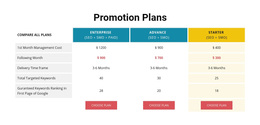
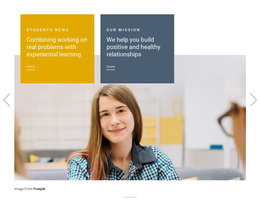
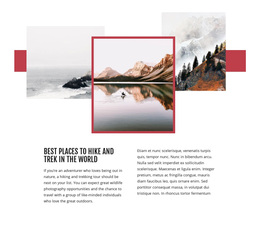
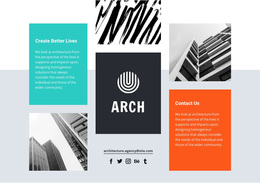
150 Tiles Web Page Designs



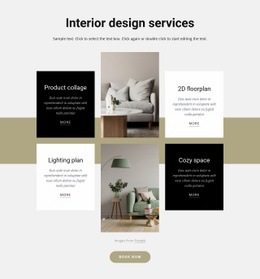












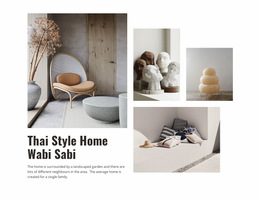
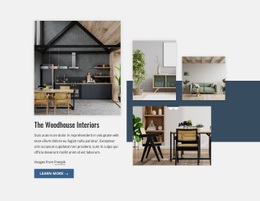













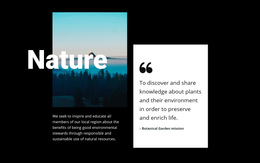


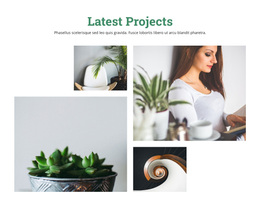






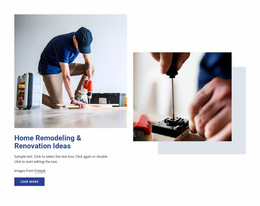



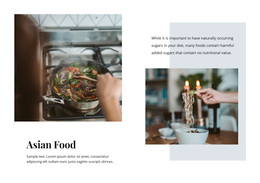










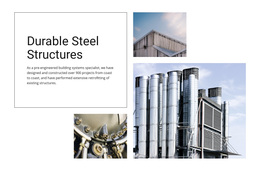

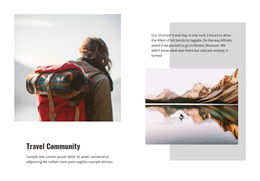
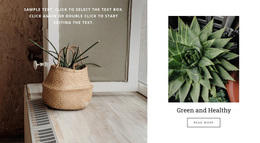



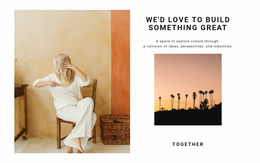
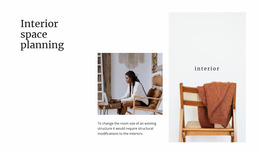



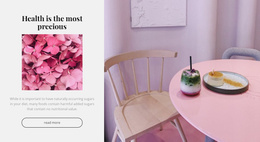






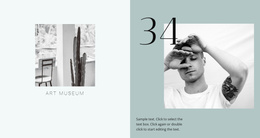

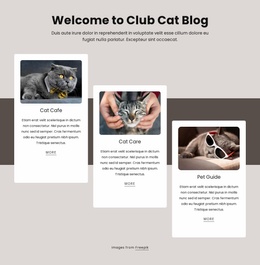
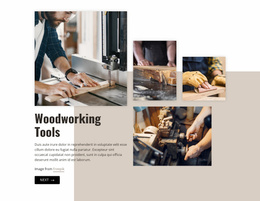






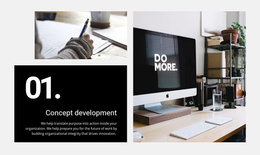

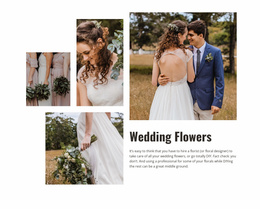
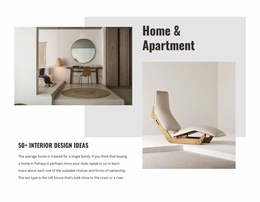




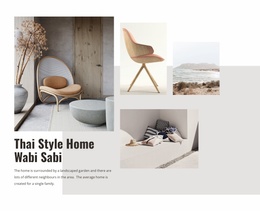


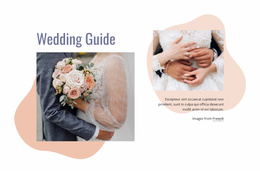
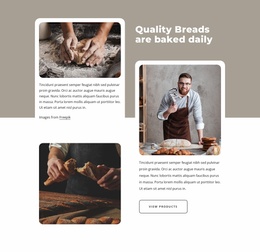

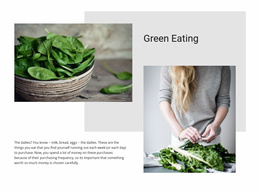

Clean Tiles Web Page Design for Single-Page Content Hierarchy
A Tiles section has to earn its place in the sequence of one page. Its height, visual weight, spacing, and position between neighboring blocks should support the reading flow rather than compete with the hero, feature sections, testimonials, or the final CTA.
What Makes Tiles Work in a Web Page Composition?
The web-page-design question is not just whether the Tiles block looks attractive. It is whether the section carries the right visual weight, connects logically to the content above and below it, and preserves a clear reading or interaction flow.
That makes the section different from a mockup exercise. The goal here is not primarily to review alternatives but to establish how the tile composition functions inside the finished page hierarchy.
Control Tile Weight Within the Page Hierarchy
When placing Tiles inside a page, review the composition at the section level:
- Section order: place the block where visitors naturally need several paths or categories.
- Visual weight: avoid making a secondary tile group stronger than the page's primary message.
- Neighboring blocks: use spacing and contrast to create a clear transition in and out of Tiles.
- Page hierarchy: keep the most important content dominant even when the tile imagery is expressive.
Nicepage's Grid Element can provide an underlying row-and-column structure where several tile areas need controlled placement. The Grid Element supports spatial organization, while the Tiles-specific design task is to give those areas stronger individual identities than ordinary aligned peer cards.
Balance Tiles With the Sections Around Them
A Tiles block does not exist in isolation on a web page. Its visual intensity should make sense relative to the sections that surround it.
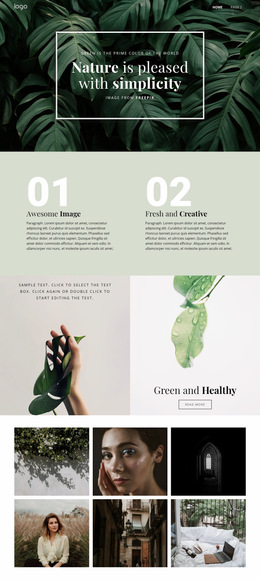
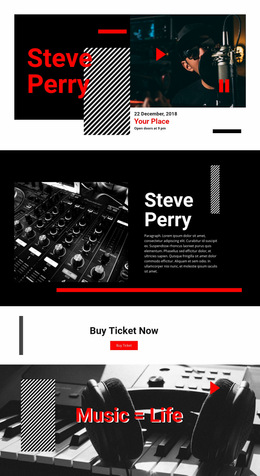
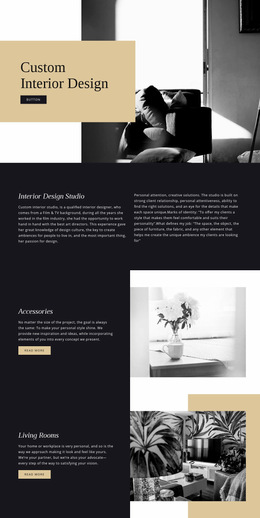
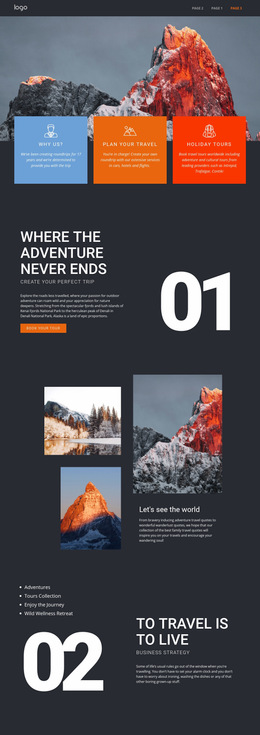
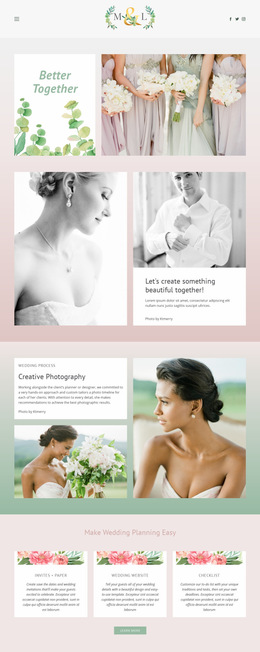
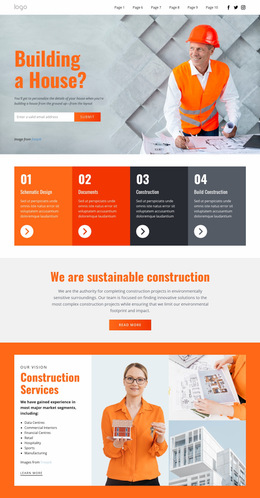
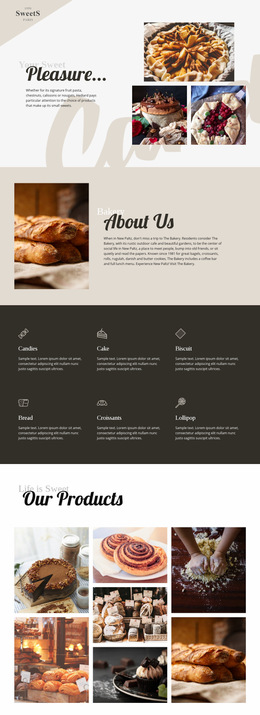
After a text-heavy section, image-led tiles can create a greater visual change and give visitors several clear routes forward. Next to other graphic sections, simpler tile backgrounds or shorter labels may keep the page from feeling visually crowded. Alignment and spacing should also make the transition into and out of the block feel intentional.
This is where Web Page Design differs from Website Design. The current task is the hierarchy and composition of this one page, not a site-wide system for typography, color, or reusable visual identity.
Use Asymmetric or Equal Panels Deliberately
Mixed proportions can create a stronger pivot between surrounding sections, while equal panels keep the block quieter and more neutral. Choose the proportion strategy according to what comes before and after the Tiles section, especially when nearby blocks already have strong imagery or large headlines.
Tiles Web Page Design FAQ
Can I review a Tiles section at different screen sizes?
Yes. Nicepage Responsive Modes support Large Screens, Desktops, Laptops, Tablets, and horizontal or vertical phone views, allowing layouts to be customized for different screen sizes.
Can I combine different web design directions on the same page?
Yes, but keep visual consistency clear. Nicepage guidance recommends keeping colors and fonts consistent and avoiding an overloaded composition when combining several design trends.
Where can Tiles sit in a page sequence?
They can follow an introductory section, separate major content directions in the middle of a page, or appear before a later CTA when visitors need to choose among several relevant paths.
Fit the Tile Block Into the Page Hierarchy
Start with a Tiles design whose panel emphasis matches the importance of your choices. Adapt its imagery, labels, and spacing in the Nicepage editor, then position the block where its visual weight supports the surrounding content and the page's reading flow.