520 Technology Web Page Designs
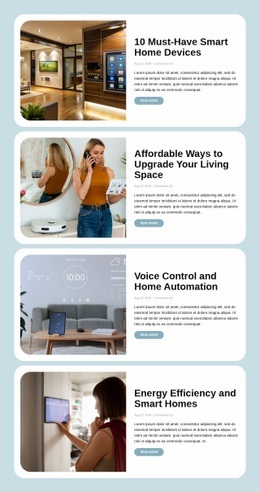
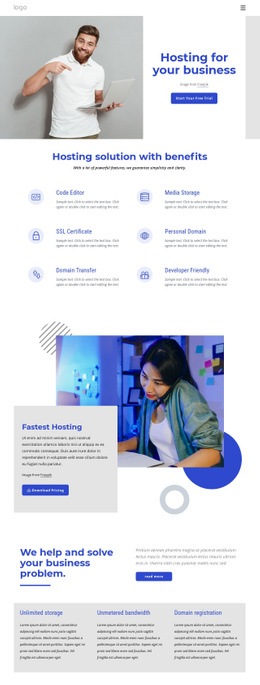
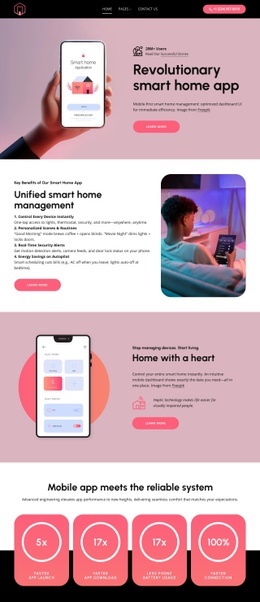

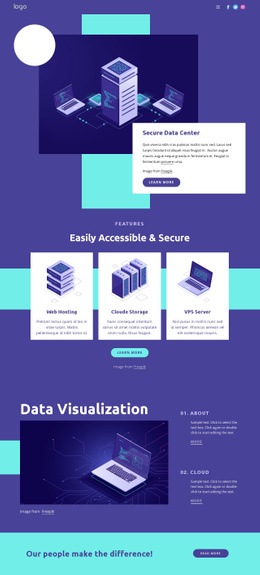

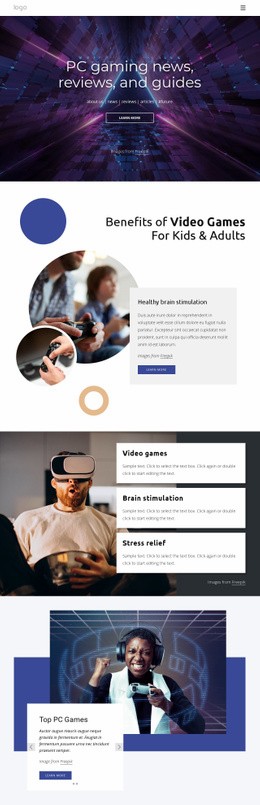


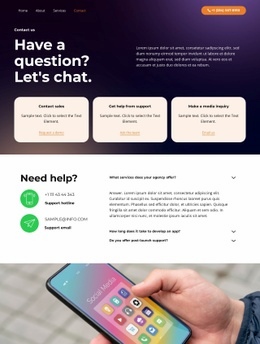
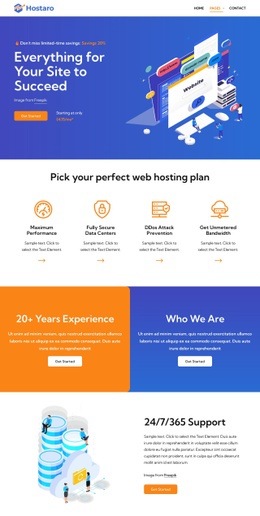


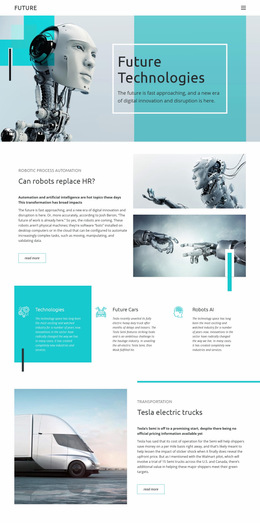
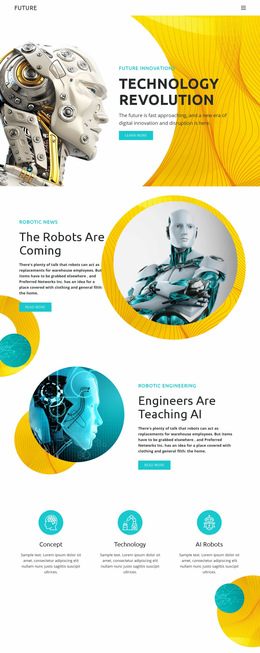
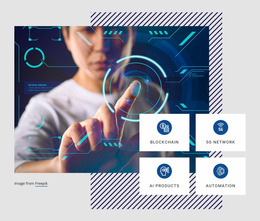
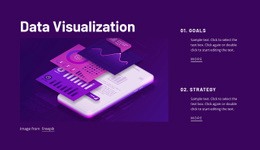
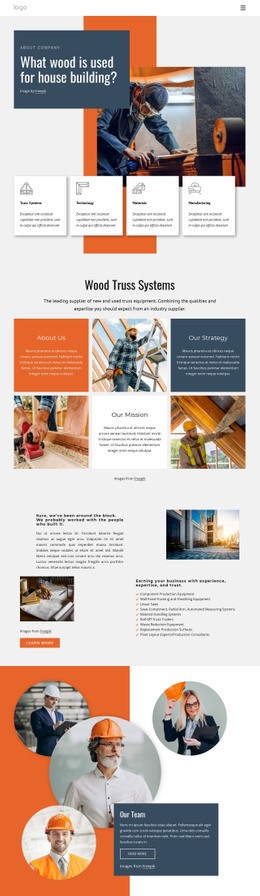
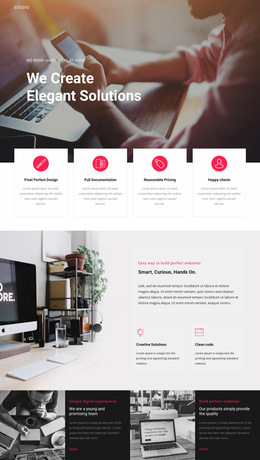
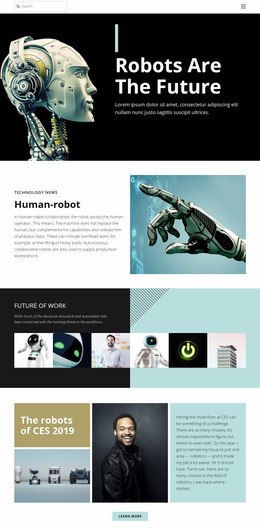

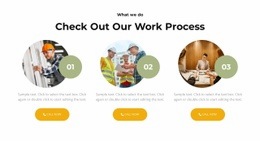
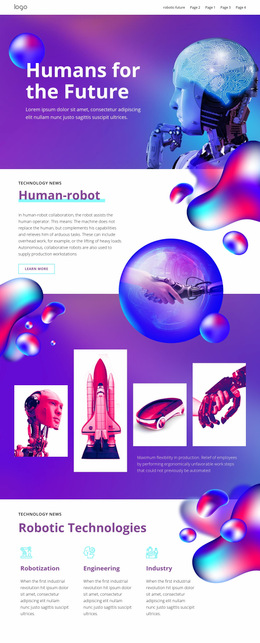
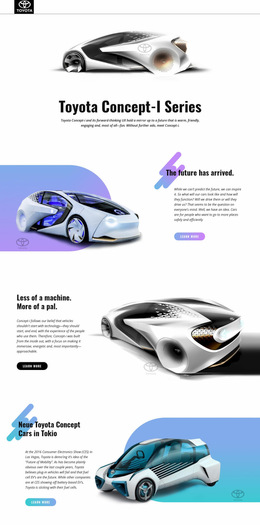
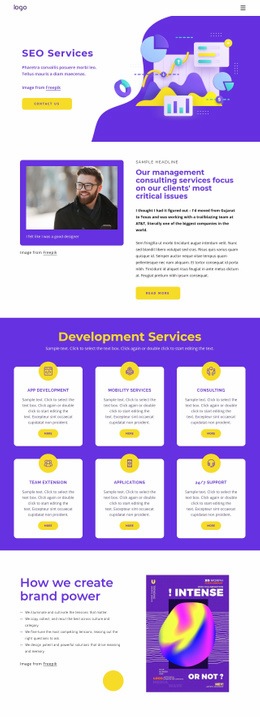




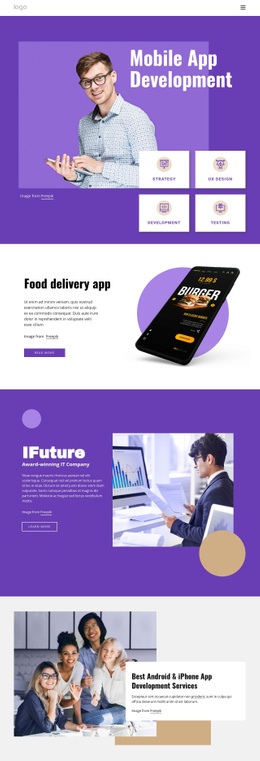













Unique Technology Web Page Design for Software and IT Brands
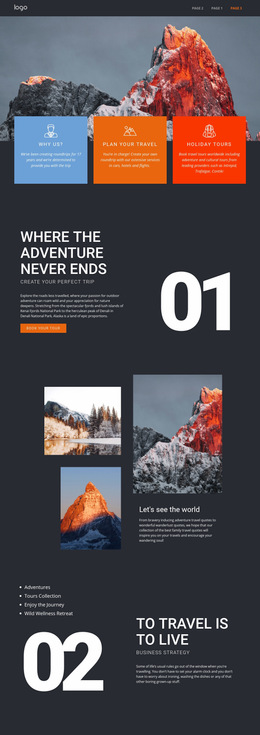
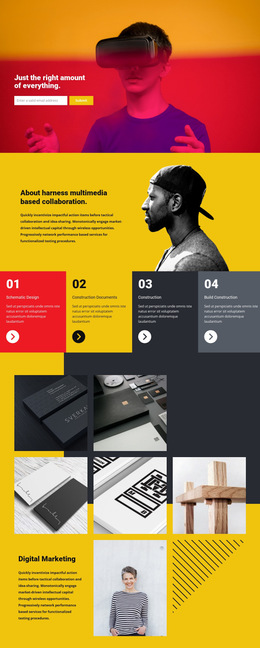
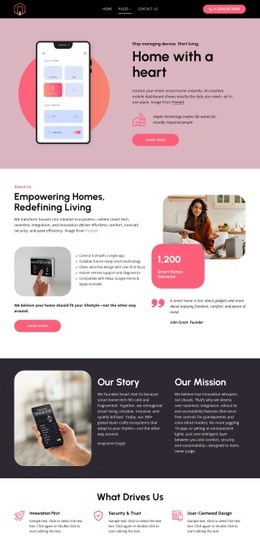
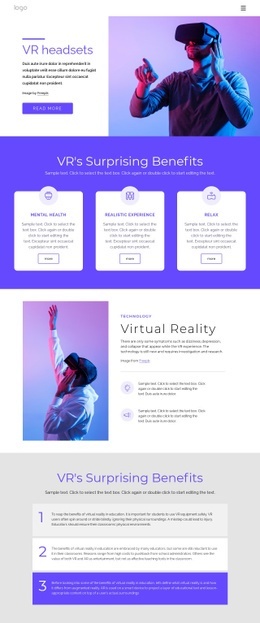
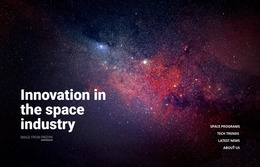
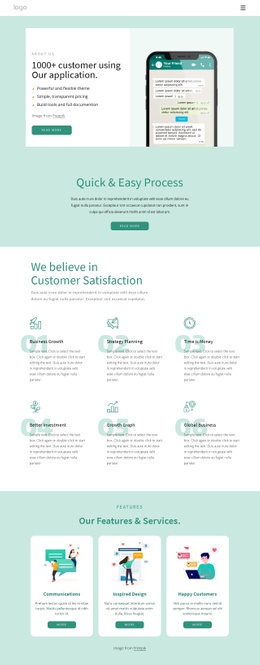
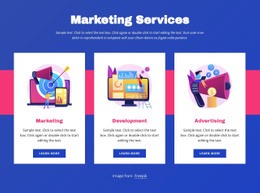
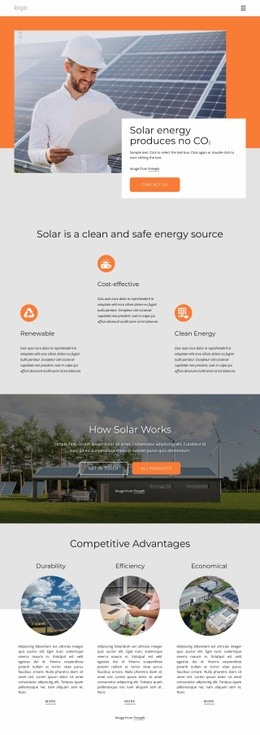
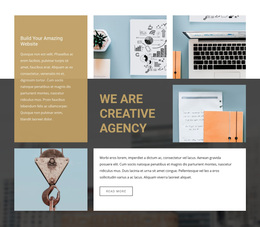
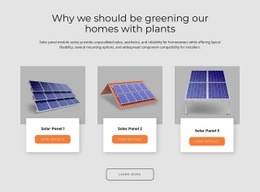
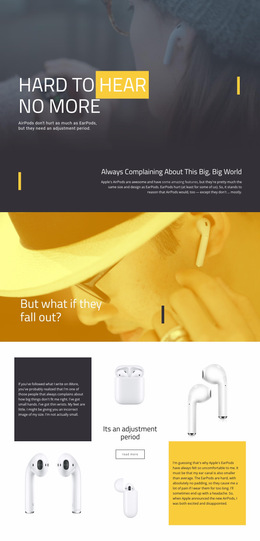
A successful technology web page has one job and a deliberate sequence for completing it. Product pages, feature pages, service pages, and comparison pages may use different content. Still, each needs a clear route from the hero and core promise to proof points, capabilities, technical details, and a final call to action. Technology web page design is therefore about the composition of an individual page, not the visual system of the entire site.
What Makes a Professional Technology Web Page Design?
A strong single-page composition starts by deciding what the visitor should understand first and what evidence they need before acting. A product page can open with a product promise, follow with interface proof and capabilities, then place specifications or implementation details closer to the CTA. A feature page may narrow the same pattern to one capability, while a comparison page can move proof and differentiators higher in the sequence.
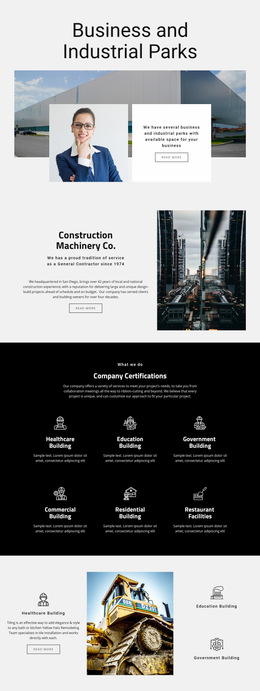
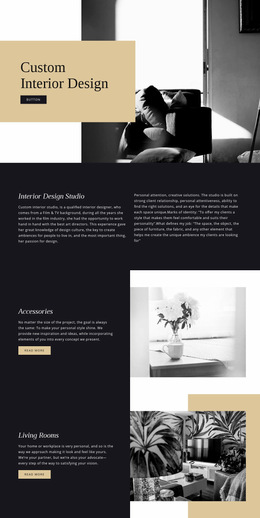
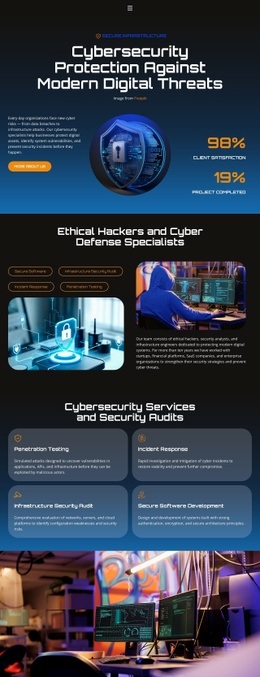
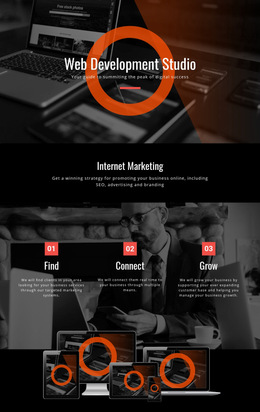
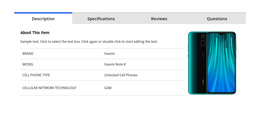
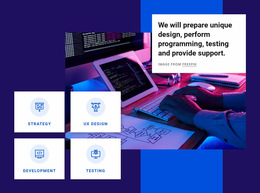
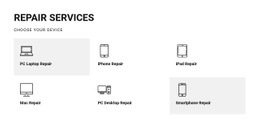
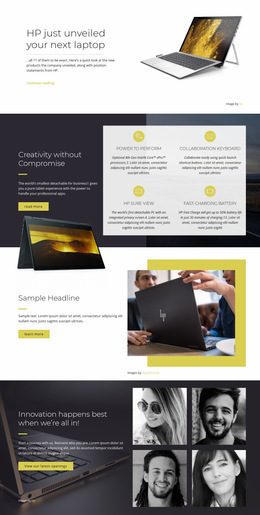
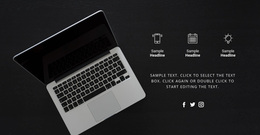
For computer products or technical equipment, a computer-focused design direction can help frame specifications, interface visuals, service details, and supporting content without turning the page into a dense specification sheet.
Nicepage lets teams choose a design concept and refine a single page inside the visual page editor. The Site Colors settings can keep that page visually coherent while you concentrate on section order, spacing, content density, and the relationship between product visuals and supporting copy.
Customizable Features for Better Technology User Flow
Page composition
- Grid Element: arrange product proof, interface captures, service cards, comparison points, or technical explanations in cells that adapt on smaller screens.
- Responsive Views: preserve the intended reading order when a hero, proof block, capability grid, technical section, and CTA move onto narrower screens.
- Animation Effects: apply controlled emphasis only where it helps visitors notice a product demonstration, result, or action.
Page-specific communication
- Elements: combine text, images, grids, buttons, and other page components; the element editing workflow supports moving, resizing, aligning, and arranging them on the page.
- Page-type fit: give a product page room for demonstrations and proof, a feature page more depth around one capability, a service page a clearer route from problem to scope, and a comparison page a scannable way to weigh alternatives.
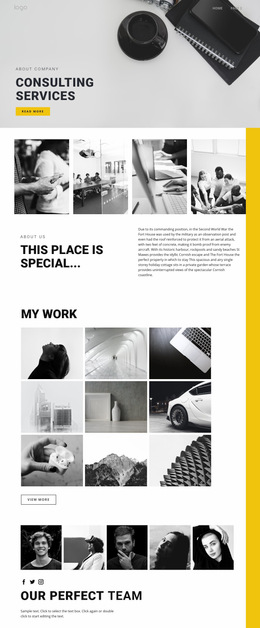
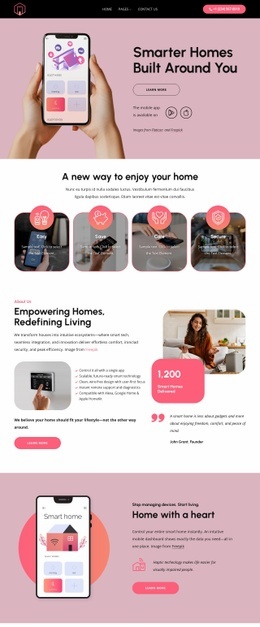
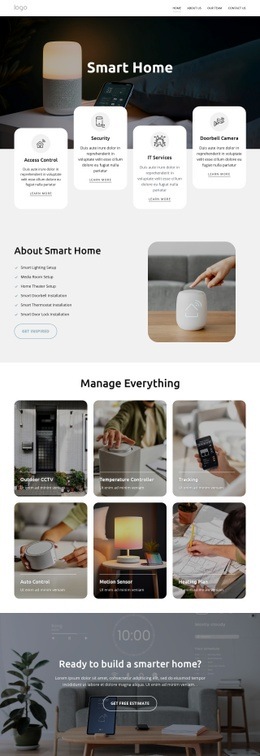
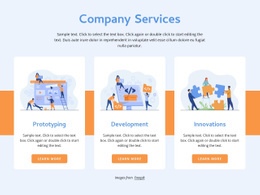
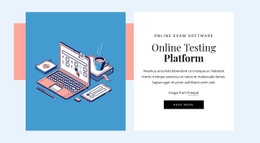
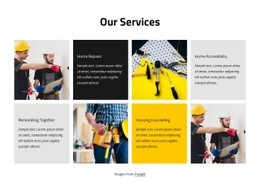
An IT support business can connect service scope, response options, and technical expertise through a maintenance-oriented page concept. For software distributed as an independent product, a standalone product direction can put greater emphasis on capability, interface, and product identity.
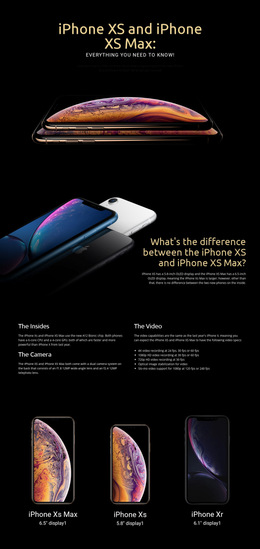
The sequence matters more than adding every possible block. Large screenshots can establish product context near the top; proof should appear before claims become too abstract, and technical details should sit close to the capabilities they clarify. The final CTA should feel like the next step in the same page story rather than a detached closing banner.
Simple Technology Web Page Design FAQ
How can typography support the hierarchy of a single technology page?
Use heading size, weight, and spacing, along with supporting text styles, to make the page sequence easier to scan. Nicepage Typography Styles and Responsive Modes let you adjust that hierarchy so a product promise, proof, feature detail, and CTA remain visually distinct on smaller screens.
Will animation effects automatically hurt SEO on a technology page?
No. Effects do not inherently harm SEO when media is handled efficiently, code remains clean, and important text stays accessible as HTML. Use motion selectively so it supports the product story rather than distracting from the content.
How can I keep technical feature sections readable on mobile?
Use the Grid Element to place related content in structured cells. Its cells stack one under another on smaller screens, making it useful for feature groups, service comparisons, interface explanations, and other technology content that must remain readable on phones.
Which technology page types benefit most from a dedicated layout?
Product, feature, service, and comparison pages often need different content priorities. A dedicated layout lets each page emphasize the proof, capability detail, technical information, and action that matter for that specific visitor task.
Free Control Without a Developer for Every Page Adjustment
Keep the design workflow in your own hands:
- Select a technology concept that matches the product or service.
- Adjust interface visuals, content hierarchy, responsive layouts, and branding in the visual design canvas.
- Publish online or prepare the supported export once the page structure is ready.
This approach lets product and marketing teams refine the user flow themselves without depending on a developer for every visual change.