Accordion Web Page Designs
-
-

-
-
-
-
-
-
-
-
-
-
-
-
-
-
-
-
-
-
-
-
-
-
-
-
-
-
-
-
-
Free Website Builder SoftwareDownload
-
-
-
-
-
-
-
-
-
-
-
-
-
-
-
-
-
-
-
-
-
-
-
-
-
-
-
-
-
-
-
-
-
-
-
-
-
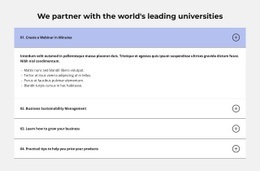




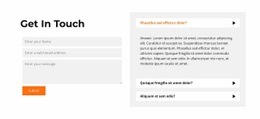
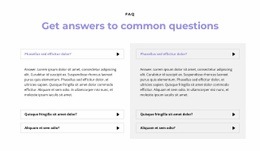
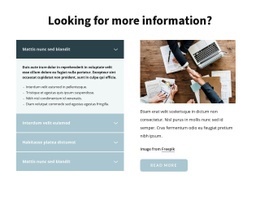













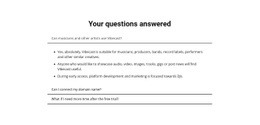
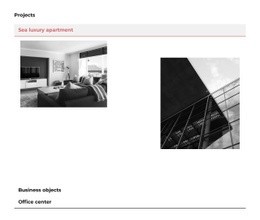
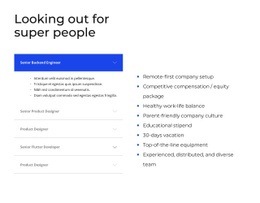

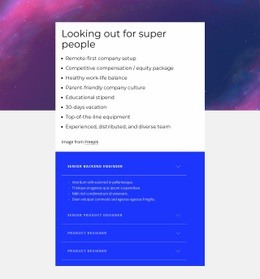

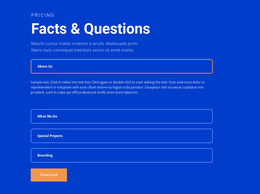
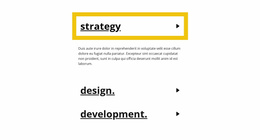

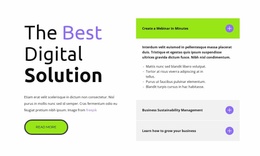
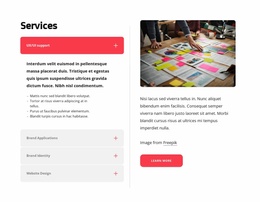






















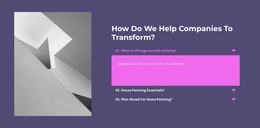
Clean Accordion Web Page Design for Single-Page Content Hierarchy
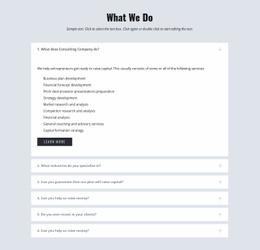
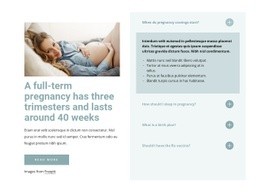
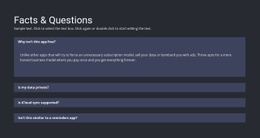
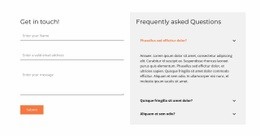
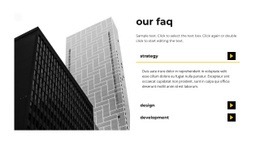
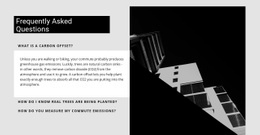
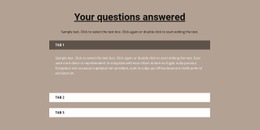
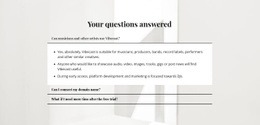
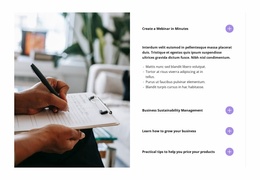
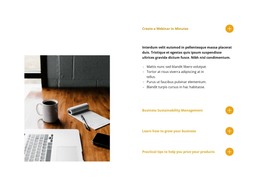
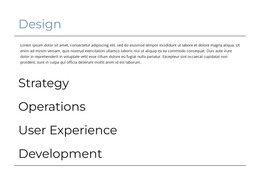
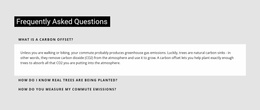
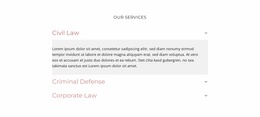
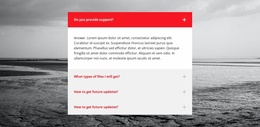
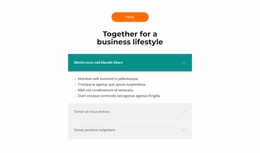
A well-placed Accordion Web Page Design section controls how much detail enters the page at one time. Visitors scan a vertical sequence of headings, open selected panels, and continue through the surrounding content without confronting every explanation at once. For page composition, the key question is how that expandable stack fits the hierarchy and rhythm around it.
How Do Expandable Panels Fit a Web Page Layout?
Keep the Accordion useful by checking three essentials:
- Clear headings that can be scanned before opening a panel.
- Related bodies that deliver the detail promised by each heading.
- Predictable expand/collapse behavior throughout the vertical stack.
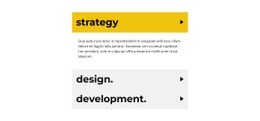
An Accordion combines visible item headings with content bodies that appear when visitors expand them. Several items form one vertical stack, creating a compact section that can hold detailed material without making every paragraph permanently visible.
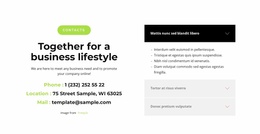
Within an individual page, that stack needs a clear relationship with the section immediately above and below it. An intro → Accordion → CTA sequence creates one rhythm; a content section → Accordion → next content block creates another. Opening a long panel can extend the page substantially and change how quickly visitors reach the next section.
Treat the Accordion as one component of the page composition rather than an isolated interaction.
Build a Minimal Accordion With Clear Visual Hierarchy
The Nicepage Accordion feature provides the defining expand/collapse pattern. When adapting a block, use its structure to establish an obvious order between item headings, revealed bodies, and the surrounding section.
Heading hierarchy should make each collapsed item understandable before interaction. Panel spacing should separate items without breaking the visual connection between them. Body length should justify hiding the detail in the first place. Section width and alignment should relate naturally to neighboring content rather than looking like a detached widget.
These decisions affect page design because the Accordion changes both visual density and vertical rhythm when panels open. A tall expanded body can shift the next section far down the page, so width, alignment, whitespace, and visual weight should be judged in both collapsed and expanded states.
Balance the Accordion With Adjacent Page Sections
Web Page Design focuses on one page and its internal relationships. For Accordion, that means considering where the stacked panels begin, how much visual weight they carry, and what visitors encounter immediately after them.
If the preceding section introduces a topic, the Accordion can hold secondary explanations without repeating the same hierarchy. If the following section asks users to continue to another task, the final Accordion items should not become so visually dominant that they interrupt the transition.
This differs from Website Design, where the concern is keeping the same Accordion interaction recognizable across multiple pages. Here the focus stays local: what sits directly before and after this Accordion, and how opening it changes this specific page.
Accordion or Tabs for Compact Page Content?
A common design mistake is choosing an interaction only because both options hide content.
Accordion works as a vertical scan-and-reveal sequence. Visitors can move down the headings in reading order and expand details where needed.
Tabs organize parallel views inside one shared area. Persistent tab controls let visitors switch between content groups instead of moving through a vertical stack.
For pages where information has a natural top-to-bottom sequence, Accordion often preserves that reading flow more clearly. When the content represents parallel categories or alternate views, Tabs may provide a stronger structural model.
Accordion Web Page Design FAQ
How many items should an Accordion section contain?
There is no universal number. Use enough items to create meaningful content groups, but avoid splitting material into many tiny panels so the section looks compact.
Should Accordion panels be used for very short text?
Not automatically. If a detail is short and important to the page hierarchy, keeping it visible may create a clearer reading flow than adding another expand action.
How is Accordion different from Tabs in page composition?
Accordion follows a vertical sequence of expandable items. Tabs place parallel content panels in one shared area and use persistent controls to switch between them.
What changes when an Accordion panel opens?
The section becomes taller, so expanded bodies affect vertical rhythm and the transition to content below. Review the page in both collapsed and expanded states.
Should the Accordion match adjacent section widths?
It should relate naturally to the surrounding composition. Exact widths can differ, but alignment and spacing should make the section feel integrated into the page.
Fit the Accordion Into the Page Composition
Choose an Accordion block whose item count and proportions suit the surrounding layout, then adapt its headings and content in the Nicepage editor. Review spacing, panel density, and transitions to adjacent sections so progressive disclosure supports the page hierarchy instead of interrupting it.