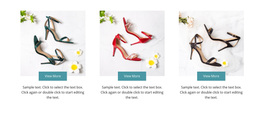
950 Sports Web Page Designs
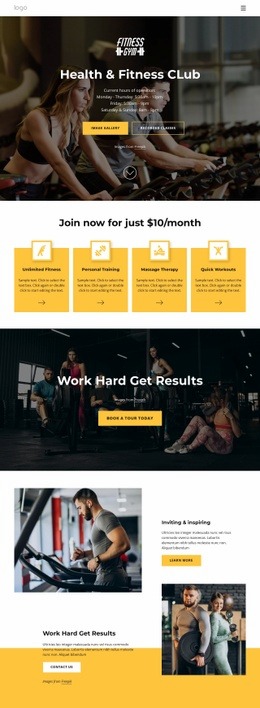
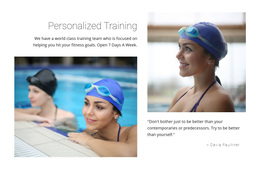
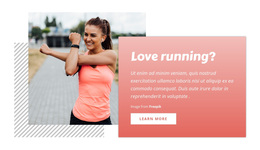

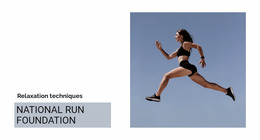






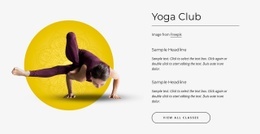


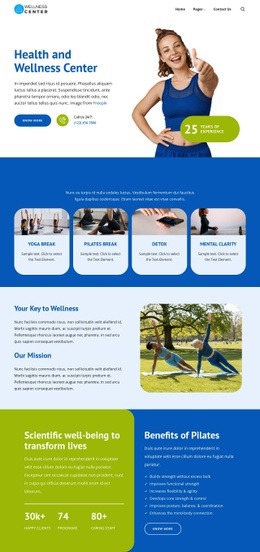















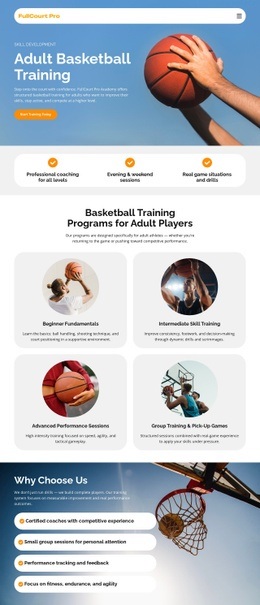
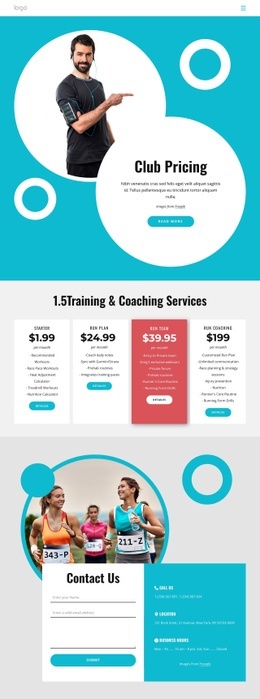
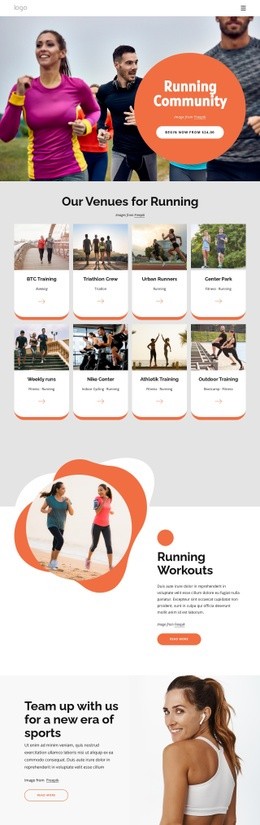
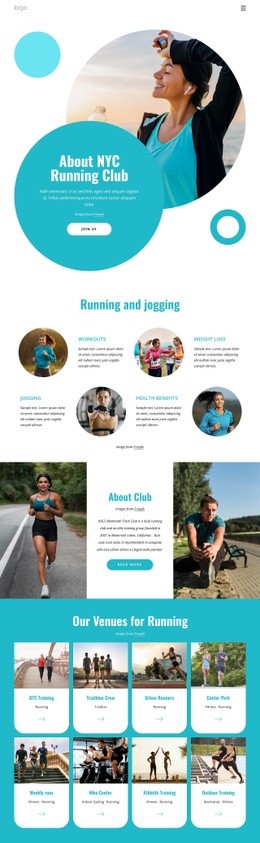




Stunning Sports Web Page Design for Clubs and Active Brands
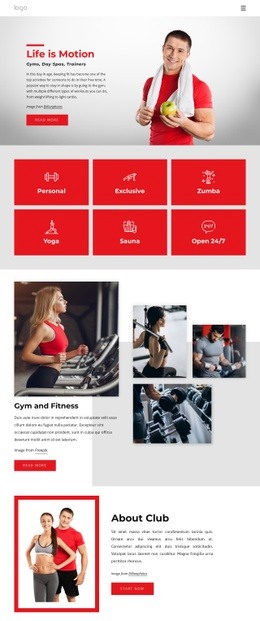
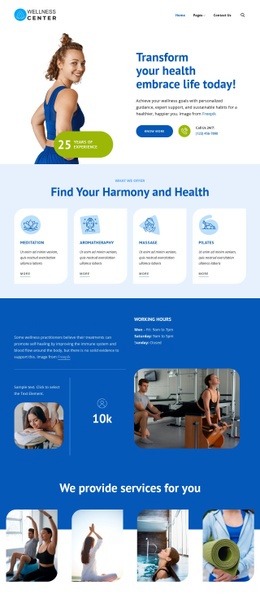
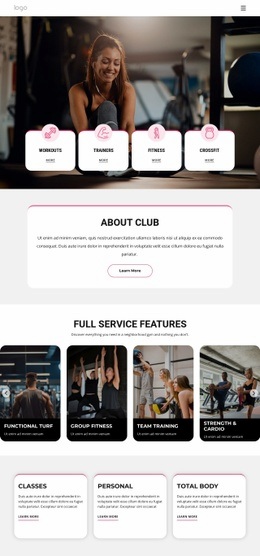
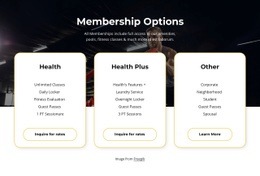
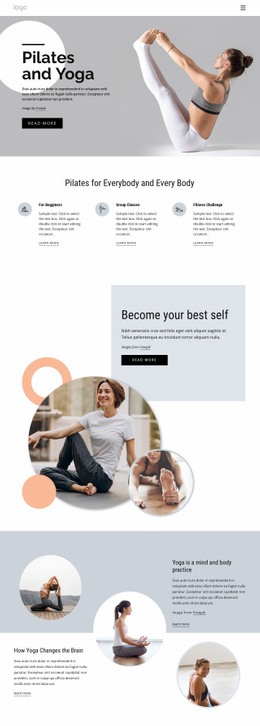
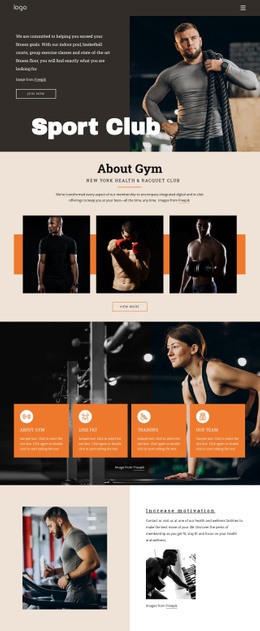
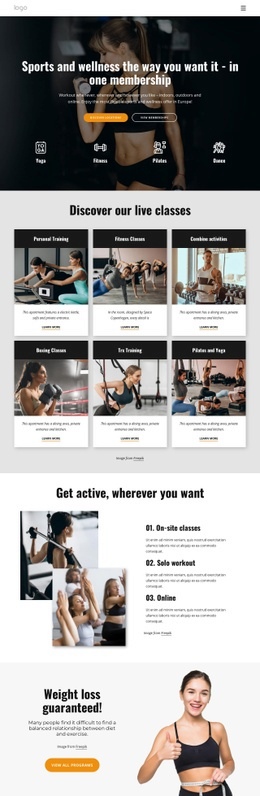
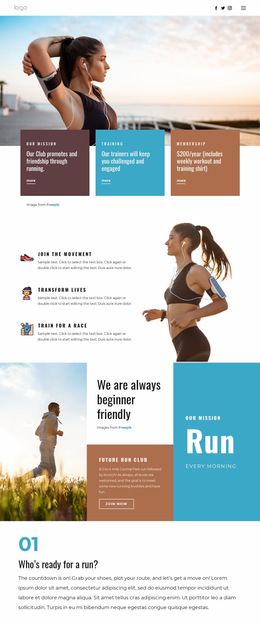
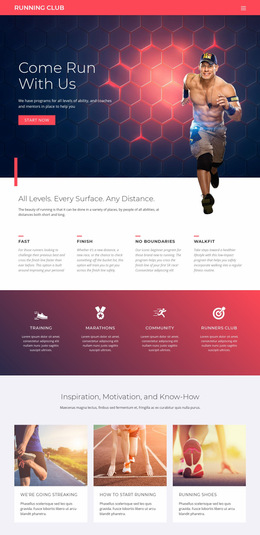
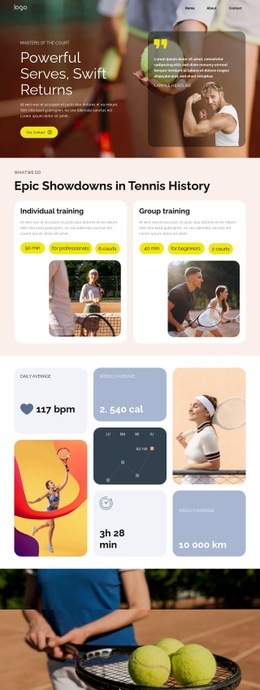
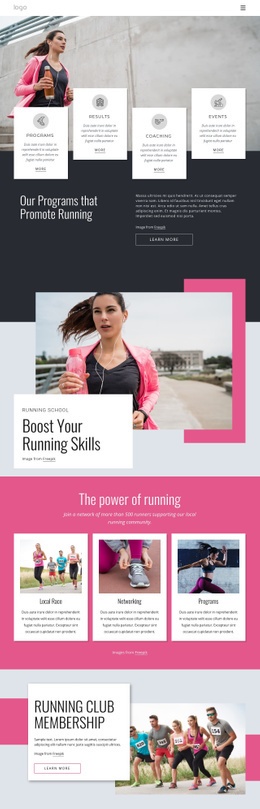
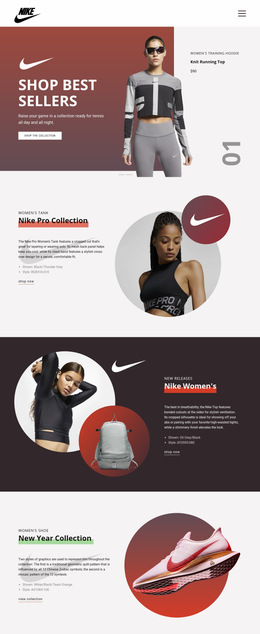
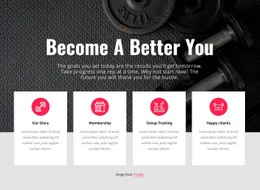
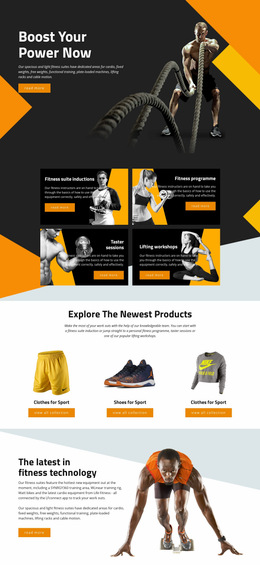
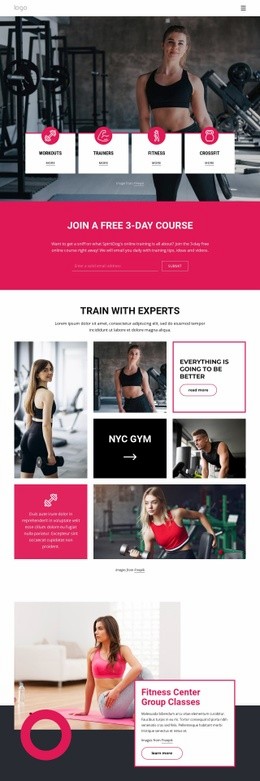
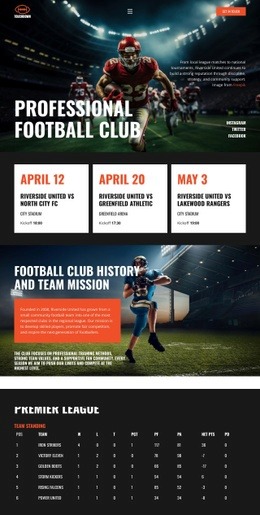
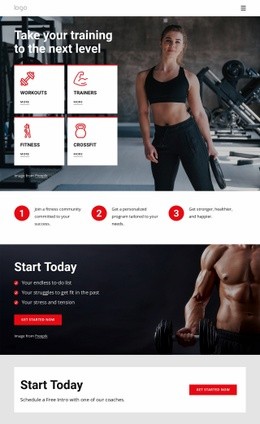
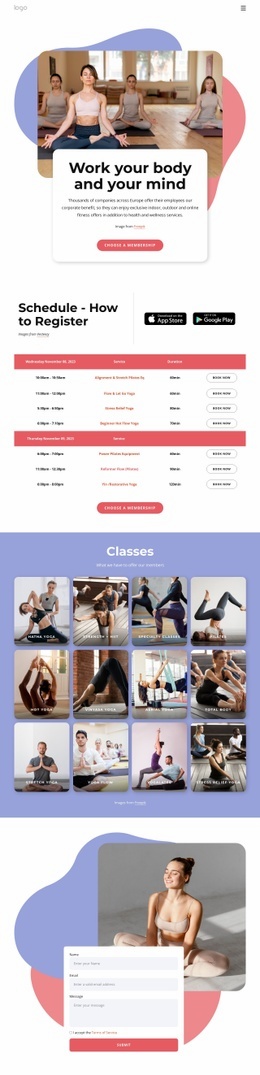
Sports web page design is about making one specific page do its job well. A club may need an event page with a ticket CTA, a fixtures page with dates and opponents, a roster page with player cards, or a results page with score blocks and match summaries. Coaches and fitness studios may instead need a focused program or schedule page. The composition should support the single-page purpose without trying to define the visual system for the whole website.
Which Sports Page Are You Designing?
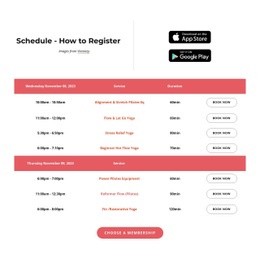
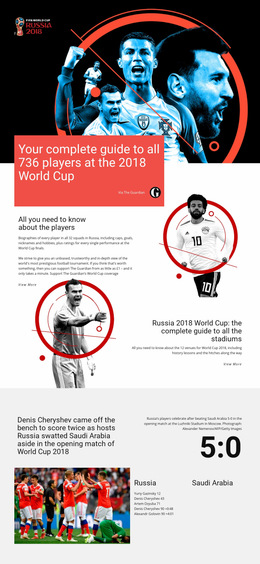
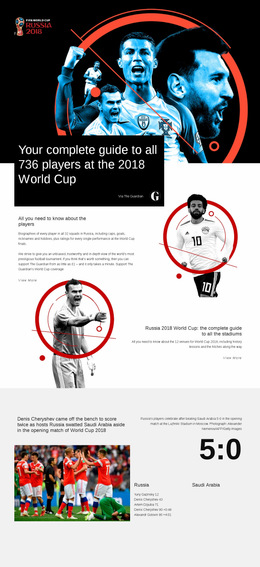
Start from the page type. An event page can lead with the event name, date, venue, featured athletes, and a ticket or registration action. A roster page needs scannable player profiles and positions. A schedule page benefits from compact fixture rows, filters, and clear date grouping, while a result page can prioritize the score, opponent, competition, and recap content.
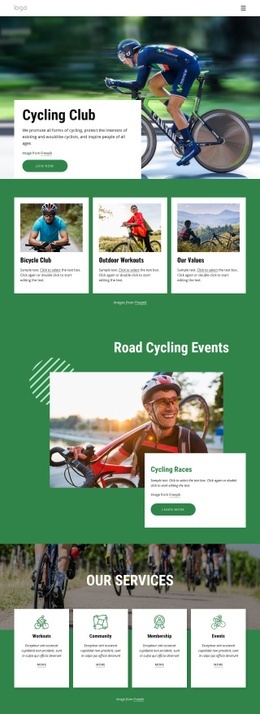
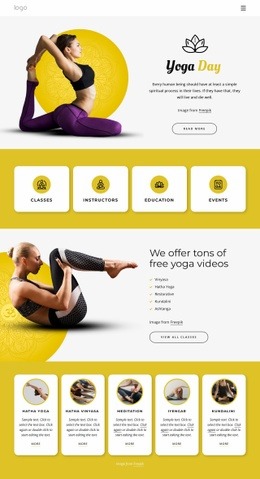
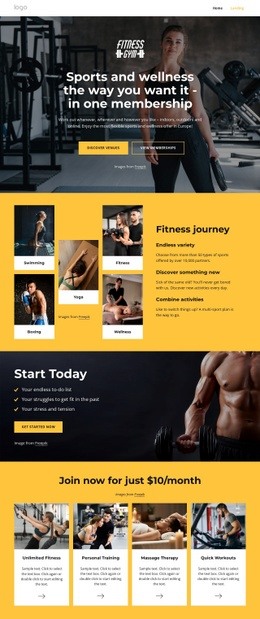
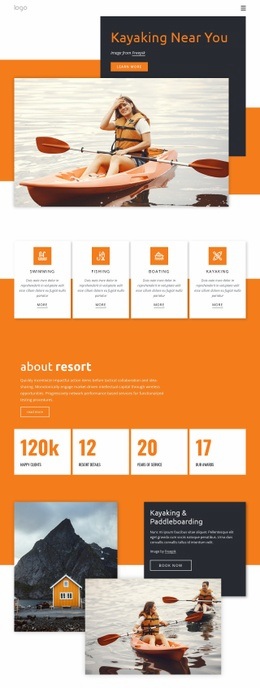
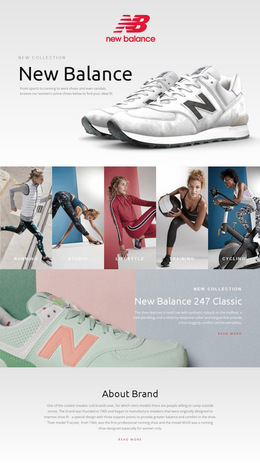
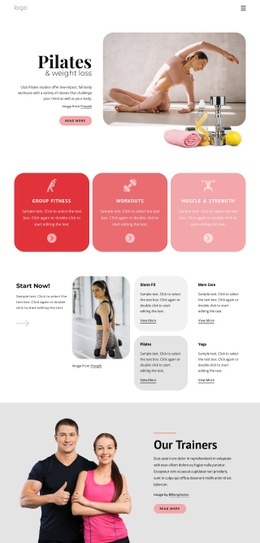
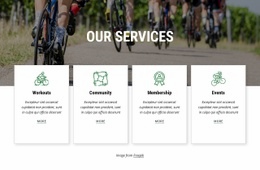
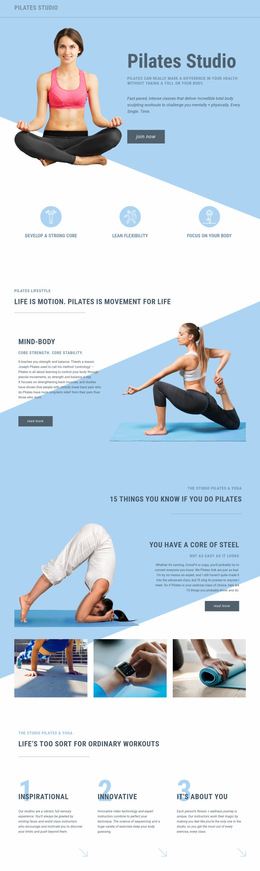
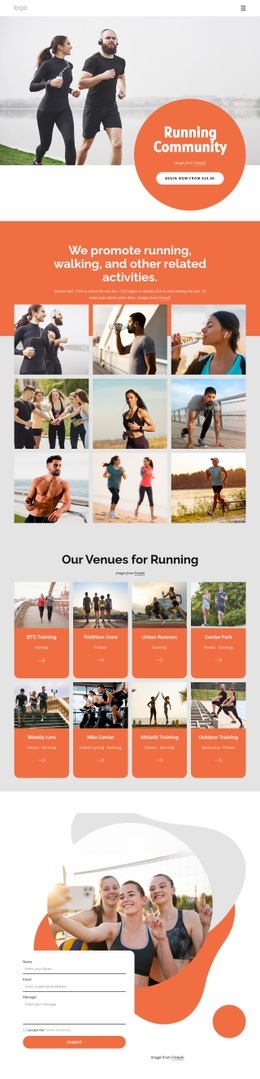
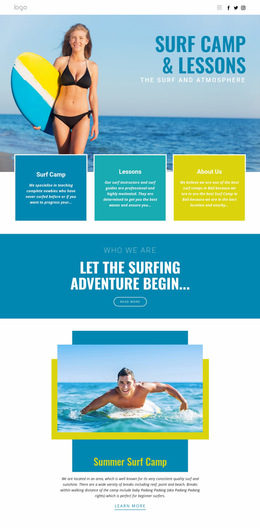
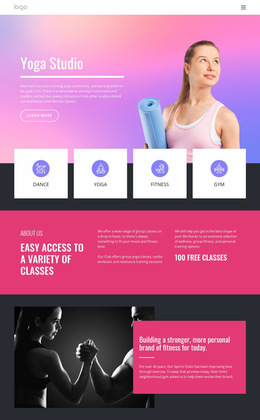
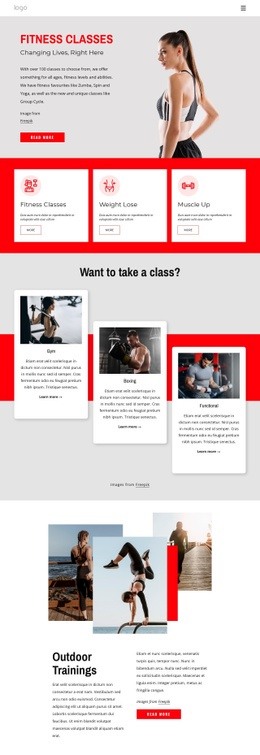
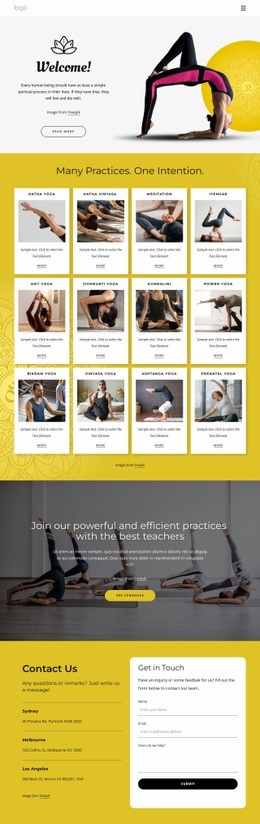
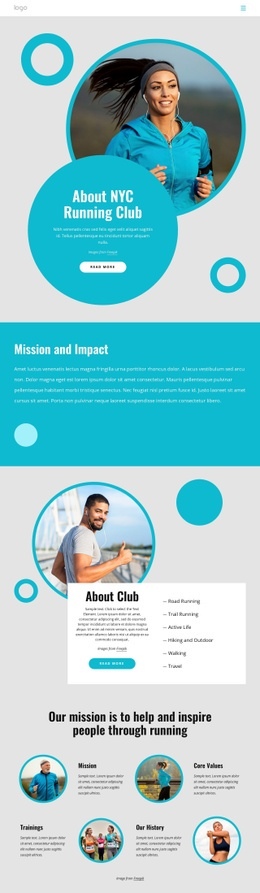
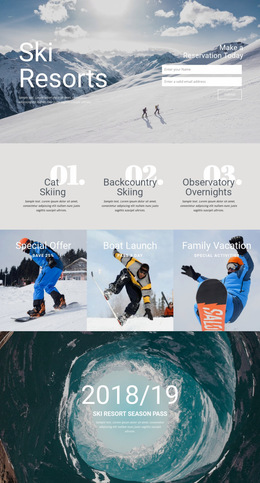
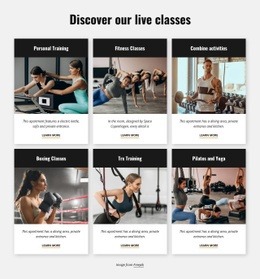
Different sports still call for different page rhythms. An adventure or recreation project can reference activity website ideas for activity offers and booking sections. At the same time, cycling businesses may use bicycle-focused layouts when a route, race, or event page requires equipment imagery and practical details in a single composition. The same page-level approach also works for a coach profile, a training-program page, an activity or service page, or a focused class overview where credentials, benefits, schedule details, and one clear next action need to share the same composition.
Page-Level Elements for Fixtures, Rosters, and Events
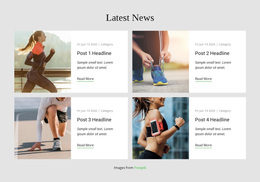
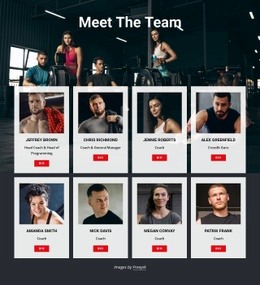
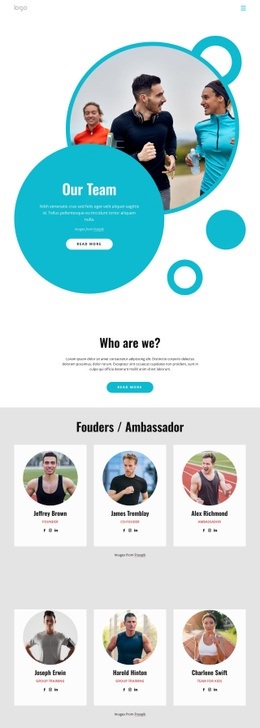
Page-level components should match the information visitors came to find. Use Grid Repeater for roster cards, match cards, event sessions, or coach profiles. A Gallery Carousel can support an event recap or athlete feature without taking over the page. The Site Colors controls can keep the page aligned with existing club colors, but the main design decisions should stay focused on the page itself.
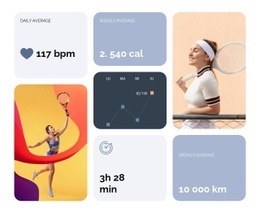
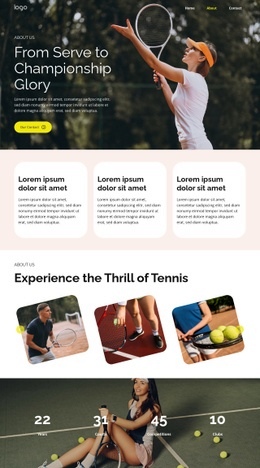
For fixtures and results, keep score blocks compact and easy to scan. For event pages, pair the date, venue, program, and ticket or registration CTA in a clear sequence. For roster pages, let portraits, names, roles, and short stats form the repeated pattern. Responsive Modes help these dense sports details remain readable on phones. A golf project, for example, can draw page-specific cues from golf website concepts for tournaments, tee times, or membership events.
Mobile-friendly Visual Balance for Sports Content
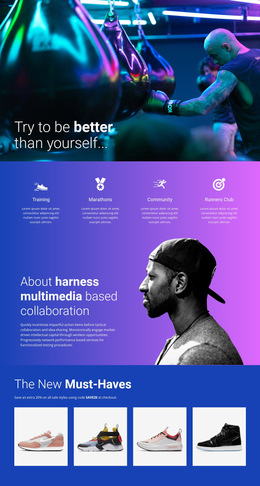
Common Mistake: a dramatic action photo can dominate the screen while the fixture, score, roster details, or ticket action becomes secondary. The Fix: Give the primary page task the strongest position, then use imagery and interaction as support. The documented Animation On Hover can add emphasis to a player card or event tile when it improves scanning without obscuring the core information.
Easy-to-use Sports Web Design Questions
What should appear first on a sports event page?
Lead with the information visitors need to act: the event name, date, venue, key participants, and a visible ticket or registration CTA. Supporting imagery can follow once the page purpose is clear.
How should a fixtures or results page stay easy to scan?
Group matches by date or competition, keep opponents and scores visually compact, and use repeated rows or cards so visitors can compare several fixtures or results without reading long text blocks.
Do I need coding skills to arrange advanced sports page layouts?
For most projects, no. Nicepage provides visual tools for advanced layouts and effects without coding. Development help may still be appropriate for complex non-standard logic.
How can I keep repeated activity or coach cards visually consistent?
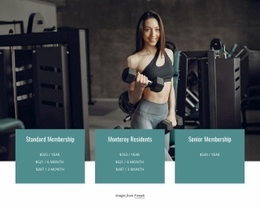
Use the Grid Repeater Element. Design the elements, styling, and positioning for one item, then use the repeated structure for other coaches, classes, activities, or team members while changing their individual text and images.
No-Code Route to a Sports Page That Is Ready Faster
Shape a sports page without rebuilding every section from scratch: - Choose the page type first: event, fixtures, roster, results, schedule, or program. - Arrange the sports-specific information and CTA around that one purpose. - Check the mobile version, then publish online or prepare the required output.
You can start for free and move from a design concept to a polished sports presence with a single visual workflow.