550 Group Web Page Designs




















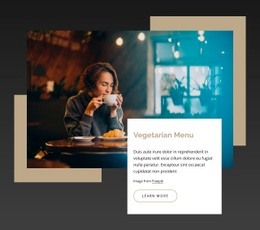

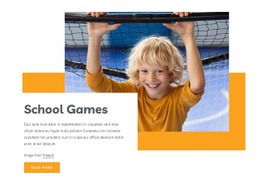


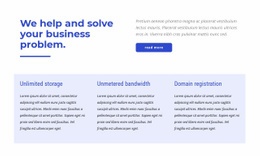
















































Responsive Group Web Page Design for Focused Page Types
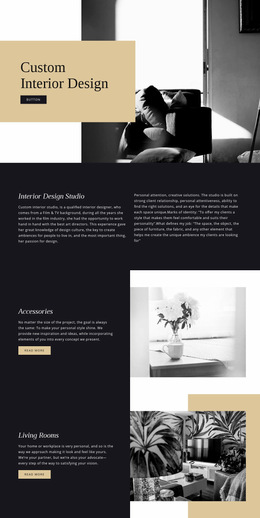
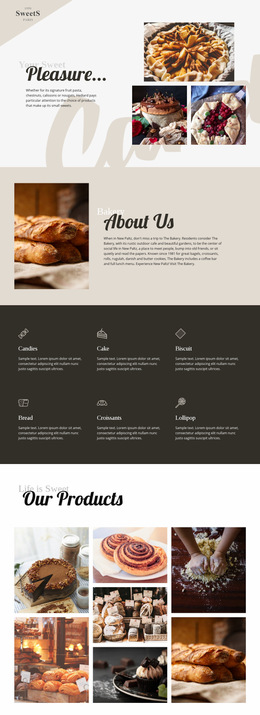
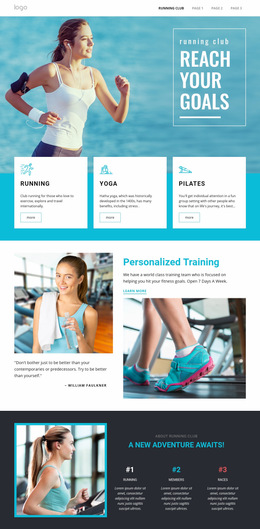
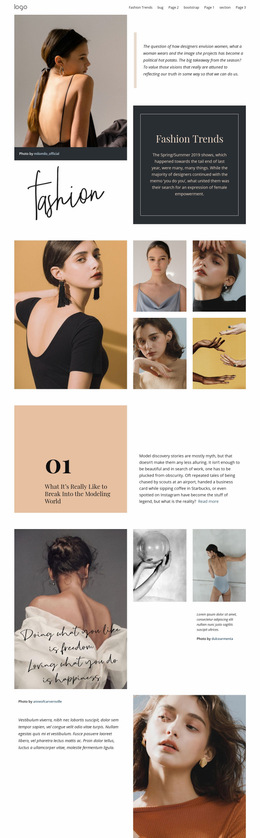
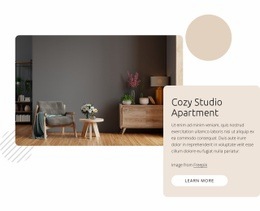
Design one group page around one clear task. An event page, profile page, chapter page, program page, directory, or location page needs its own content order, spacing, imagery, and actions rather than a miniature version of the entire website.
Choose the Page Type Before You Build the Layout
The strongest composition starts with the page's purpose.
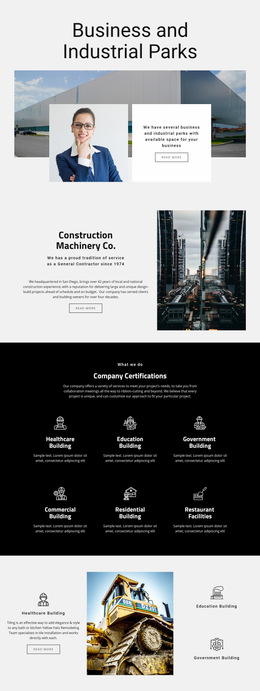
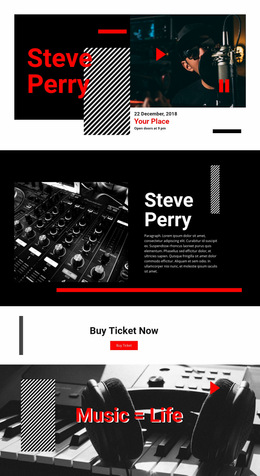
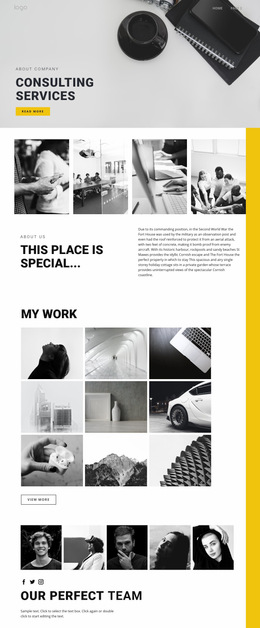
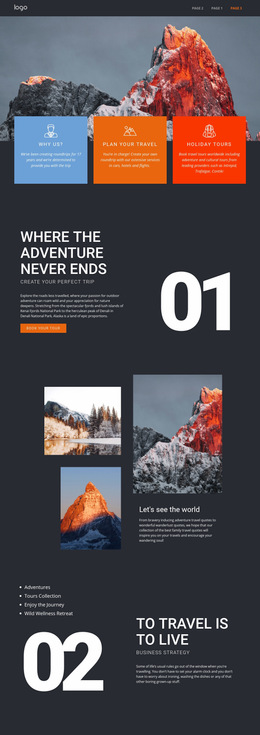
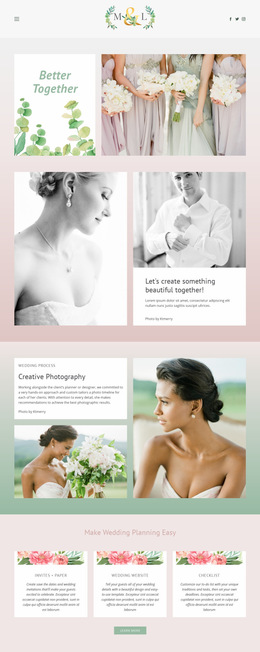
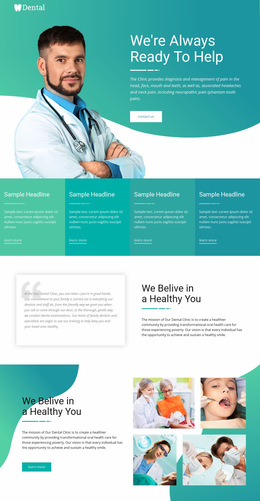
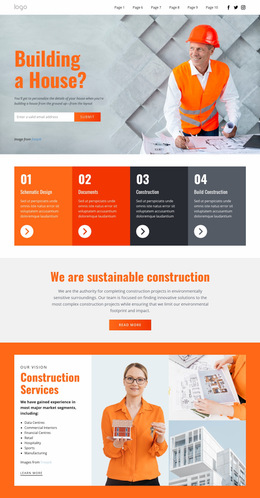
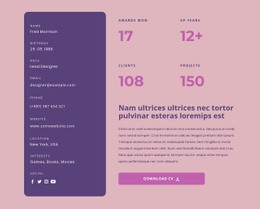
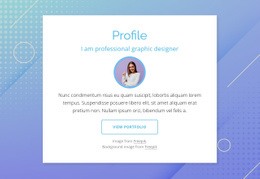
An event page can lead with the event name, date, location, and participation action, followed by schedule details or supporting information. A member or leader profile can prioritize portrait, role, biography, expertise, and a relevant contact path. A chapter or branch page may need local details, address information, responsible people, and current activities. A program page can explain the offer, eligibility, process, and next step. A directory page needs scanning efficiency more than long-form storytelling.
These are page-level decisions. Global brand rules, the complete site architecture, and overall navigation strategy belong to the wider website design system rather than to one page composition.
Page-Level Tools for Group Content
Nicepage tools can help shape the reading order without forcing every page into the same arrangement.
- Grid Columns provide alignment guides for headings, images, profile cards, and actions. The Grid Columns controls support precise element alignment.
- Move Blocks changes block order through the Page Navigator so an event, profile, or program page can follow the sequence that best matches its content.
- Resize Elements uses draggable markers and magnetic guides to refine proportions between images, text, and actions.
- Hide On Devices removes selected elements, boxes, grid cells, or blocks from specific responsive views without deleting them.
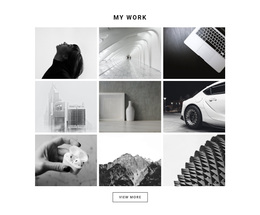
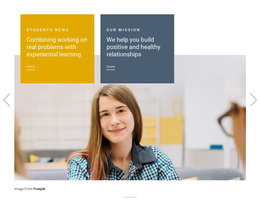
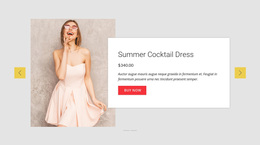
- Gallery Carousel Element can keep supporting images inside one interactive area instead of extending the page with a long photo sequence.
- Button Styles help distinguish the primary page action from secondary links.
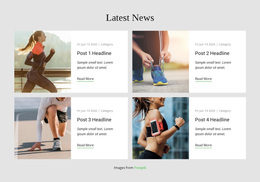
- Grid Element can organize repeated content when a single page contains several speakers, locations, sessions, contacts, or related items.
For broader element editing, the Use Elements workflow covers how to add, move, resize, align, and arrange elements in the editor.
Match the Composition to the Page Goal
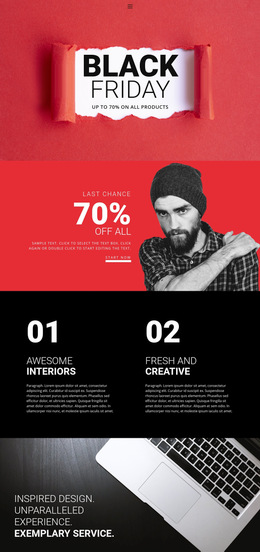
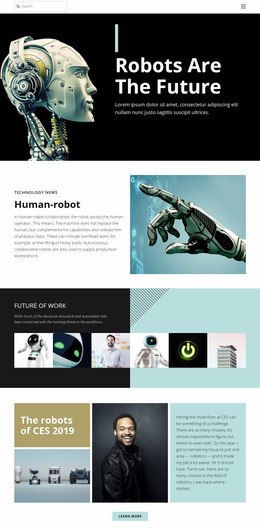
Do not force the same hero, card grid, and CTA pattern onto every page type. A directory should optimize scanning. A profile page can use more vertical storytelling. A local branch page may need address and contact information near the top. An event page should keep time-sensitive details visible without making visitors search through unrelated background content.
The page can inherit colors and typography from the larger site, but its internal composition should solve the immediate task.
Group Web Page Design Questions
Should Every Group Page Use the Same Layout?
No. Shared visual rules can keep pages related, but the internal composition should reflect the page type. An event, profile, directory, program, and location page usually need different information priorities.
How Can I Align a Directory or Profile Section?
Use Grid Columns as alignment guides for headings, images, cards, and actions. They help maintain a controlled rhythm without forcing the entire page into a rigid, repeated structure.
Can I Change the Block Order for Mobile Visitors?
Yes. Use Responsive Modes together with layout controls to review the page on smaller screens. Where the page structure requires it, adjust content order so the most important information appears in a useful sequence.
When Should I Use a Gallery Carousel on a Group Page?
Use it when several supporting images are relevant but should not dominate the page length. It can work well for event photos, project examples, branch interiors, activities, or supporting visual context.
Design One Group Page Around One Clear Task
Select the page type first, place the essential information in a logical order, then refine spacing, imagery, repeated content, and the main action. Nicepage lets you reshape the composition in the visual design canvas, review it across responsive modes, and publish or prepare the supported output when the page is ready.