530 Education Web Page Designs



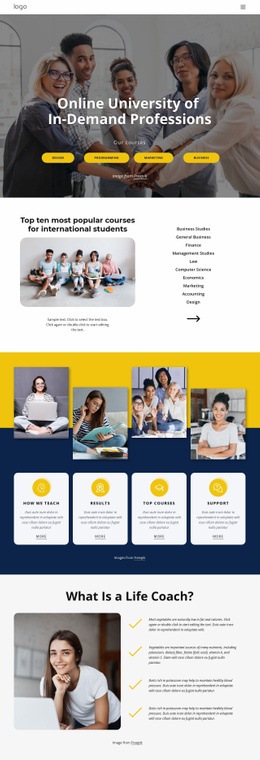
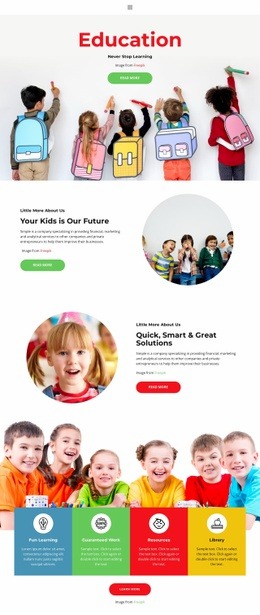
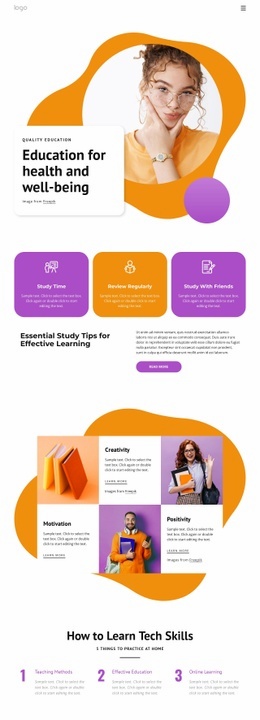


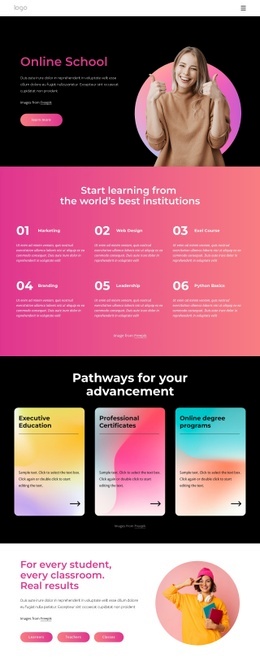





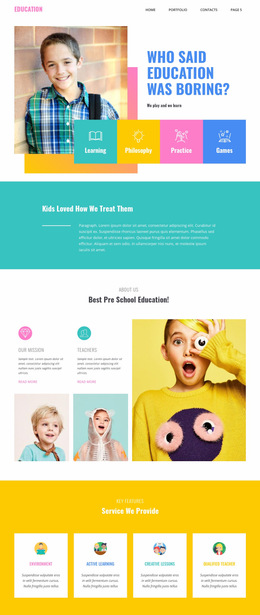
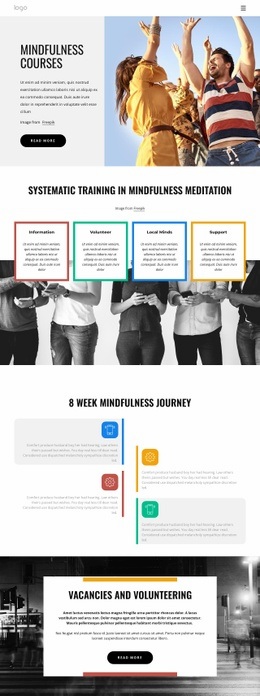
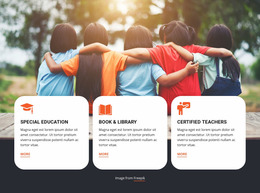
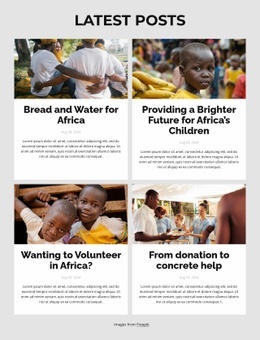



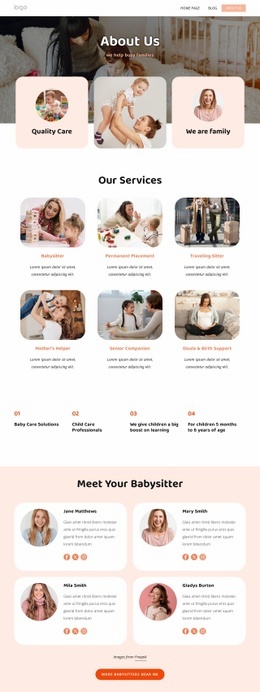
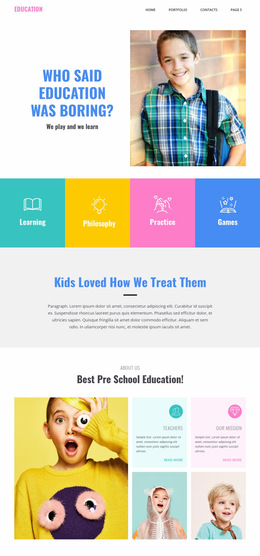

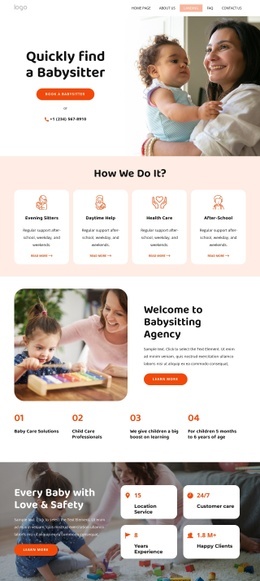
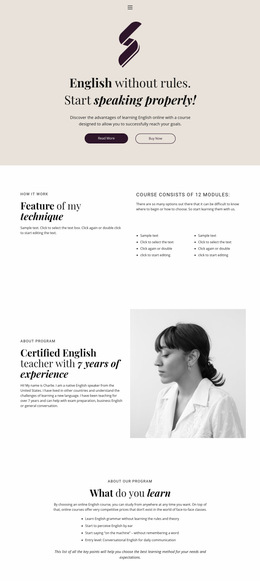

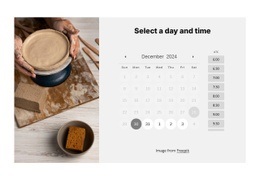
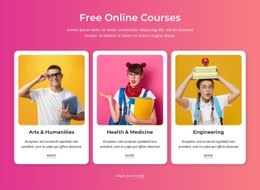


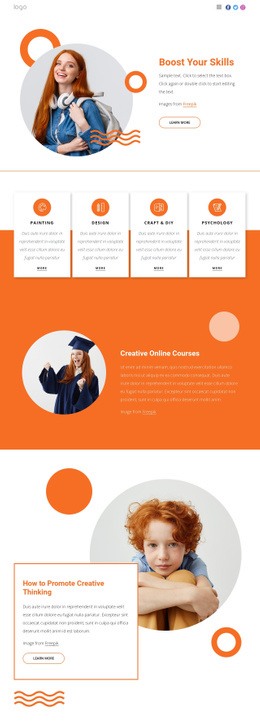




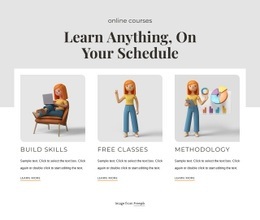











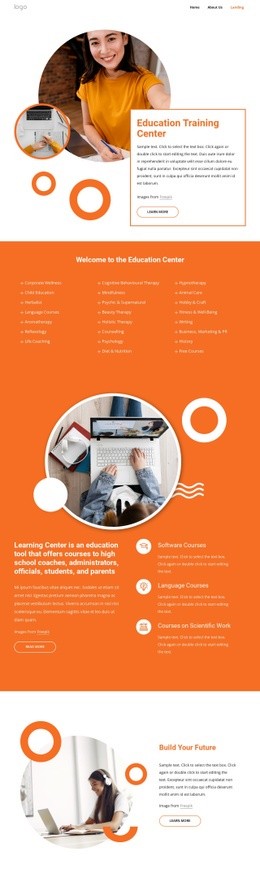
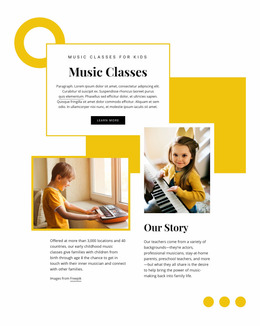

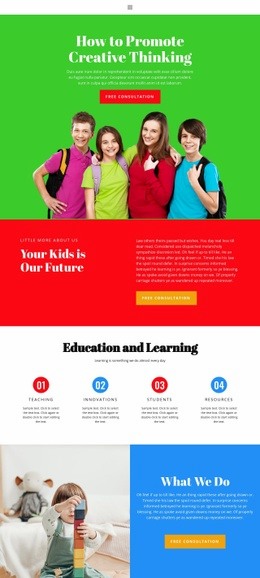
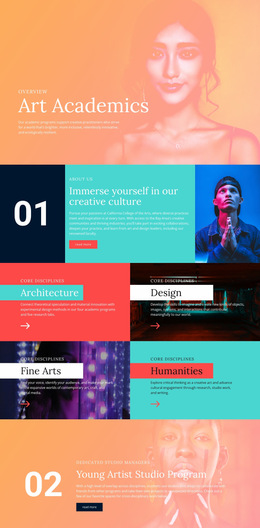


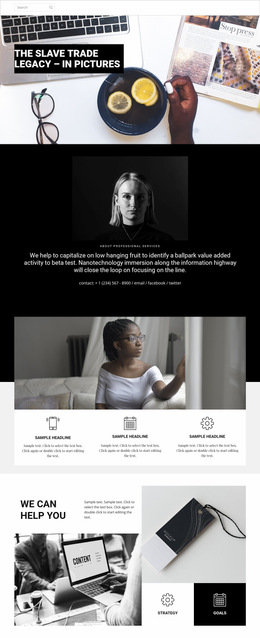

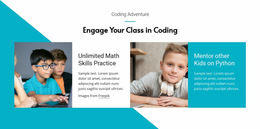

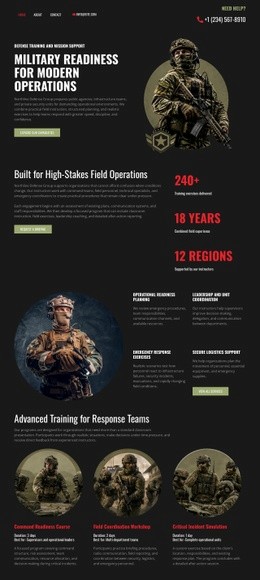


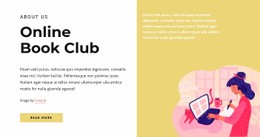


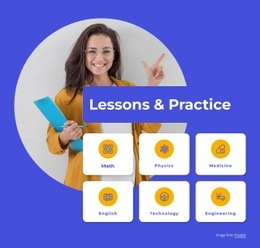
Creative Education Web Page Design for Clear Learning Paths
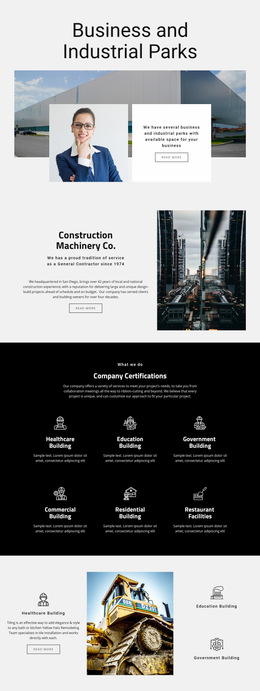
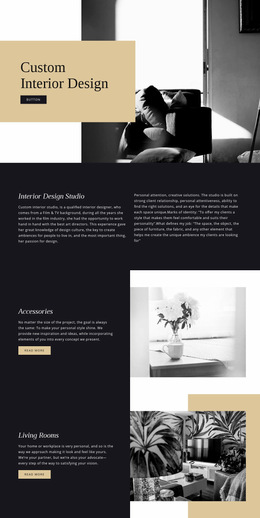
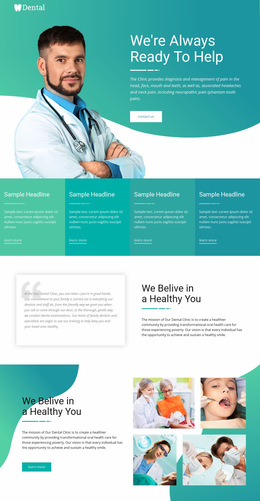
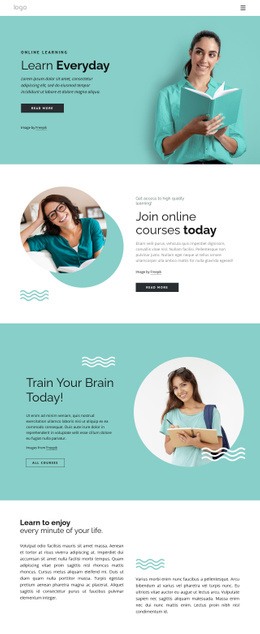
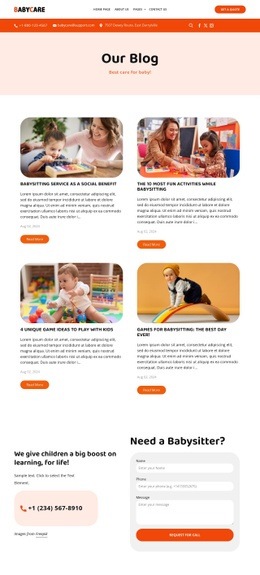
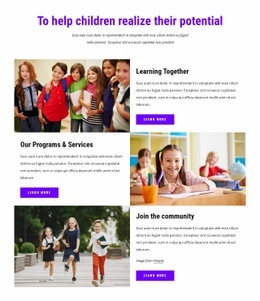
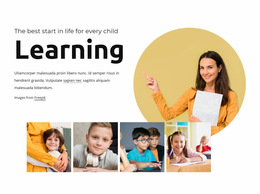
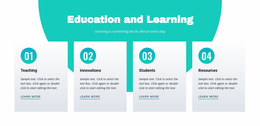
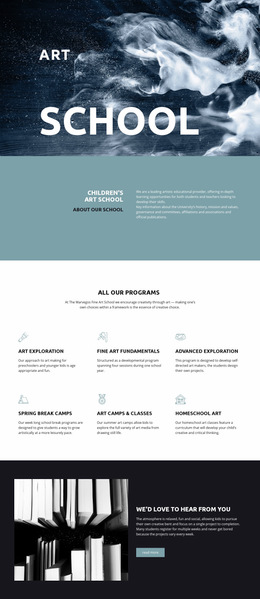
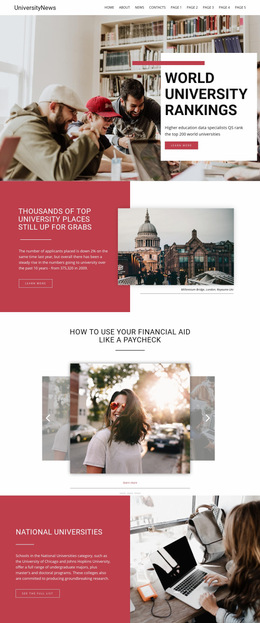
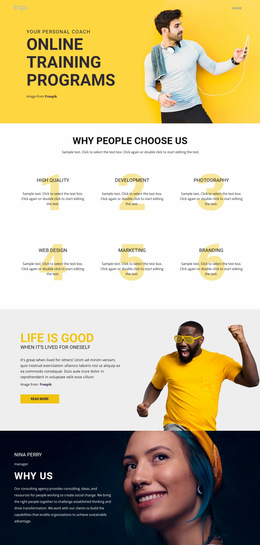
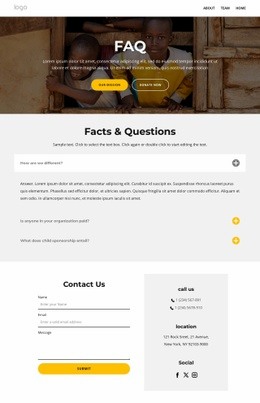
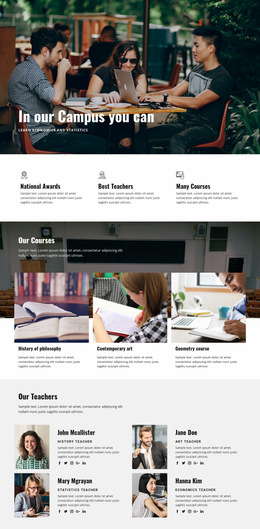
Education web page design is most useful when a school or learning project needs to solve a specific page-level problem. A course page, faculty profile, admissions page, resource hub, and campus information page should not all reuse the same content order. Each one needs a layout built around the information visitors expect on that page.
Design Different Education Pages for Different Tasks
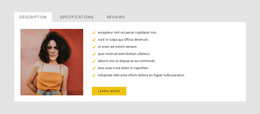
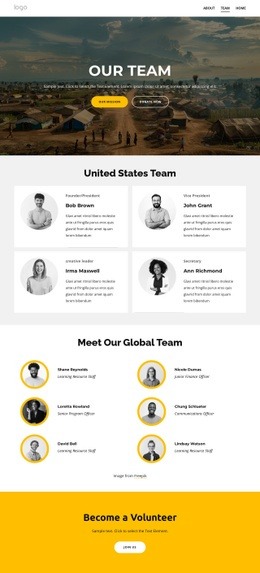
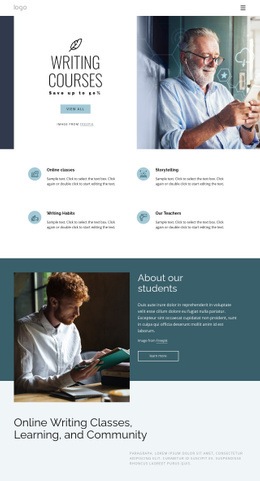
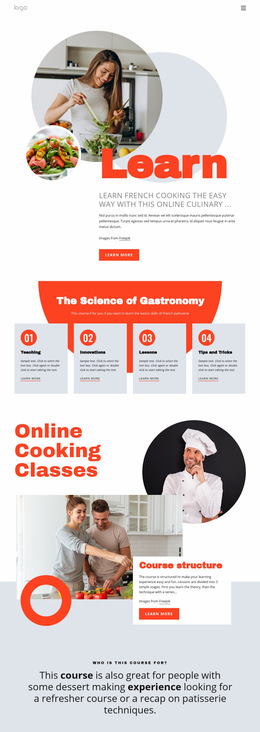
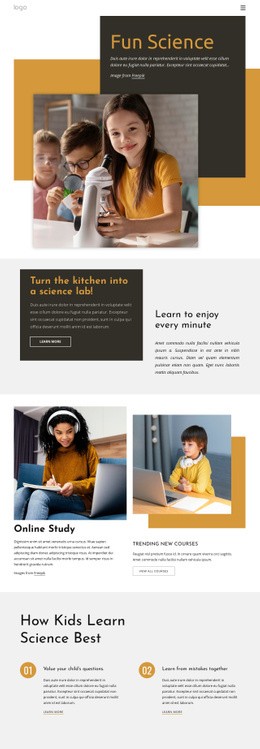
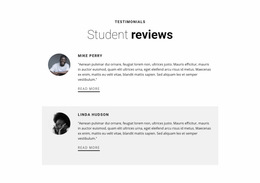
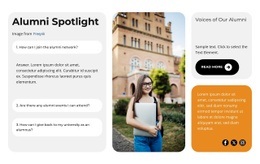
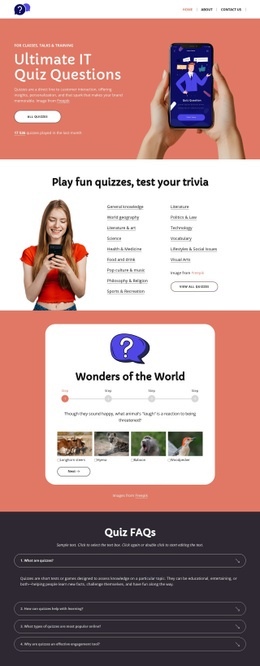
A course page can open with the course title, level, format, and enrollment status, then move into an overview, instructor details, syllabus highlights, and a quiz resource. A faculty page should give the person’s role, expertise, biography, publications, and contact path more prominence than generic school messaging.
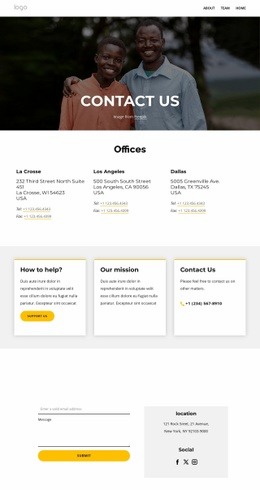
Admissions pages usually need requirements, dates, tuition or fee information, application steps, and a direct inquiry or application action. Resource pages work better as organized collections with filters, categories, or clearly grouped materials; a digital library section can support books, references, downloads, or subject collections without behaving like a promotional homepage.
Campus pages have another job: location, facilities, directions, departments, services, and practical visitor information. A dedicated seminar page may instead center on speakers, schedule, registration, and event details.
The difference from homepage design is scope. The homepage routes visitors into the site; an individual education web page should complete one narrower information or action task. Whole-site design then connects those page types into a consistent system.
Flexible Nicepage Tools for Page-Level Layouts
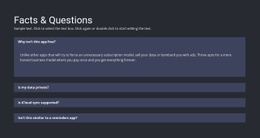
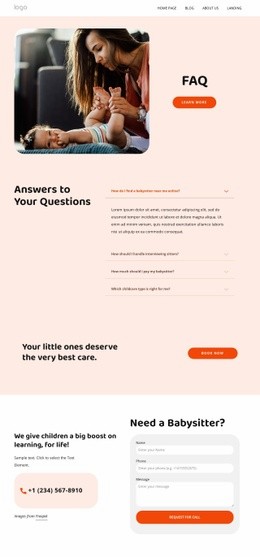
Nicepage gives educators visual controls for shaping these page types without code. Freehand Drag-And-Drop helps position lesson summaries, staff information, notices, and media. The FAQ Element can keep course policies or admissions answers compact, while Theme Colors and Site Fonts maintain a recognizable institutional style across otherwise different page layouts.
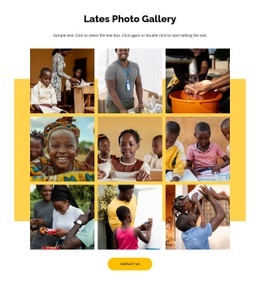
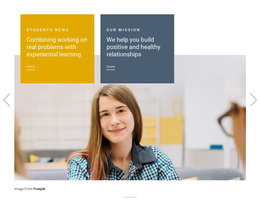
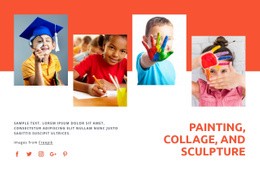
The Gallery Carousel Element works for student projects, campus images, or event recaps. You can adjust page-specific search and page properties through Page Settings, and Nicepage documents Contact Form submission options for inquiry forms.
Rather than forcing every page into one composition, reuse only the elements that need consistency: typography, navigation cues, form styling, and institutional branding. The content order can then follow the page’s real purpose.
User-Friendly Education Web Page Questions
Can I Control Page-Specific Details for an Education Website?
Yes. Nicepage Page Settings let you specify page attributes and related properties separately for individual pages, which is useful when courses, departments, or resource pages have different content requirements.
Can Education Pages Use Google Fonts?
Yes. Nicepage provides access to more than 1300 Google Fonts in the Desktop Applications, WordPress Plugin, and Joomla Extension.
Can an Education Site Created in Nicepage Use Nicepage Hosting?
Nicepage provides hosting for HTML websites created with Nicepage. It does not provide regular hosting for third-party PHP, JS, or other external files.
How Can I Present Student Work Without Making the Page Too Long?
Use the Gallery Carousel Element to place multiple project or campus images in one interactive section. Visitors can move through the gallery without forcing every image into a long vertical page.
Give Every Academic Page Its Own Job
Choose the page type first, then build around the information that belongs there. A course page should feel like a course page, an admissions page should remove uncertainty about applying, and a campus page should answer practical questions quickly. Nicepage can provide the shared visual system while each page keeps its own purpose and content rhythm.