1380 Grid Web Page Designs




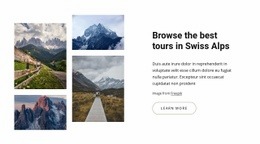
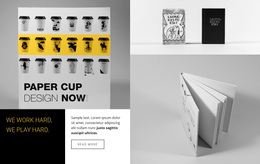



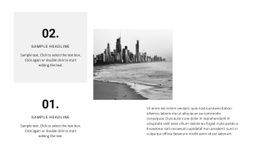

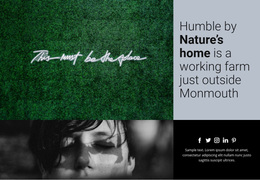
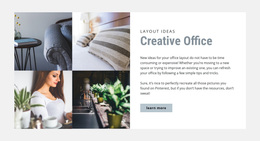

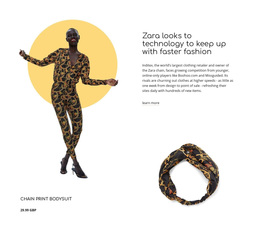

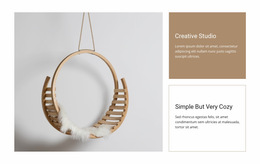





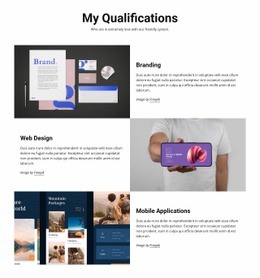












































Grid Web Page Design Ideas for Individual Page Layouts
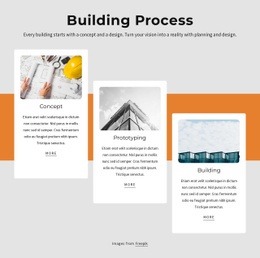
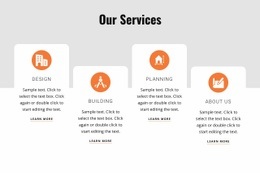
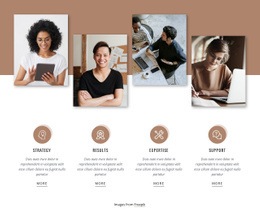
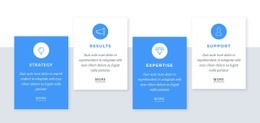
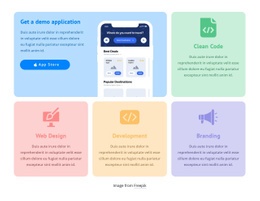
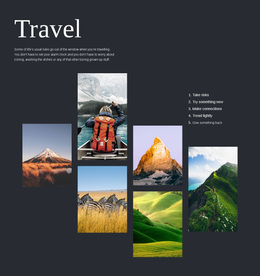
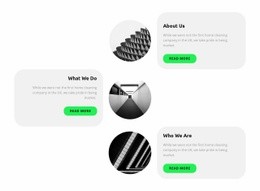
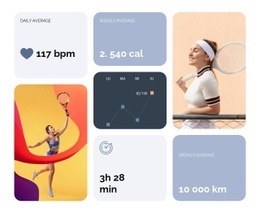
Some web pages need a bold image gallery; others need a compact set of cards beside an introduction. Grid Web Page Design is about composing that particular page so its headline, imagery, and supporting content feel connected. The right arrangement depends on what visitors should notice first, not on a fixed sequence of sections.
Compare Three Grid Compositions for One Web Page
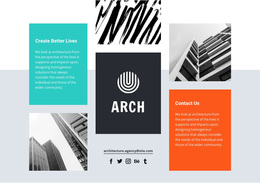
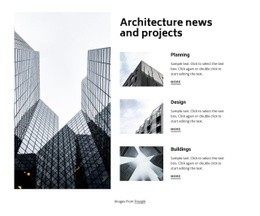
Consider a page for a small architecture studio. It could show the same four projects in three distinct ways:
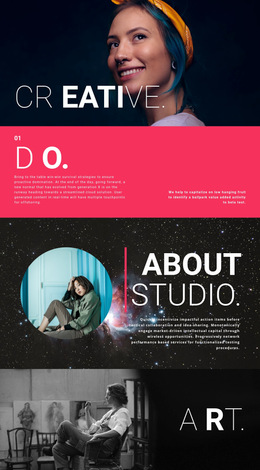
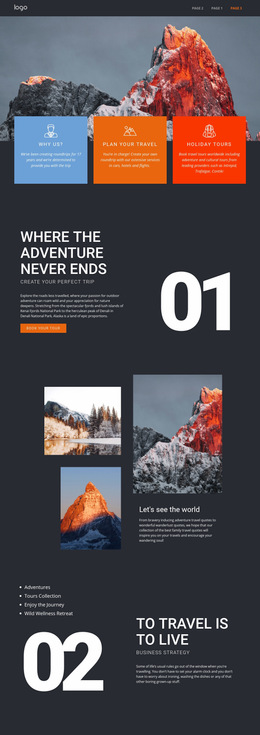
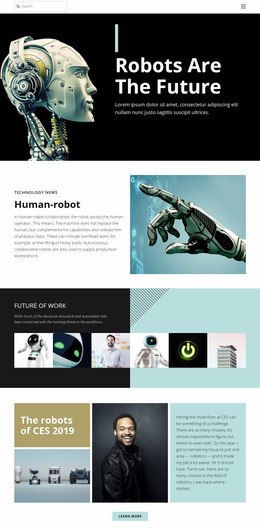
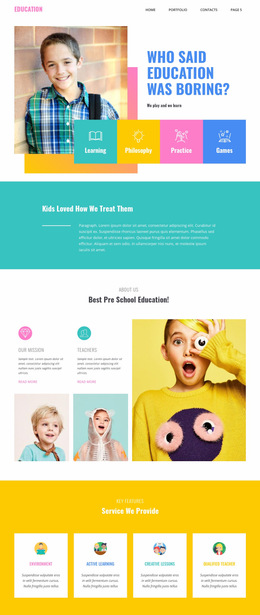
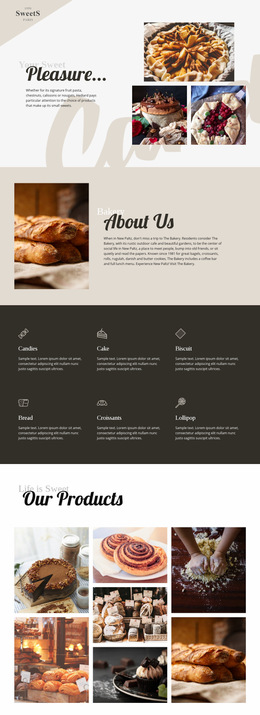
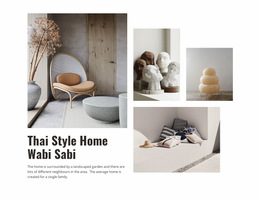
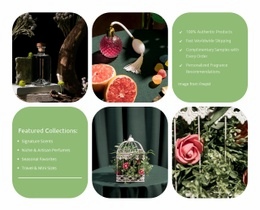
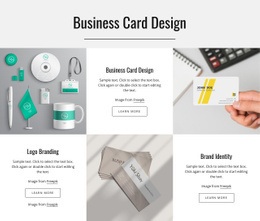
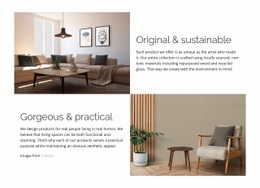
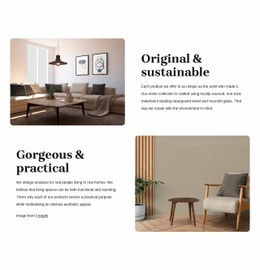
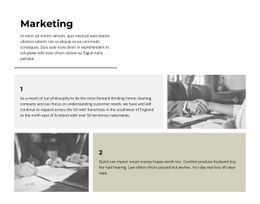
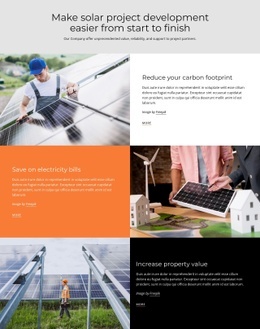
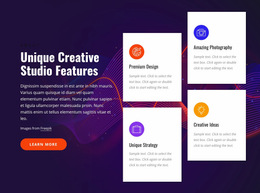
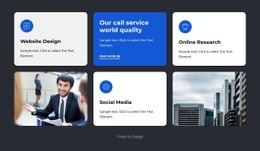
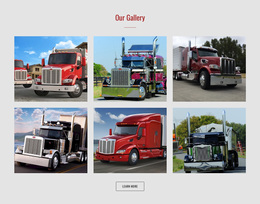
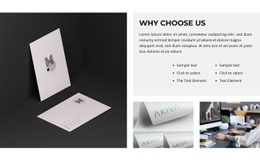
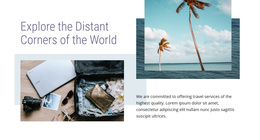
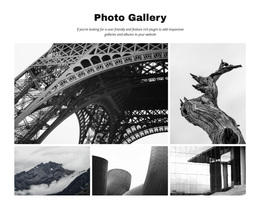
- Hero + Grid: A full-width studio introduction sits above a neat project gallery. This works when the opening image needs its own moment.
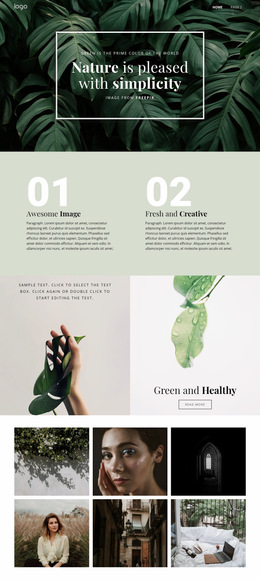
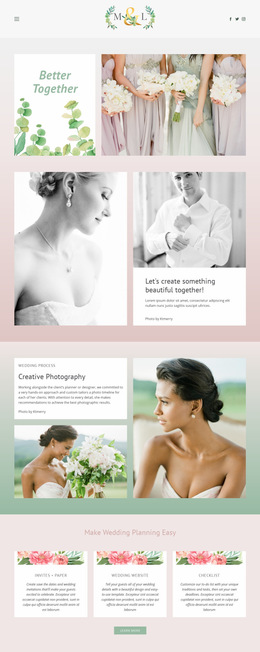
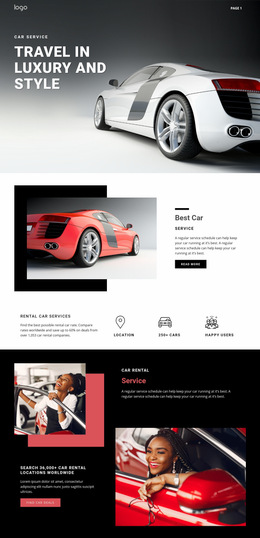
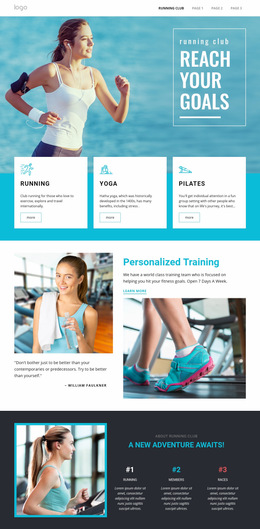
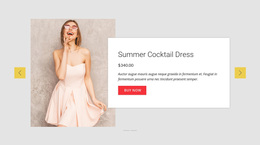
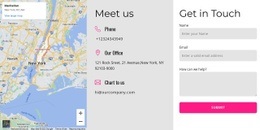
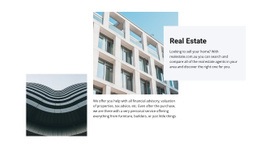
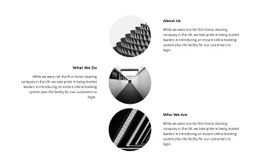
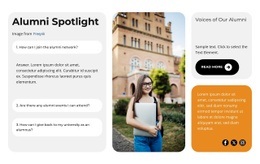
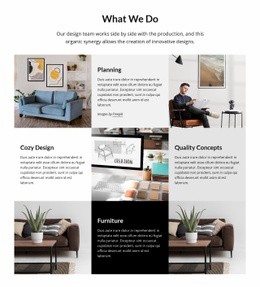
- Sidebar + Grid: A short introduction and category links occupy a narrow side column, with project cards alongside them. Visitors can browse without losing context.
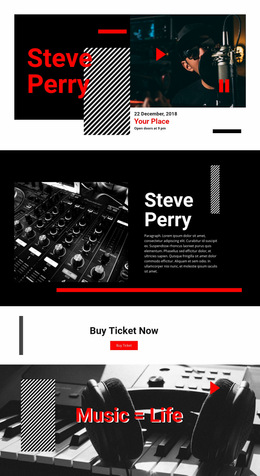
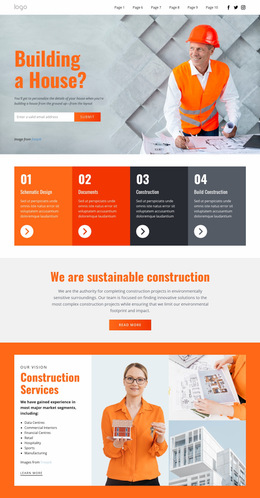
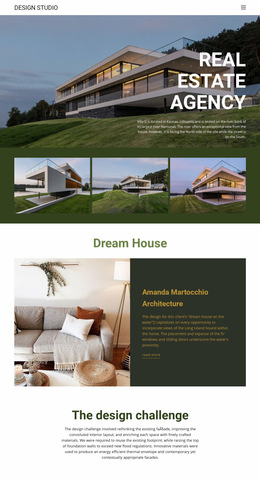
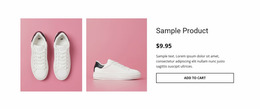
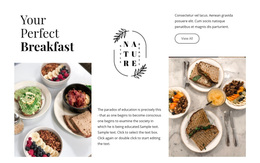
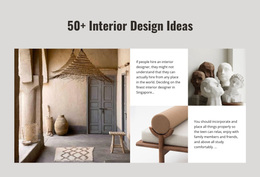
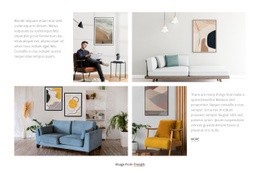
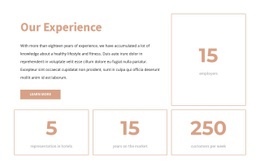
- Featured content + supporting cards: One large project photograph anchors the page, with three smaller projects arranged around it.
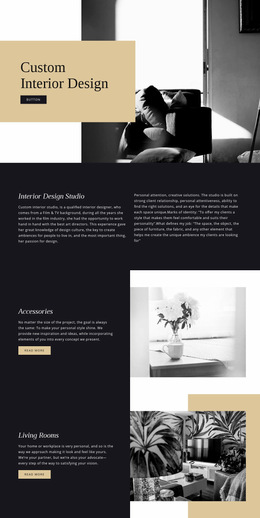
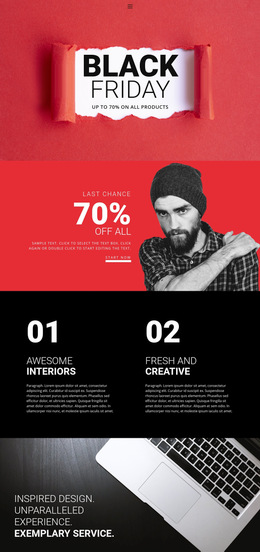
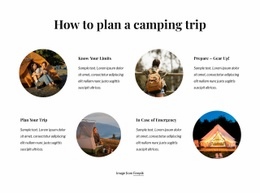
These are three alternative compositions for one page, not three ready-made templates that belong together. A hero can introduce the projects before the Grid begins; a sidebar can keep categories visible beside it; a featured card can lead naturally into a detailed case study below. Compare how each option handles the same images and descriptions before choosing one.
Set the Page's Main Visual Priority
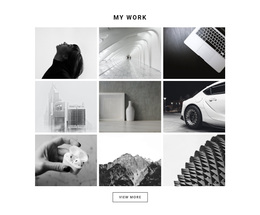
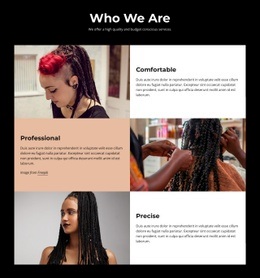
A four-project Grid does not need four identical boxes. A large photograph can introduce a signature building, while smaller cells show its residential, commercial, and public-space counterparts. That makes the composition feel intentional.
The trade-off is space. A larger card creates a strong starting point but leaves less room for descriptions of neighboring projects. If all projects need equal explanation, an even Grid may work better. Compare both versions at the size the page will actually use, including the width available for headings.
Make the Surrounding Sections Do Different Jobs
On an individual page, the Grid should connect what comes before it to what follows. A hero might establish the studio's approach, the Grid presents the selected work, and a case study below explains the featured project. In a sidebar version, brief category links can take the place of a long introduction. Avoid making every card carry a full project history.
In Nicepage, the Grid Element provides editable cells, rows, and columns for building the selected page composition. Use Responsive Modes to check whether the relationship between the featured image, sidebar, and supporting cards remains understandable on phones.
Grid Web Page Design FAQ
Where should a Grid sit on an individual web page?
It depends on the composition. A gallery may sit below a hero, while a sidebar layout can place introductory content alongside the Grid.
Can one Grid cell be larger than the others?
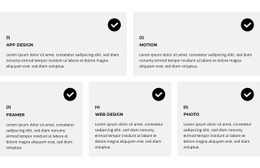
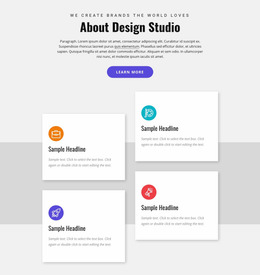
Yes. A larger cell can introduce a featured project or primary service, while smaller cells cover related options.
Should the Grid contain every detail about an offer?
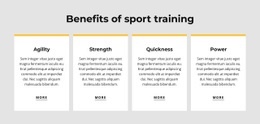
Usually not. Keep the Grid scannable, and use the next page section for longer descriptions, proof, or an action.
Choose the Composition That Fits This Page
Compare the hero-and-gallery, sidebar, and featured-card compositions using the same page content. Choose the arrangement that works best for this one page, then refine its spacing and proportions in context.