620 Contact Form Web Page Designs



















































Contact Form Web Page Design for Clear Page Composition
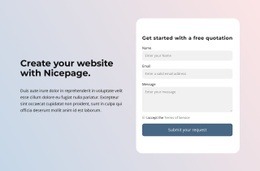
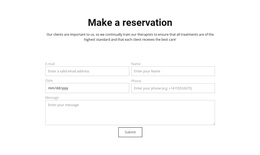
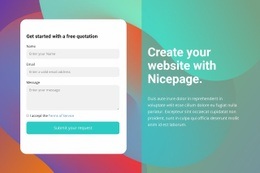
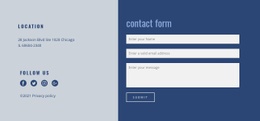
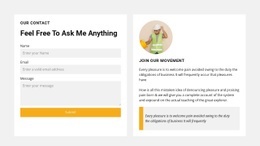
Contact Form Web Page Design concerns where a ready-made inquiry form sits in relation to the content visitors read before sending a message. The visitor should recognize its purpose, read its labels easily, and reach the submit action without neighboring content competing for attention.
The form should feel connected to the page without losing its own visual hierarchy. A short introduction or nearby contact details may provide context, but the fields, message area, and submit button remain the design's main subject.
Position the Contact Form Within the Page Layout
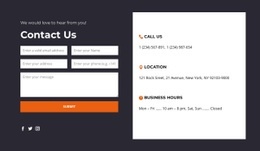
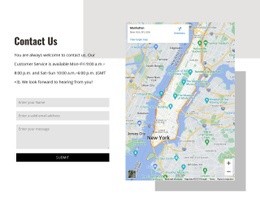
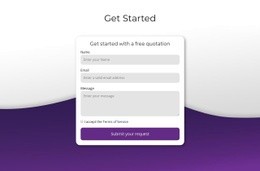
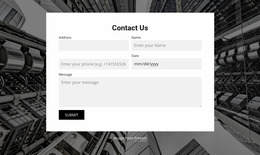
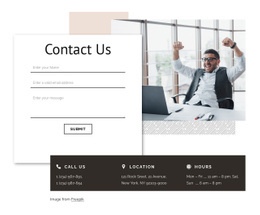
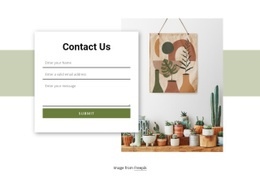
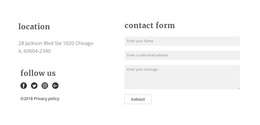
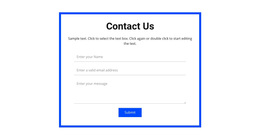
Compare ready-made page arrangements by how prominently they present the actual form:
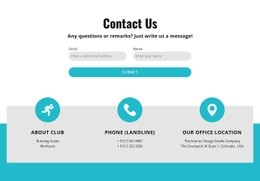
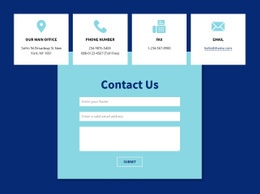
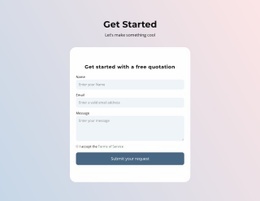
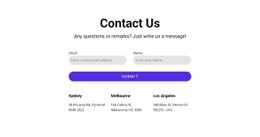
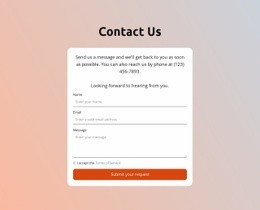
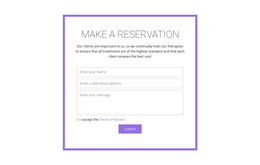
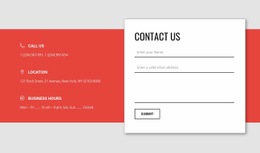
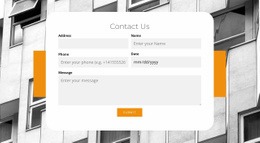
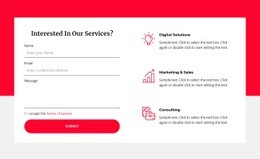
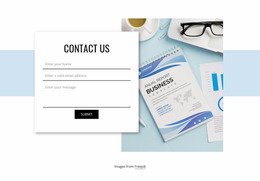
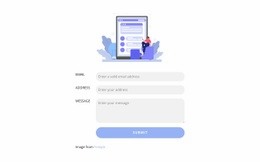
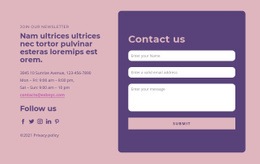
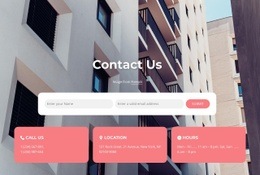
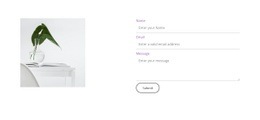
- Centered form section: An isolated form draws attention directly to the inquiry after a brief introduction.
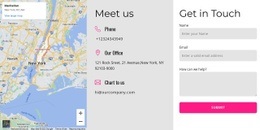
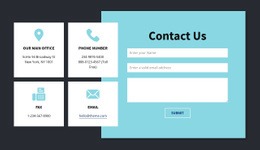
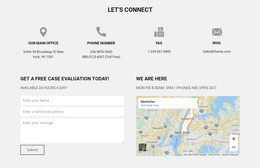
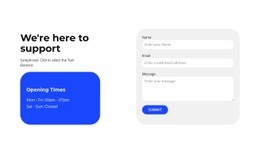
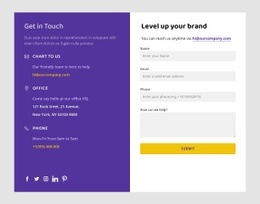
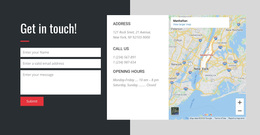
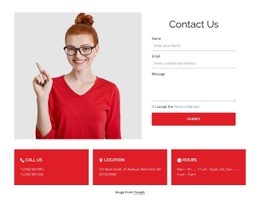
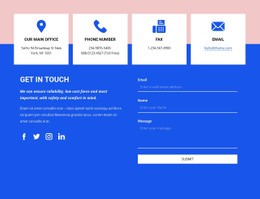
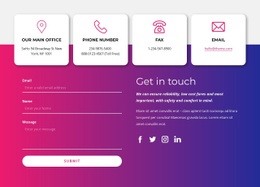
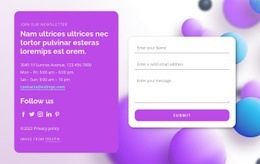
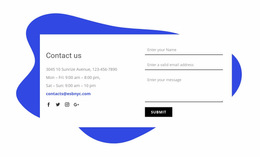
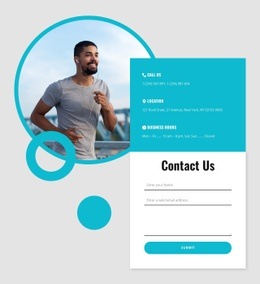
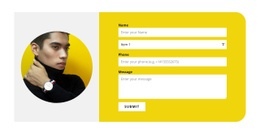
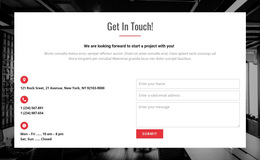
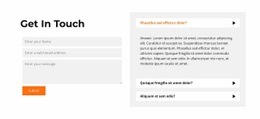
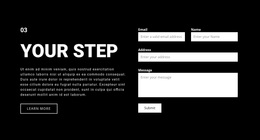
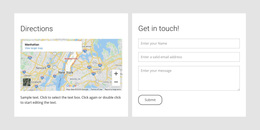
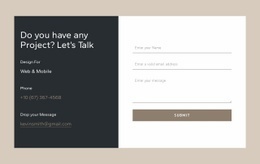
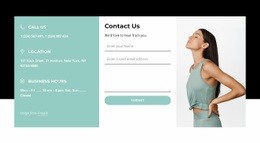
- Side-by-side arrangement: The form shares the reading area with concise supporting information, helping visitors see context and inputs together.
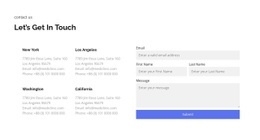
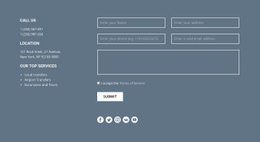
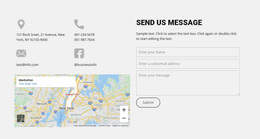
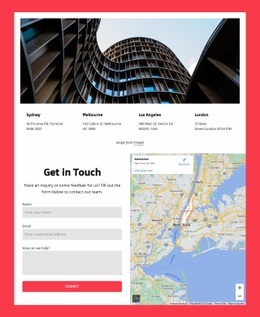
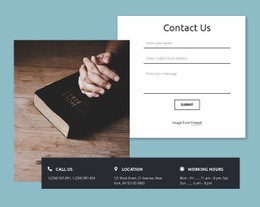
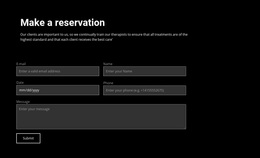
- Form after page content: The inquiry section follows an explanation so visitors encounter the submission action once the relevant information has been read.
These options differ in page placement, but all should make the contact form easy to notice and complete. The best choice depends on available space and how much information visitors need to submit.
Keep a Clear Visual Hierarchy Inside the Form
Even when a form occupies a prominent place on a page, its controls need their own readable order:
- Form heading: State whether visitors can ask a question, request a quote, or discuss a project.
- Labels and short fields: Align related inputs so the required information is easy to scan.
- Message area: Give longer requests more room without making the text area overwhelm the other controls.
- Submit button: Make the final action visually distinct and place it directly after the necessary fields.
The form's heading should stand apart from neighboring page headings, and its submit button should not compete with unrelated CTAs. Field widths and label placement matter within that page hierarchy too; paired fields should stack without losing their order on mobile.
Select a Contact Form That Fits the Page
Nicepage offers a Contact Form element for adapting the inquiry area within a broader page design. Choose a ready-made section based on its field proportions, form prominence, and fit with nearby content. A compact form may suit the end of a service page, while a wider inquiry panel may be appropriate on a dedicated contact page.
If a visitor is instead creating an account, Registration layouts serve that purpose. Subscription forms suit ongoing updates rather than a direct contact conversation.
Contact Form Web Page Design FAQ
Does a contact form page need a large introductory section?
No. A brief heading may be enough when the visitor's main task is submitting an inquiry. Extra content should support the form rather than delay it.
Where should the form appear on a contact page?
It can sit under the introduction, beside contact details, or below location information. Choose the arrangement that reflects visitors' most likely questions.
Can Nicepage adapt a form to a page composition?
Yes. Its Contact Form element can be adjusted within a page design; actual submission settings should still be verified.
What visual details matter most inside the form?
Prioritize readable labels, consistent input alignment, enough space for the message, and a clearly visible submit button. Supporting contact details can appear nearby when useful.
Choose a Form-Focused Web Page Design
Choose a ready-made Contact Form design that suits the page's layout and inquiry type. Keep the form's own field hierarchy clear, then adjust the surrounding content so visitors can move naturally from reading to submitting a request.