370 Contacts Web Page Designs














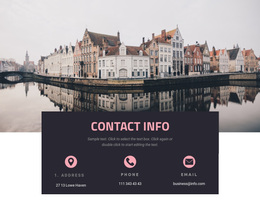
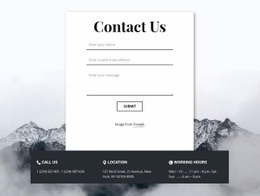

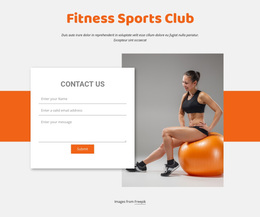

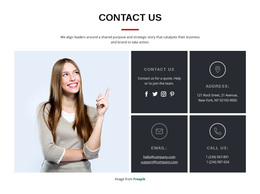









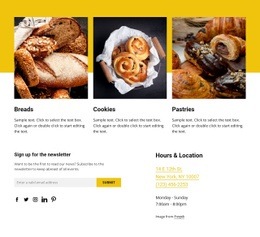



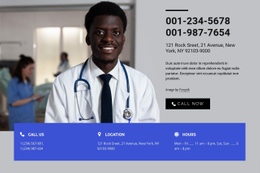

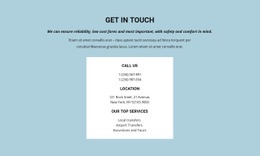
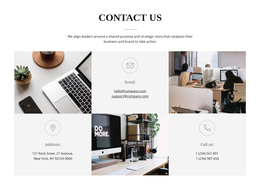
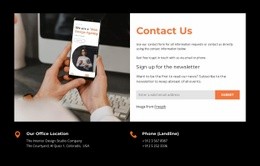
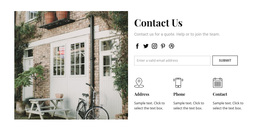
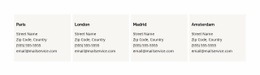
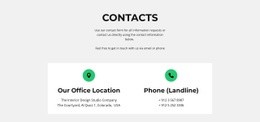
Contacts Web Page Design Ideas for Service, Contact, and Location Pages
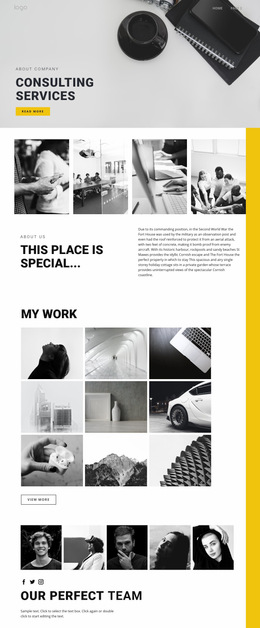
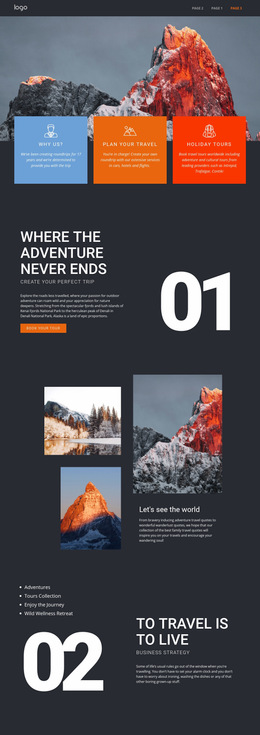
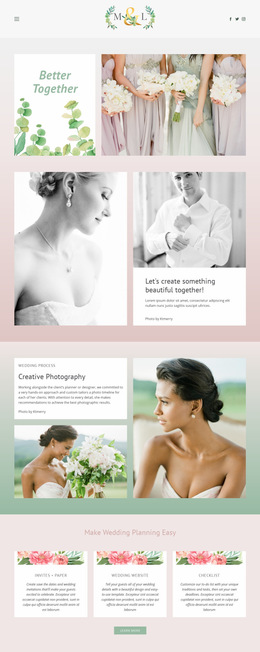
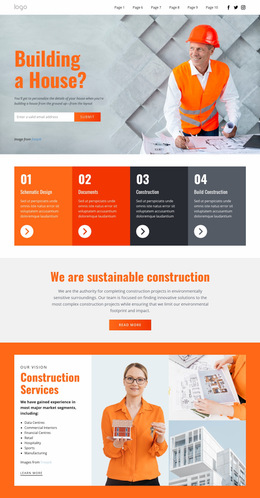
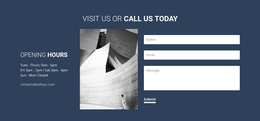
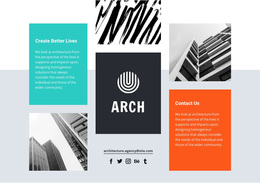
Contacts Web Page Design offers ready-made contact section compositions that can support or anchor an individual web page. Compare how each prepared block relates to nearby service descriptions, company information, or the principal content of a dedicated contact page. These designs are contact sections for pages—not necessarily complete ready-made pages themselves.
The distinction is its role on an individual page: a service page may need a compact contact inset, while a dedicated contact or location page can give addresses, maps, and direct communication details more room.
Compare Contacts Designs by Their Role on the Page
Compare the prepared sections by the role they would play in the specific page, rather than treating the surrounding page type as a unique contact product.
For example:
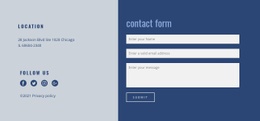
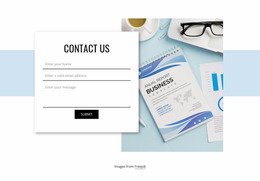
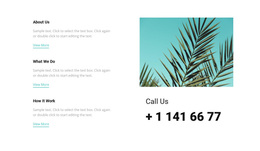
- Service page: A slim panel with one primary contact action alongside service-related content.
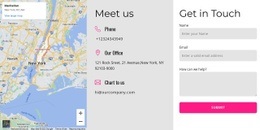
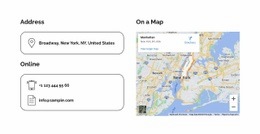
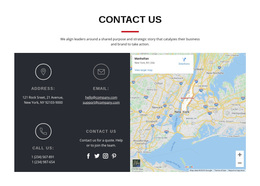
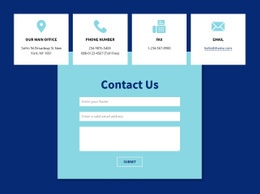
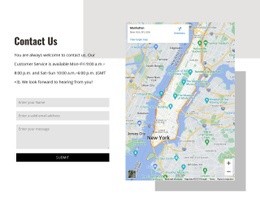
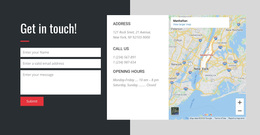
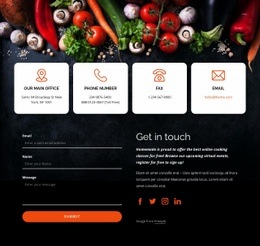
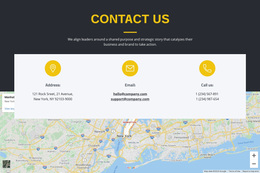
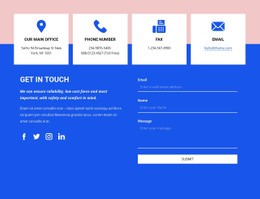
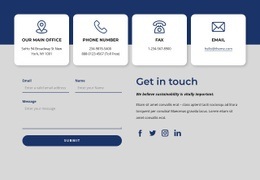
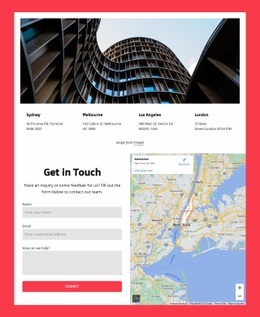
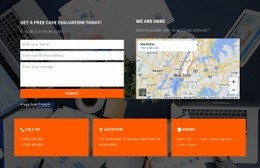
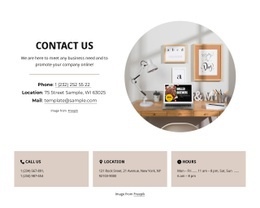
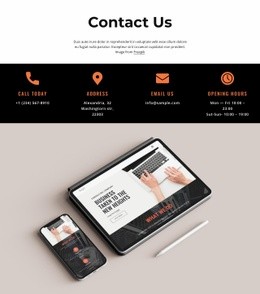
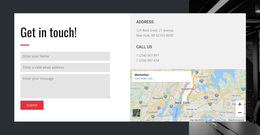
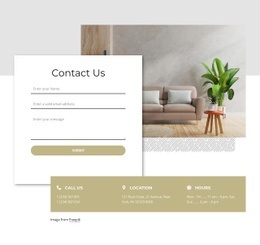
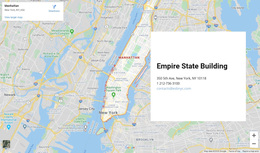
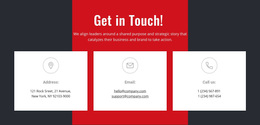
- Dedicated contact page: A larger composition featuring office information, a map, and clearly separated channels.
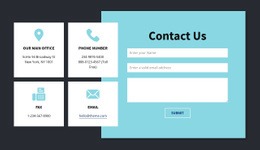
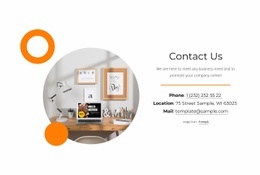
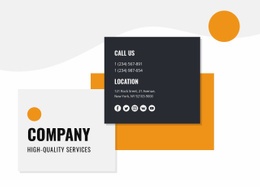
- Company information page: A contact section visually connected to the company profile, with clear address and communication details.
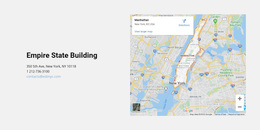
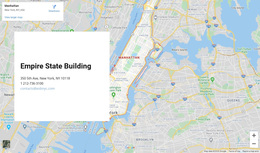
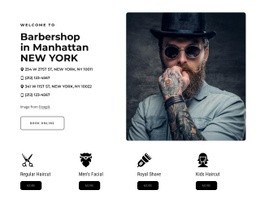
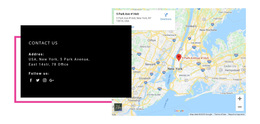
- Location-focused page: A prepared address area that can become a central part of the page's composition.
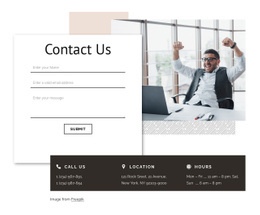
A compact section can also support a dedicated contact page when the information is brief; compare the page composition rather than assuming one fixed section size.
A Contacts section does not need to dominate the entire page. Compare whether the selected block visually completes the page while remaining identifiable as contact information.
Match the Contact Section to the Page Scale
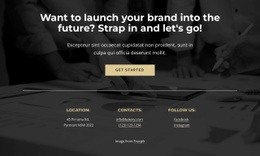
Consider the same office's phone, email, and address in two prepared page compositions. After a service explanation, a short Contacts area may act as a supporting endpoint; on a dedicated contact page, the same information may constitute the main visual content.
That difference concerns how much space the contact information needs on this particular page. It does not imply separate products or visual styles unavailable in other Nicepage collections.
Compare actual prepared blocks against the immediate page role: a small inset that leaves the service description prominent, a larger self-contained contact section, or an address-led block that gives a location page its focus.
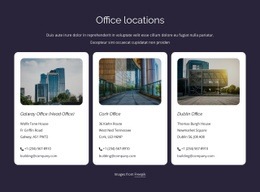
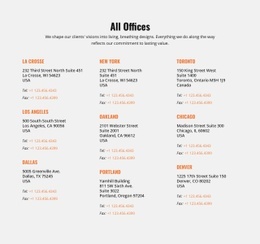
For several locations, assess whether the chosen composition keeps each destination identifiable without breaking the visual flow of the particular page.
Nicepage provides Contacts Block Presets and Designs as starting points for these arrangements. Select a block whose structure matches the amount of information that needs to appear on the page.
Choose a prepared section for its shape and capacity, not as a lesson in arranging individual contact fields.
Review the Chosen Composition in Page Context
On a service page, the chosen Contacts section should remain subordinate to the service description. On a dedicated contact page, a prepared block can form the main content. On a location page, check whether the design gives the physical destination enough clarity without obscuring direct communication options.
Nicepage's Block Operations provide a way to position the chosen section when needed, but the catalog choice is about its ready-made visual composition.
Judge the selected design beside the content of that specific page. On a service page, contact details should support the offer; on a dedicated contact page, the same phone and address may reasonably become the main content.
At narrower widths, compare whether the Contacts area still feels like the page's intended supporting or central element; this is a page-composition judgment, not a site-wide template criterion.
Consider Expanded and Combined Contact Sections
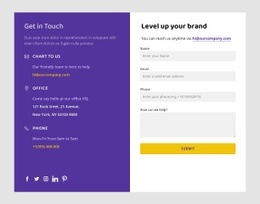
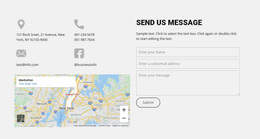
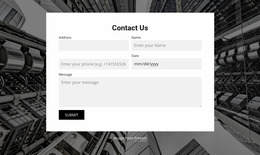
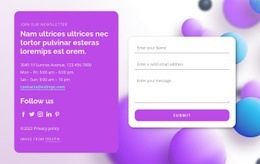
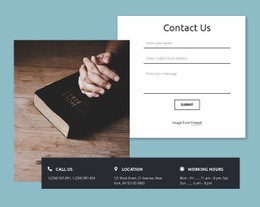
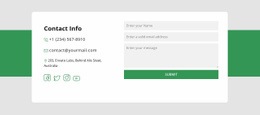
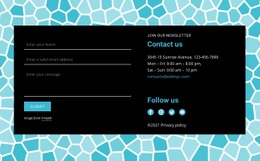
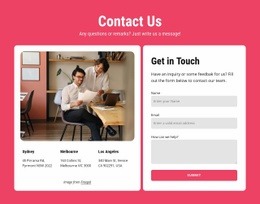
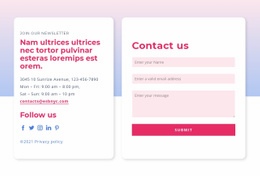
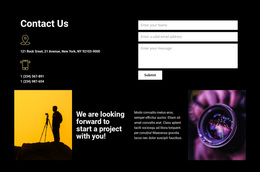
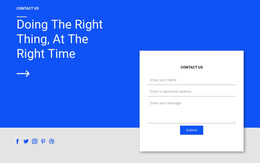
When the contact area forms a substantial part of the page, a larger layout or a combined contact-and-form composition may be appropriate if available in the catalog.
The same ready-made layout can work in several page contexts. The point is how it functions as a visible part of the chosen web page, not a claim that it uses unique styling.
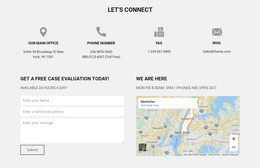
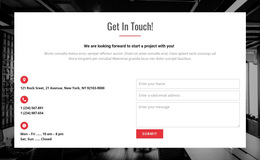
If the selected design combines a form with contact details, assess its visual size in the same way as any other layout.
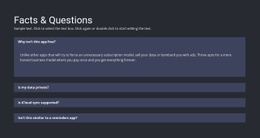
Contacts Web Page Design FAQ
Which Contacts design suits a service page?
A compact contact panel can fit alongside service information, while a larger section works when communication details need more visual weight.
What works on a dedicated contact page?
Compare a full-width contact section, a map-led layout, or location cards based on how much information the page must display.
Are these complete pages or contact sections?
These designs can be contact sections intended for use within a web page. Do not assume every item is a complete ready-made page.
Should a Contacts block always appear at the bottom of the page?
No. It often works near the footer, but it can also appear after service descriptions, office information, or other content that makes direct communication details relevant. Its placement should follow the visitor's likely information needs.
Choose a Web Page Design With Contacts in Context
Compare ready-made Contacts Web Page Designs by the role of the individual page: a supporting section after services, the main content of a contact page, or a visual endpoint to company information. Then adapt the chosen composition in Nicepage.
The most useful design is the one that already fits the page's visual scale.