One click for success Web Page Design


Edit Template Offline
2. Create new page and search for id 1091141
Edit Template Online
Create Awesome Websites


Free Nicepage Builder
Keywords
Alternating Layouts Give the Long Page a Measured Rhythm
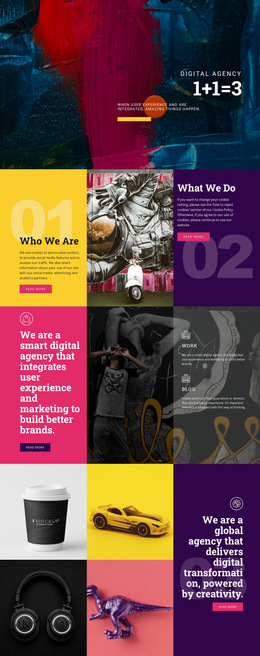
The composition changes its spatial pattern as the visitor moves down the page. The opening split hero balances a text-and-action column against a technology illustration, establishing a strong left-to-right relationship. That arrangement gives way to six evenly arranged service items, where repetition makes the capability list easier to scan. The about section returns to a two-column format, pairing product imagery with text, feature bullets, and a Read More action. These transitions prevent the page from relying on one fixed layout throughout.
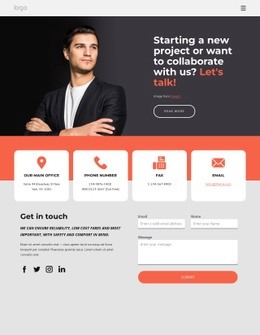
The centered cooperation invitation reduces the visual density before the three pricing cards introduce a more structured comparison. Each pricing option contains a plan name, price, feature lines, and an action, creating a repeated horizontal rhythm that differs from the service presentation. The partnership section then divides an accordion from supporting copy and a button, combining expandable content with a stable text area. Four portrait cards create another repeated group, and the closing contact section reverses the earlier balance by placing the form beside a profile-style block. The result is a page composition built from alternating split, grid, centered, comparison, and form-led arrangements. Spacing, light backgrounds, green accents, and a dark footer help signal the transitions between these content roles.
Customize with Nicepage
Open this ready-made template in the Web Page Design Builder and customize it visually in the Nicepage editor. Replace demo content, edit page sections, and adapt the design to your project without rebuilding the template from scratch.
Design a Web Page Section by Section
Choose a Design for Each Section
Build the page from individual content sections instead of starting with a fixed full-page layout. Use Block Designs to browse ready-made sections for different purposes, including introductions, services, galleries, testimonials, contact forms, pricing, and other common parts of a web page. Search or filter the available designs to find a layout that fits the content you want to add.
Combine Blocks and Page Elements
Add selected Blocks to the page and arrange them in the order that supports the page's purpose. A hero section can introduce the main message, followed by services, benefits, portfolio content, testimonials, calls to action, or contact information.
Inside each section, use Web Page Elements such as Text, Image, Hyperlink, Grid, Gallery, and other elements to build and present the page content. Individual elements can be added and adjusted within the Blocks, giving you more control over the composition of each section without having to create the complete layout from scratch.
Refine the Page Layout and Flow
After assembling the main sections, adjust their content, spacing, backgrounds, images, typography, and element placement in the Nicepage editor. Reorder Blocks when necessary and refine the transition from one section to the next so the information hierarchy and visual flow remain clear throughout the page.
This workflow makes the template useful as a web page design that can be composed from ready-made sections, customized with individual page elements, rearranged, and adapted to the content and purpose of an individual page.