
Blogger One Page Templates
Independent writers often need more than a collection of posts to introduce their work. A blogger one-page template connects the author's story, selected articles, and reader engagement options through a continuous layout with direct section navigation.



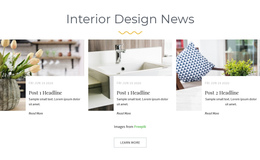
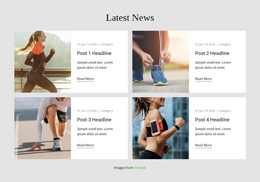
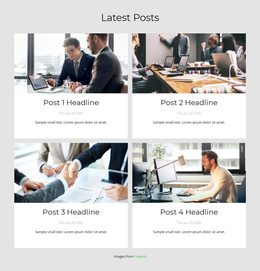
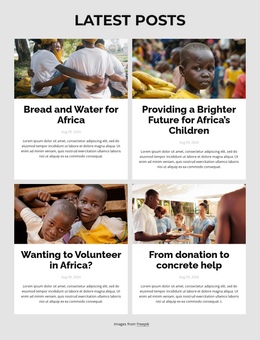


More Website & HTML Templates for Blogger




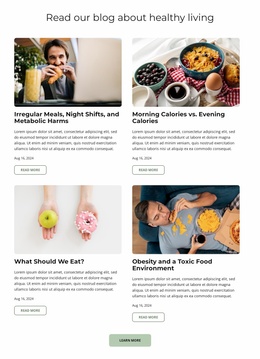
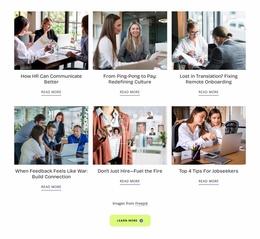
More One Page Templates from Blog Posts Category
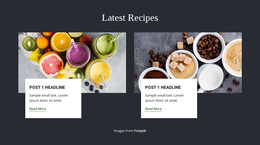
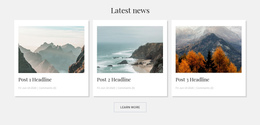

Other Blog Posts One Page Templates
Simple Blogger One-Page Template for Personal Websites
Independent bloggers often need a compact website that communicates who they are, what they write about, and where readers can follow their work. A blogger one-page template brings these elements into a continuous editorial presentation, rather than requiring visitors to explore several introductory pages. For travel writers, lifestyle creators, and personal essayists, this approach establishes a clear path from an author introduction to selected stories, social channels, and subscription options.
Organize a Blogger Website Around a Clear Section Flow
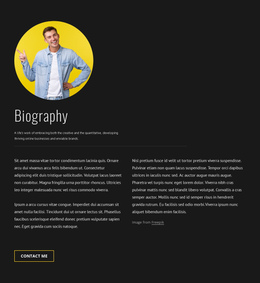
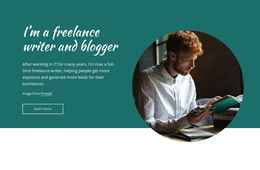
The order of sections determines how visitors experience a single-page blogger website. Instead of presenting every article immediately, the opening section can introduce the author's perspective and main subjects. A brief personal statement, portrait, and descriptive headline establish the publication's identity.
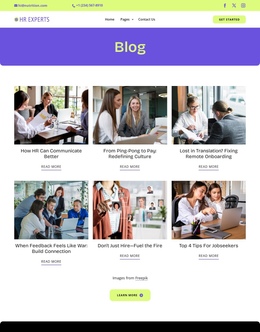
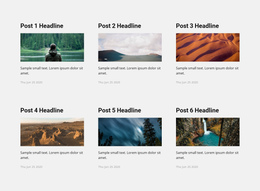
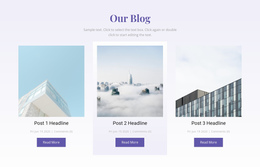
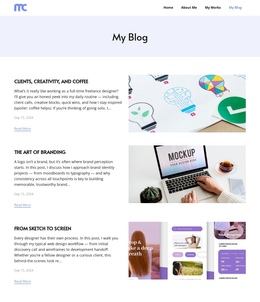
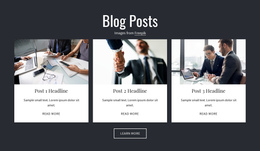
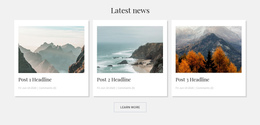
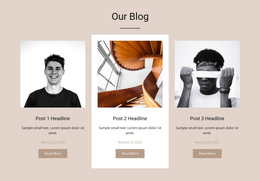
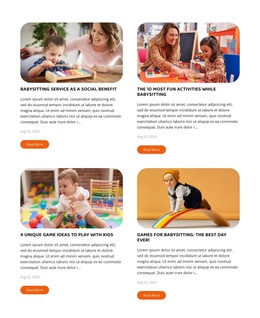
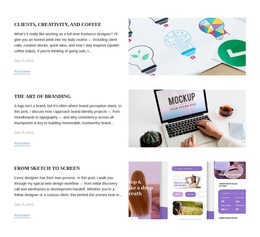
The following section can highlight a small collection of featured stories. A travel blogger might present a memorable destination guide, a personal journey, and a practical itinerary. A lifestyle writer could introduce articles about daily routines, creative projects, and personal experiences.
These selected stories act as entry points rather than complete articles. Each preview can link to the full article, while the main page stays focused on introducing the blogger and guiding the reader.
Connect Editorial Sections With Anchor Navigation
Readers should be able to reach important parts of a long page without excessive scrolling. Descriptive navigation labels such as About, Stories, Subscribe, and Contact make the structure easier to understand.
Use the Menu For One-Page Site to link About, Stories, and Contact menu items directly to their page sections with anchors. A sticky header can also keep these navigation options accessible as visitors move between sections.
For a personal blogging website, this arrangement helps readers return to the author biography after reviewing featured work or jump directly to collaboration and contact details.
Guide Readers From Featured Stories to Continued Engagement
After a short introduction, arrange the page around four practical destinations: an About section explaining the author’s background, a selection of linked articles demonstrating their work, a collaboration section describing editorial or freelance opportunities, and contact details for inquiries. Each featured article can open on a separate URL; the author’s main presentation remains a single scrolling page.
A newsletter link or signup area can be added after these core sections, but it need not define the page. Social profiles can sit near the contact details. On mobile, check that the sequence still makes sense and that section anchors remain easy to use.
The best blogger one-page template matches the author's publishing purpose. For a personal writing portfolio, prioritize biography and selected articles. For a community-focused blog, give greater prominence to subscription and social connections. In both cases, keep the page focused on introducing the publication rather than attempting to display its entire archive.