HR company blog One Page Template


Edit Template Offline
2. Create new page and search for id 6453803
Edit Template Online
Create Awesome Websites


Free Nicepage Builder
Keywords
Four Post Areas Create a Continuous Content Journey
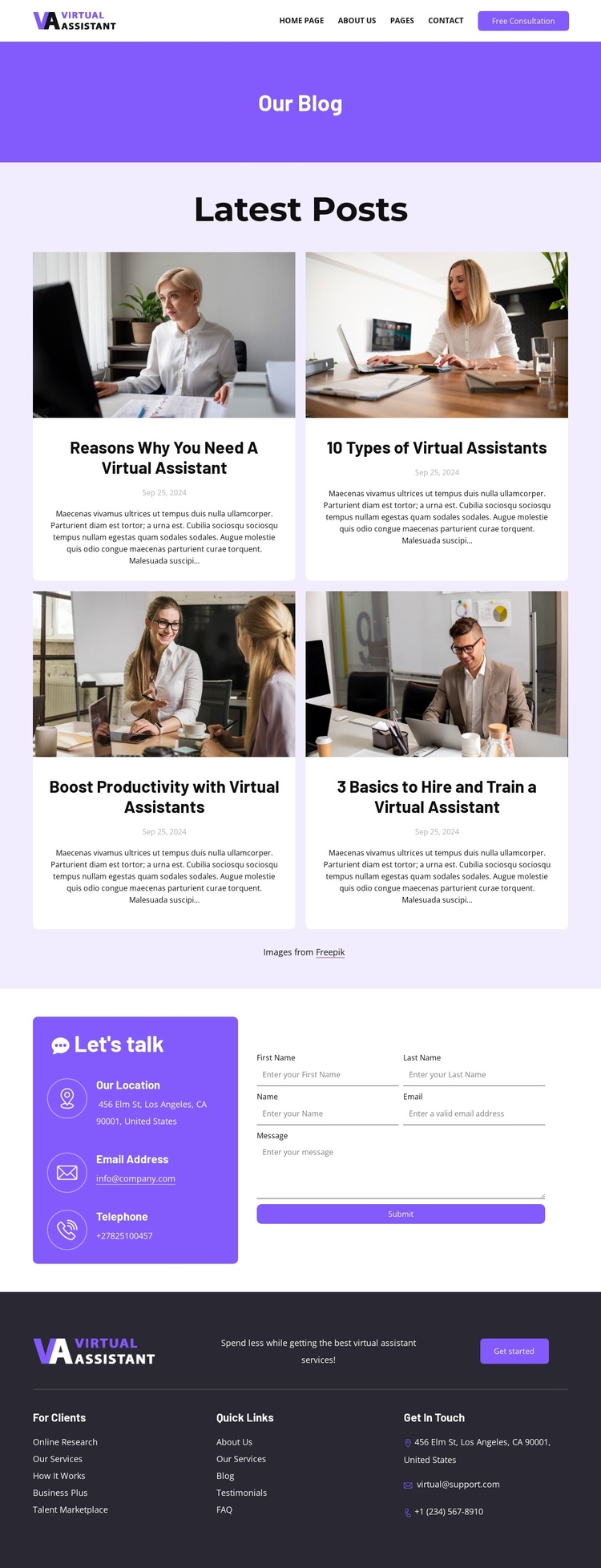
The page’s sections can be read as a sequence of distinct destinations within one document. The purple Our Blog band establishes the starting point, while the Latest Posts block opens several related content paths through four article cards. Each card offers a separate subject—virtual assistant needs, assistant types, productivity, or hiring and training—yet the repeated image, title, date, and excerpt format keeps the visitor within one continuous topic area.
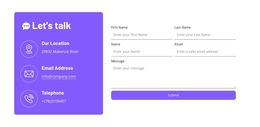
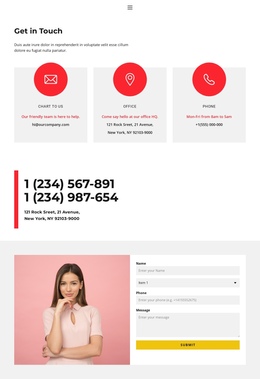
After the editorial section, the contact block changes the purpose of the journey without requiring a separate page. Location, email, and telephone details occupy one side, while the message form occupies the other, making the inquiry content a meaningful destination after visitors have explored the posts. Free Consultation and Get started provide additional navigation cues toward the service response, while the Submit action belongs to the final interaction within that section.
The dark footer closes the document with client links, quick links, a service statement, and contact information. These grouped regions give the page a natural order: introduction, article exploration, direct contact, and shared closing information. The design is therefore suited to a one-page arrangement because several related content purposes remain available in a single continuous experience, rather than being treated only as one isolated campaign action.
Customize with Nicepage
Open this ready-made template in the One Page Template Builder and customize it visually in the Nicepage editor. Replace demo content, edit page sections, and adapt the design to your project without rebuilding the template from scratch.
Build a Navigable One-Page Website
Connect the Menu to Page Sections
Organize the website as a sequence of sections on a single page and use the Menu For One-Page Site to connect menu items with individual page Blocks. Visitors can jump directly to sections such as About, Services, Testimonials, or Contact without opening separate pages.
Keep the Website on One URL
A one-page template can combine several parts of a small website within one continuous page. Arrange the Header, introduction, services, portfolio, company information, reviews, contact details, and other relevant sections in the order that fits the project while keeping them accessible through the same page navigation.
Make Long Pages Easier to Navigate
For longer one-page websites, keep navigation labels short and connected to meaningful sections so visitors can move through the page without relying only on scrolling. You can also use the Back To Top element to provide a quick way back to the beginning after longer sections.
This workflow makes the template suitable for compact websites that need several distinct content sections while keeping the complete visitor experience on one URL.