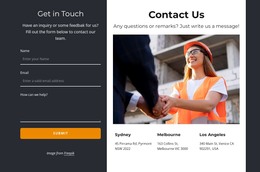
Contact us block with icons and image WordPress Theme


Stable Contact Content for a WordPress-Managed Page
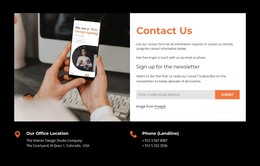
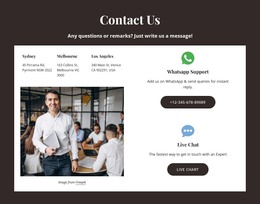
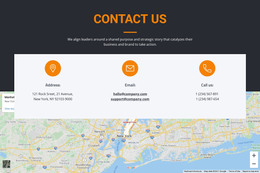
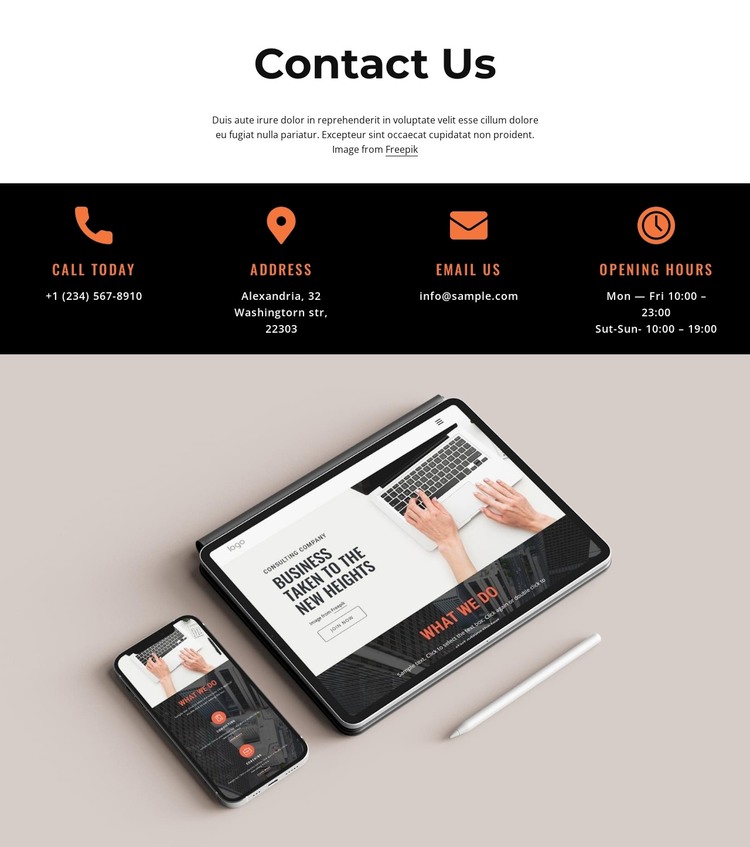
The heading, communication details, and schedule make this block suitable for stable page-oriented content in a WordPress-managed project. Call today and Email Us provide linked routes for visitors who want to telephone or write, while Address and Opening hours supply the supporting information needed to use those routes. The hours are divided between weekdays and weekends, so the card row communicates practical availability rather than only displaying a generic contact label.
The four cards form a consistent content pattern inside the black band. Orange icons and condensed labels help visitors identify each information type, and centered alignment keeps the repeated items balanced. Above them, the “Contact Us” heading and paragraph provide the section’s editorial introduction. The pale device photograph below acts as a distinct image region, allowing the block to combine practical page content with a visual element without confusing the image with another contact channel.
In a WordPress-oriented site, this section can occupy a stable contact area on a page while the surrounding project manages additional content elsewhere. The block itself remains one reusable visual/content region, not a complete theme. Its page-oriented strength is the durable organization of contact channels and availability details, which can remain consistent even as other site content is added or maintained around it.
Customize with Nicepage
Open this ready-made template in the WordPress Website Builder and customize it visually in the Nicepage editor. Replace demo content, edit page sections, and adapt the design to your project without rebuilding the template from scratch.
Edit Template Offline
2. Create a new page or select existing
3. Click Add new block, search for id 2881063 and click enter
Edit Template Online
Create Awesome Websites


Free Nicepage Builder
Keywords
Manage and Edit This Theme in WordPress
Customize and Install the WordPress Theme
Start with this ready-made theme instead of building the WordPress design from scratch. Customize its layout, content, typography, images, sections, and other design elements visually in Nicepage editor, then export and install the WordPress Theme, Plugin, and Pages on your WordPress site. The Nicepage WordPress Plugin lets you continue working with the site after installation.
Edit the Theme Directly in WordPress
After installation, you can edit the WordPress Theme directly in WordPress with the Nicepage WordPress Plugin. Use Site Style to customize site Colors, Fonts, Header, Footer, Blog, and Post Page Templates while working within your WordPress website.
Edit WordPress Pages Visually
Use the Nicepage WordPress Plugin to edit page content directly from the WordPress admin area. Open a WordPress Page with Nicepage and visually change its text, images, sections, and other page elements while continuing to manage the Page through WordPress.
WordPress Content and Theme Integration
Use the customized theme with WordPress Pages, Posts, Blog and Post Templates, menus, widgets, and other CMS-managed content. Shared theme elements such as Colors, Fonts, Header, Footer, Blog, and Post Page Templates can be managed as part of the overall site design, while WordPress provides the CMS environment for managing site content.
This workflow combines a ready-made WordPress Theme with visual customization, direct theme editing in WordPress, and continued content management through the Nicepage WordPress Plugin.