Accordion and List WordPress Theme


Permanent Careers Content Combines Expandable Roles With Benefits
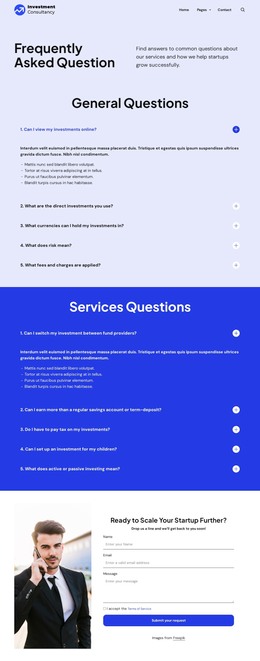
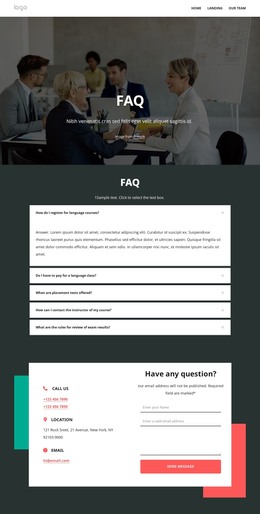
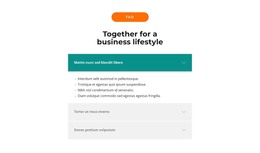
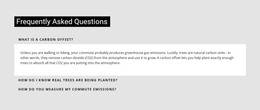
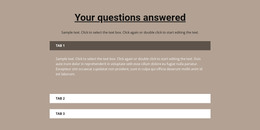
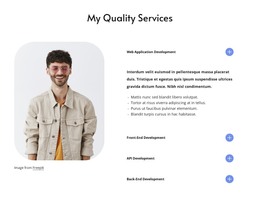
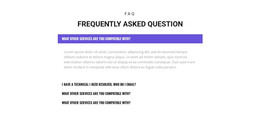
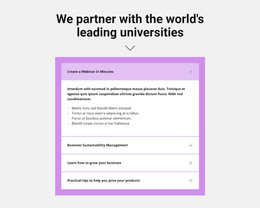
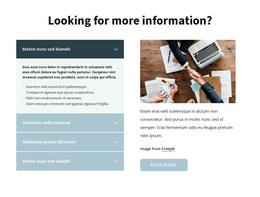
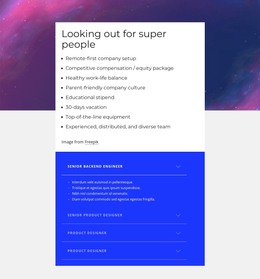
The role accordion gives this block a page-oriented content structure suitable for a stable careers area. Five entries identify available positions, including backend engineering, product design, and Flutter development. When the first entry is expanded, its detail list remains associated with that role, while the other role labels stay available for comparison. This is useful for page content that needs to present several opportunities without displaying every detail at once.
The benefit list provides the complementary content model. Eight items remain visible beside the accordion and describe the employment setting through workplace arrangement, compensation, balance, culture, learning support, vacation, equipment, and team context. Because the benefits do not depend on the selected role, they can act as persistent supporting content within the same WordPress-managed page section.
The heading and restrained two-column styling help the content read as one coherent careers area rather than a collection of unrelated widgets. In a WordPress-oriented project, the block can be placed among other page content while the wider site manages its own pages and publishing structure. Nicepage's WordPress Pages workflow provides relevant broader CMS context, but this block remains page content and is not itself a complete WordPress Theme.
Customize with Nicepage
Open this ready-made template in the WordPress Website Builder and customize it visually in the Nicepage editor. Replace demo content, edit page sections, and adapt the design to your project without rebuilding the template from scratch.
Edit Template Offline
2. Create a new page or select existing
3. Click Add new block, search for id 1284569 and click enter
Edit Template Online
Create Awesome Websites


Free Nicepage Builder
Keywords
Manage and Edit This Theme in WordPress
Customize and Install the WordPress Theme
Start with this ready-made theme instead of building the WordPress design from scratch. Customize its layout, content, typography, images, sections, and other design elements visually in Nicepage editor, then export and install the WordPress Theme, Plugin, and Pages on your WordPress site. The Nicepage WordPress Plugin lets you continue working with the site after installation.
Edit the Theme Directly in WordPress
After installation, you can edit the WordPress Theme directly in WordPress with the Nicepage WordPress Plugin. Use Site Style to customize site Colors, Fonts, Header, Footer, Blog, and Post Page Templates while working within your WordPress website.
Edit WordPress Pages Visually
Use the Nicepage WordPress Plugin to edit page content directly from the WordPress admin area. Open a WordPress Page with Nicepage and visually change its text, images, sections, and other page elements while continuing to manage the Page through WordPress.
WordPress Content and Theme Integration
Use the customized theme with WordPress Pages, Posts, Blog and Post Templates, menus, widgets, and other CMS-managed content. Shared theme elements such as Colors, Fonts, Header, Footer, Blog, and Post Page Templates can be managed as part of the overall site design, while WordPress provides the CMS environment for managing site content.
This workflow combines a ready-made WordPress Theme with visual customization, direct theme editing in WordPress, and continued content management through the Nicepage WordPress Plugin.