Popular questions about us WordPress Theme


Expandable Service Content With a Supporting Portrait
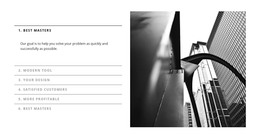
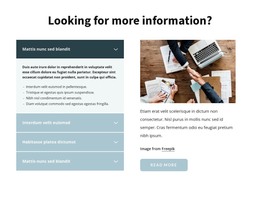
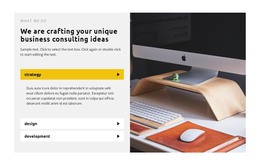
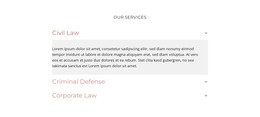
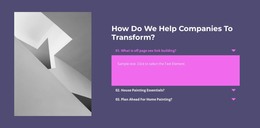
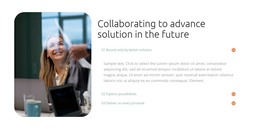
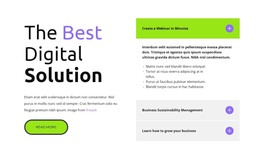
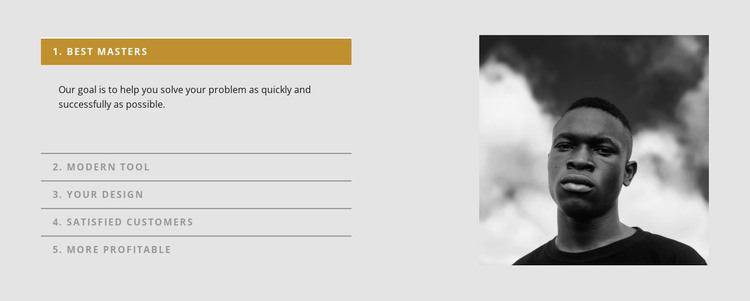
The five accordion labels create a stable page-content pattern that can fit a WordPress-managed services or information section. Best Masters, Modern Tool, Your Design, Satisfied Customers, and More Profitable identify separate topics, and their supporting descriptions remain grouped inside one reusable block. Because the accordion displays one expanded item at a time, the section can hold several explanations without presenting the full text of all five items simultaneously. The first row is open in the displayed state, providing a clear example of the interaction and content relationship.
The portrait image occupies the right side of the two-column layout and gives the repeated text area a visual counterpart. Its monochrome treatment contrasts with the light gray background, while thin gray dividers separate the accordion rows. The muted gold active treatment helps identify the selected label and makes the open description easier to follow. These relationships allow the section to retain a consistent appearance as page content rather than behaving like an isolated list of unrelated statements.
In a WordPress-oriented project, the block can serve as stable content on a services, information, or company-related page while the wider site manages other pages and publishing needs. The five labels and portrait remain one visual section, and neighboring content can provide navigation, detailed offers, testimonials, or contact actions. This makes the block suitable for a broader WordPress-managed page without turning it into a complete WordPress Theme.
Customize with Nicepage
Open this ready-made template in the WordPress Website Builder and customize it visually in the Nicepage editor. Replace demo content, edit page sections, and adapt the design to your project without rebuilding the template from scratch.
Edit Template Offline
2. Create a new page or select existing
3. Click Add new block, search for id 948612 and click enter
Edit Template Online
Create Awesome Websites


Free Nicepage Builder
Keywords
Manage and Edit This Theme in WordPress
Customize and Install the WordPress Theme
Start with this ready-made theme instead of building the WordPress design from scratch. Customize its layout, content, typography, images, sections, and other design elements visually in Nicepage editor, then export and install the WordPress Theme, Plugin, and Pages on your WordPress site. The Nicepage WordPress Plugin lets you continue working with the site after installation.
Edit the Theme Directly in WordPress
After installation, you can edit the WordPress Theme directly in WordPress with the Nicepage WordPress Plugin. Use Site Style to customize site Colors, Fonts, Header, Footer, Blog, and Post Page Templates while working within your WordPress website.
Edit WordPress Pages Visually
Use the Nicepage WordPress Plugin to edit page content directly from the WordPress admin area. Open a WordPress Page with Nicepage and visually change its text, images, sections, and other page elements while continuing to manage the Page through WordPress.
WordPress Content and Theme Integration
Use the customized theme with WordPress Pages, Posts, Blog and Post Templates, menus, widgets, and other CMS-managed content. Shared theme elements such as Colors, Fonts, Header, Footer, Blog, and Post Page Templates can be managed as part of the overall site design, while WordPress provides the CMS environment for managing site content.
This workflow combines a ready-made WordPress Theme with visual customization, direct theme editing in WordPress, and continued content management through the Nicepage WordPress Plugin.