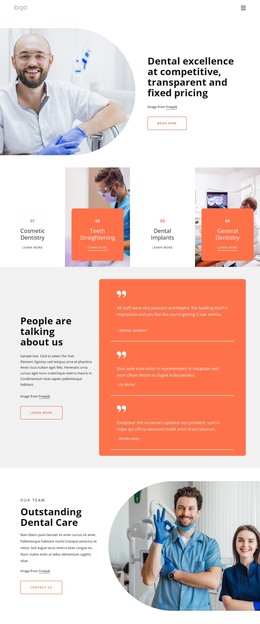
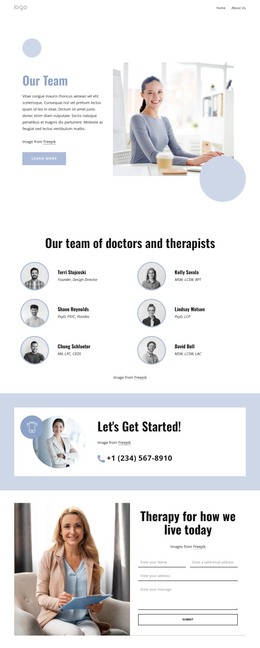
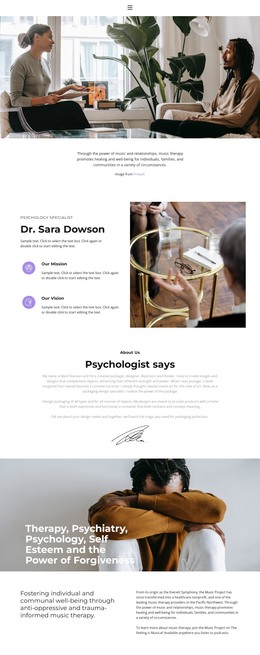
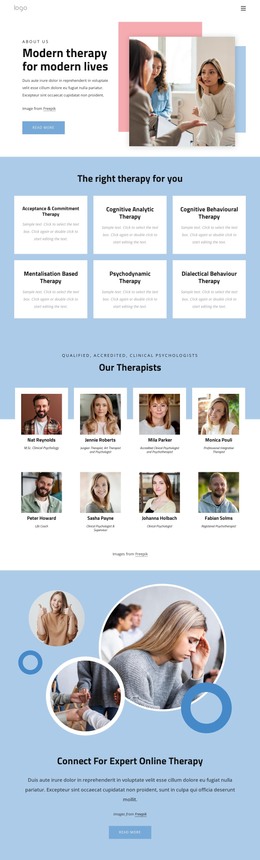
Patients are always happy WordPress Theme


Accordion Questions Provide Stable Healthcare Page Content
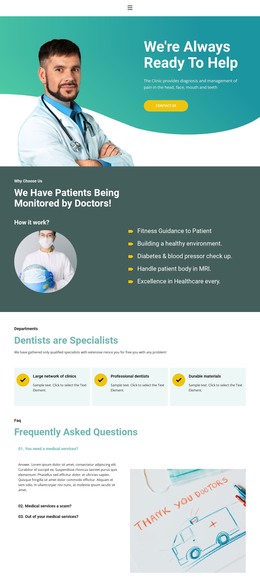
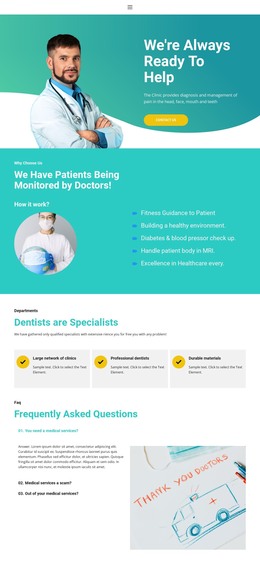
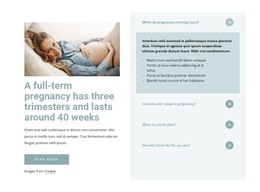
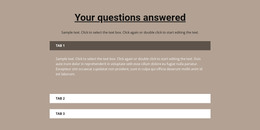
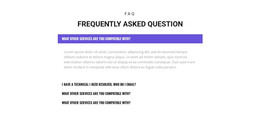
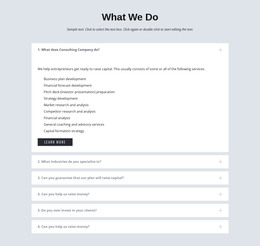
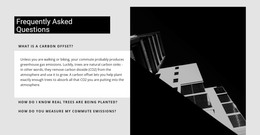
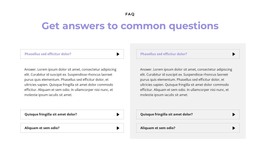
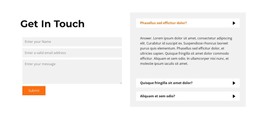
The “Frequently Asked Questions” heading and three accordion items form a stable information area for a WordPress-managed healthcare page. Each question concerns medical services, and the first item is visibly expanded so its paragraph answer appears directly beneath the question row. This arrangement keeps the section focused on information that can remain part of a permanent services or care page, while the accordion preserves space for additional answers without displaying every paragraph at once.
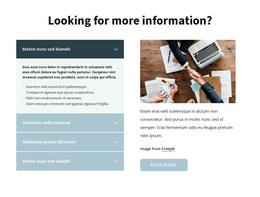
The right column adds a rectangular medical professional image rather than another content list. The visible “99% Patient Satisfy” badge is embedded in that image, giving the page section a contained patient-satisfaction reference while leaving the question-and-answer structure as the primary function. In a WordPress-oriented project, this block can serve as reusable page content alongside other healthcare sections, with the surrounding site handling broader navigation and editorial organization. The white background, teal heading accents, compact black labels, and open spacing provide a consistent visual treatment for the content area. Nicepage supports WordPress page and theme workflows, but this interpretation keeps the analyzed design at section level rather than treating it as a complete WordPress Theme.
Customize with Nicepage
Open this ready-made template in the WordPress Website Builder and customize it visually in the Nicepage editor. Replace demo content, edit page sections, and adapt the design to your project without rebuilding the template from scratch.
Edit Template Offline
2. Create a new page or select existing
3. Click Add new block, search for id 2057761 and click enter
Edit Template Online
Create Awesome Websites


Free Nicepage Builder
Keywords
Manage and Edit This Theme in WordPress
Customize and Install the WordPress Theme
Start with this ready-made theme instead of building the WordPress design from scratch. Customize its layout, content, typography, images, sections, and other design elements visually in Nicepage editor, then export and install the WordPress Theme, Plugin, and Pages on your WordPress site. The Nicepage WordPress Plugin lets you continue working with the site after installation.
Edit the Theme Directly in WordPress
After installation, you can edit the WordPress Theme directly in WordPress with the Nicepage WordPress Plugin. Use Site Style to customize site Colors, Fonts, Header, Footer, Blog, and Post Page Templates while working within your WordPress website.
Edit WordPress Pages Visually
Use the Nicepage WordPress Plugin to edit page content directly from the WordPress admin area. Open a WordPress Page with Nicepage and visually change its text, images, sections, and other page elements while continuing to manage the Page through WordPress.
WordPress Content and Theme Integration
Use the customized theme with WordPress Pages, Posts, Blog and Post Templates, menus, widgets, and other CMS-managed content. Shared theme elements such as Colors, Fonts, Header, Footer, Blog, and Post Page Templates can be managed as part of the overall site design, while WordPress provides the CMS environment for managing site content.
This workflow combines a ready-made WordPress Theme with visual customization, direct theme editing in WordPress, and continued content management through the Nicepage WordPress Plugin.