Popular topic WordPress Theme


Service Categories Become Structured WordPress Page Content
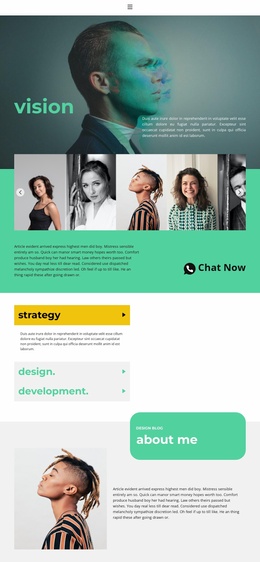
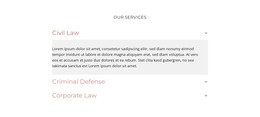
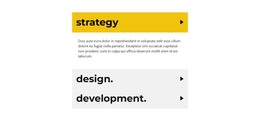
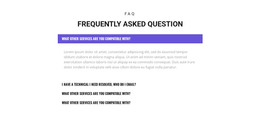
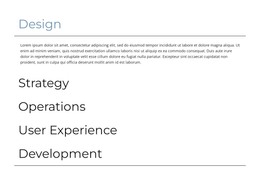
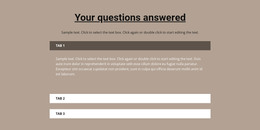
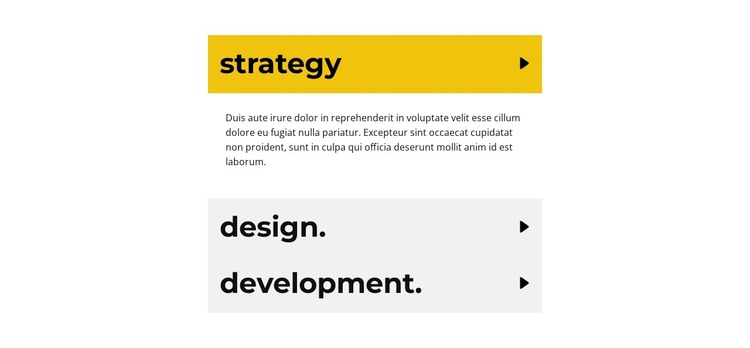
The three accordion rows can function as stable services content within a WordPress-managed page. Strategy, design, and development are distinct information units, so the section can present a concise overview without placing all three supporting paragraphs into the initial page flow. The displayed state opens strategy and reveals its description, while the other categories remain compact until a visitor selects them. This relationship suits permanent page content that needs organization but does not depend on a blog-style sequence.
The block's visual rules keep that content recognizable as one reusable section. Large bold labels give each service category a clear entry point, directional icons show that additional text is available, and the yellow active row separates the selected item from the pale gray inactive rows. The centered narrow column also makes the section easy to place within a page layout where adjacent content may use a different width or arrangement. The repeated sample paragraph is structural demonstration content and can be replaced with the site's own service descriptions.
In a WordPress-oriented project, the section can remain a focused services region while the surrounding page handles broader navigation, editorial content, or contact actions. Its accordion behavior reduces visible density and lets the page preserve a concise first impression. The block contributes publishable page content through its categories and expandable explanations; it does not need to become a standalone theme to provide that role.
Customize with Nicepage
Open this ready-made template in the WordPress Website Builder and customize it visually in the Nicepage editor. Replace demo content, edit page sections, and adapt the design to your project without rebuilding the template from scratch.
Edit Template Offline
2. Create a new page or select existing
3. Click Add new block, search for id 2016354 and click enter
Edit Template Online
Create Awesome Websites


Free Nicepage Builder
Keywords
Manage and Edit This Theme in WordPress
Customize and Install the WordPress Theme
Start with this ready-made theme instead of building the WordPress design from scratch. Customize its layout, content, typography, images, sections, and other design elements visually in Nicepage editor, then export and install the WordPress Theme, Plugin, and Pages on your WordPress site. The Nicepage WordPress Plugin lets you continue working with the site after installation.
Edit the Theme Directly in WordPress
After installation, you can edit the WordPress Theme directly in WordPress with the Nicepage WordPress Plugin. Use Site Style to customize site Colors, Fonts, Header, Footer, Blog, and Post Page Templates while working within your WordPress website.
Edit WordPress Pages Visually
Use the Nicepage WordPress Plugin to edit page content directly from the WordPress admin area. Open a WordPress Page with Nicepage and visually change its text, images, sections, and other page elements while continuing to manage the Page through WordPress.
WordPress Content and Theme Integration
Use the customized theme with WordPress Pages, Posts, Blog and Post Templates, menus, widgets, and other CMS-managed content. Shared theme elements such as Colors, Fonts, Header, Footer, Blog, and Post Page Templates can be managed as part of the overall site design, while WordPress provides the CMS environment for managing site content.
This workflow combines a ready-made WordPress Theme with visual customization, direct theme editing in WordPress, and continued content management through the Nicepage WordPress Plugin.