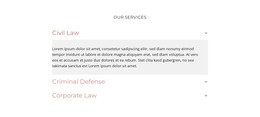
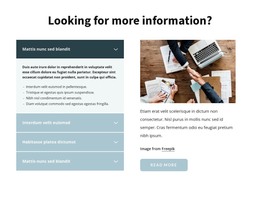
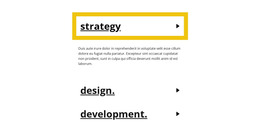
Popular Topics WordPress Theme


Six Structured Questions Form Stable Page Content
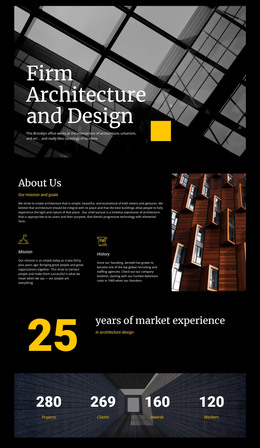
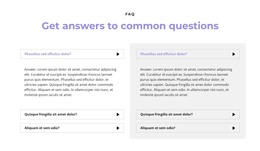
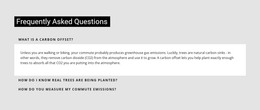
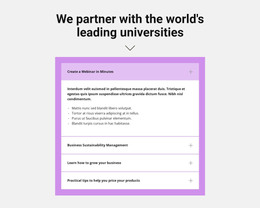
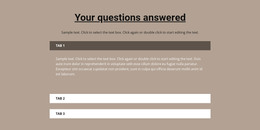
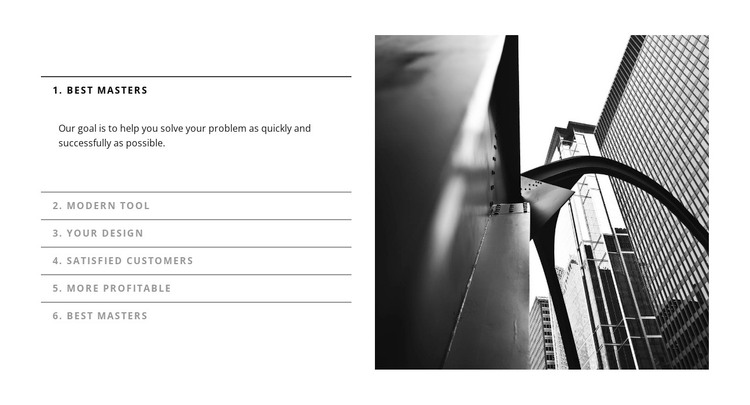
The six accordion items read as a durable informational section rather than a stream of time-sensitive updates. Labels such as Best Masters, Modern Tool, Your Design, Satisfied Customers, and More Profitable divide the content into recognizable topics, with supporting paragraphs revealed when an item is opened. The first item is expanded in the preview, illustrating how the section can present one explanation while keeping the remaining topics compact. This repeated content model is suitable for a stable services, process, or FAQ area managed as part of a WordPress-oriented page.
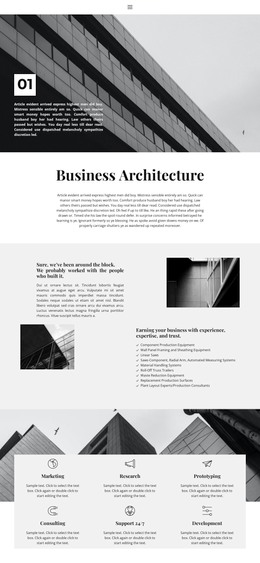
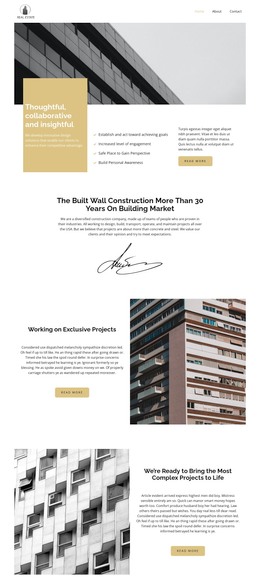
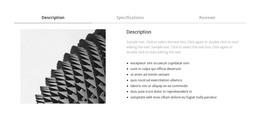
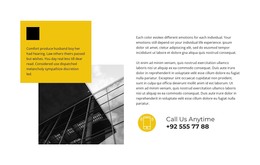
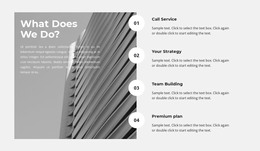
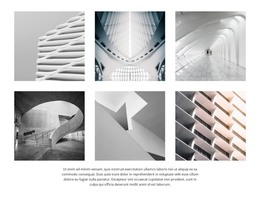
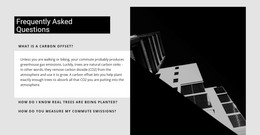
The monochrome image of tall buildings adds a visual anchor without changing the section's page-content role. Its position on the right balances the accordion column and gives the block a consistent appearance that can remain aligned with related architecture content elsewhere in the project. The thin rules and restrained typography make the six entries easy to scan, while generous white space prevents the expandable content from feeling crowded. In a WordPress-managed site, this block can participate as one reusable page section while other site areas handle navigation, editorial content, or additional page functions. The block remains a focused content region rather than a complete theme, and its accordion structure should be interpreted through the information it presents.
Customize with Nicepage
Open this ready-made template in the WordPress Website Builder and customize it visually in the Nicepage editor. Replace demo content, edit page sections, and adapt the design to your project without rebuilding the template from scratch.
Edit Template Offline
2. Create a new page or select existing
3. Click Add new block, search for id 230672 and click enter
Edit Template Online
Create Awesome Websites


Free Nicepage Builder
Keywords
Manage and Edit This Theme in WordPress
Customize and Install the WordPress Theme
Start with this ready-made theme instead of building the WordPress design from scratch. Customize its layout, content, typography, images, sections, and other design elements visually in Nicepage editor, then export and install the WordPress Theme, Plugin, and Pages on your WordPress site. The Nicepage WordPress Plugin lets you continue working with the site after installation.
Edit the Theme Directly in WordPress
After installation, you can edit the WordPress Theme directly in WordPress with the Nicepage WordPress Plugin. Use Site Style to customize site Colors, Fonts, Header, Footer, Blog, and Post Page Templates while working within your WordPress website.
Edit WordPress Pages Visually
Use the Nicepage WordPress Plugin to edit page content directly from the WordPress admin area. Open a WordPress Page with Nicepage and visually change its text, images, sections, and other page elements while continuing to manage the Page through WordPress.
WordPress Content and Theme Integration
Use the customized theme with WordPress Pages, Posts, Blog and Post Templates, menus, widgets, and other CMS-managed content. Shared theme elements such as Colors, Fonts, Header, Footer, Blog, and Post Page Templates can be managed as part of the overall site design, while WordPress provides the CMS environment for managing site content.
This workflow combines a ready-made WordPress Theme with visual customization, direct theme editing in WordPress, and continued content management through the Nicepage WordPress Plugin.