
Timetable Html Code Examples
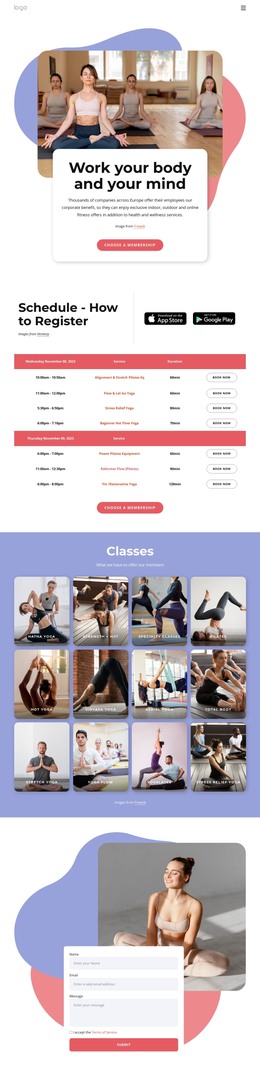
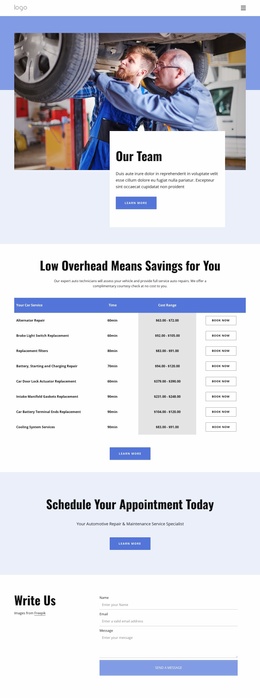
More Html Code Examples from Calendar & Booking Category

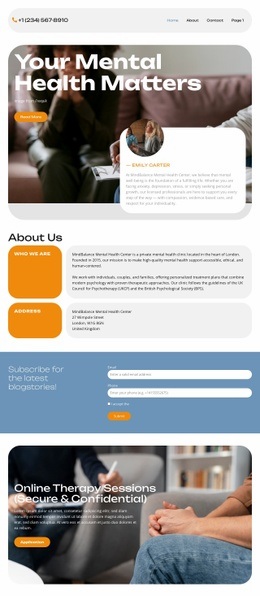
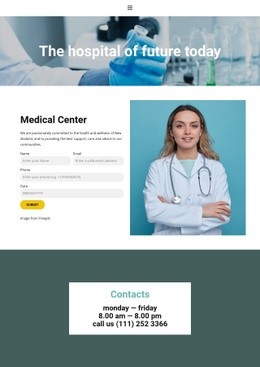
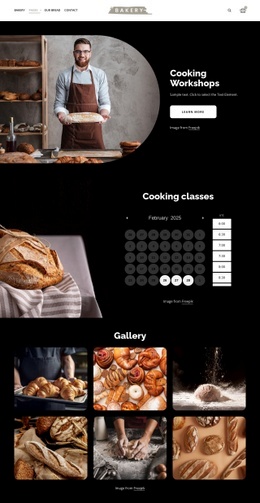

Other Calendar & Booking Html Code Examples
Optimized Timetable HTML Code
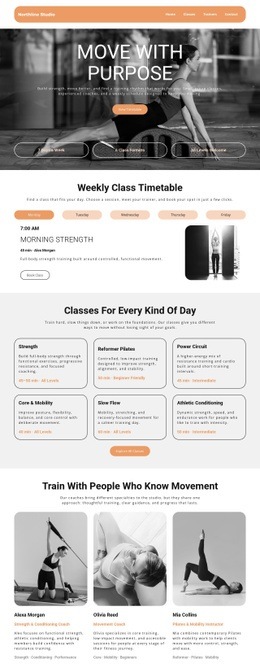
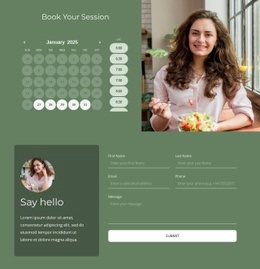
Want an easy guide for creating your very own timetable schedule page? Using timetable HTML code can be effective in building organized tables, time slots, lessons, appointments, classes, and event schedules, which will be incorporated straight into your website page.
The HTML is responsible for building your website. Thus, every class, meeting, service hour, and booking must have its own designated time slot in the HTML. Proper timetable source code will improve readability, mobile design, and editing in case you hire developers, freelancers, or work for your own school, gym, clinic, or event platform.
An efficient calendar integration can save users up to 4 hours weekly because it will lessen their manual verification process and avoid any outdated information that could arise. A perfect timetable HTML code structure consists of semantic tags, responsive tables, simple rows, and proper headings or booking pages.
Minimal Code Structure Helps Build Better Timetable Pages
An effective design for the timetable will include good markup, proper information hierarchy, and a responsive page design. Today's users demand fast loading times for timetable sites as well as clear presentation on all devices. Sites that are designed using minimalistic front-end code tend to have superior performance, better navigation, and better usability. It has been proven that web pages optimized for mobile rendering can result in a 33% increase in interaction rate, among other advantages, on timetable websites.
Timetable HTML code helps users create:
- Responsive Schedules
- Editable Grids
- Fast-Loading Layouts
- Organized Blocks
- Flexible Structures
- Semantic Markup
This will assist in ensuring that developers and owners of the sites have an easier time managing their timetable pages without compromising on simplicity and accessibility. Also, responsive timetable frameworks ensure that the browsing experience is comfortable whether on a smartphone, tablet, or desktop device. Simple HTML timetable structure facilitates easier schedule updates and proper content organization.
Streamlined HTML Improves Schedule Accessibility
Individuals may consult schedule information in their busy work days, while traveling, studying, or during any other activities. In this case, the web pages containing schedule information require high levels of performance, responsiveness, and readability on any type of gadget. According to studies, people are highly inclined towards staying on websites that can offer a quality browsing experience by presenting information in a well-structured manner.
Today, responsive timetable pages are becoming increasingly significant, considering the fact that mobile traffic is continuously rising among websites offering schedules. A good HTML page structure ensures easier navigation as well as readability. In addition to this, organized timetable sections enable individuals to browse through schedules without facing difficulties.
Enhance Your Website With a Faster Timetable Website
A clean timetable HTML layout is one way to ensure usability and easy navigation while making future changes easier. Get acquainted with the Nicepage timetable HTML code and craft sections of your timetable website today.