

News HTML5 Templates
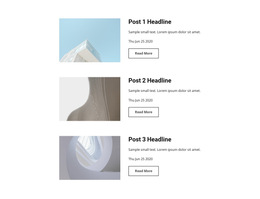
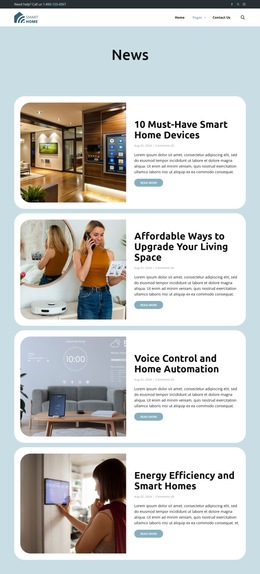
Create a complete news report with an identifiable title, date, main text, and supporting images. News HTML5 templates help organize individual story pages while giving developers a basis for checking semantic markup and reading order in the exported HTML.
-
-

-
-
-
-
-
-
Free Website Builder SoftwareDownload
-
-
-
-
-
-
-
-
-
-
-
-

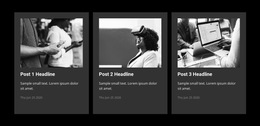



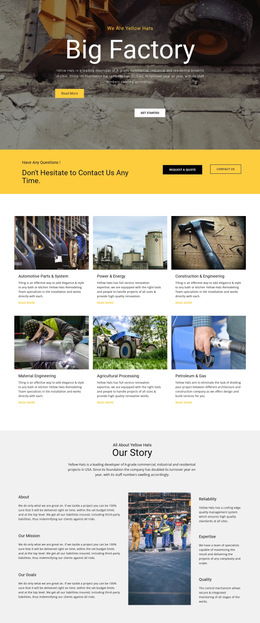



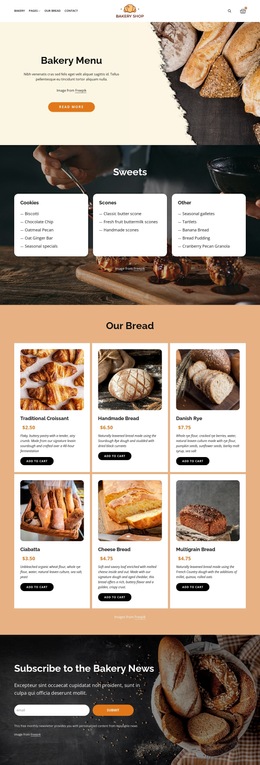
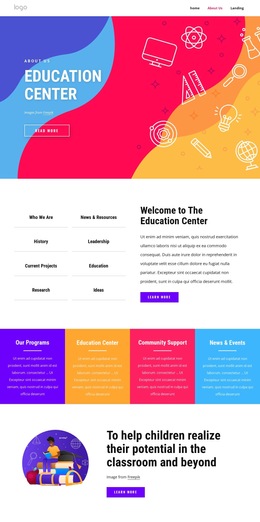



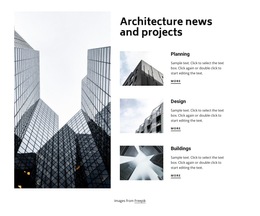


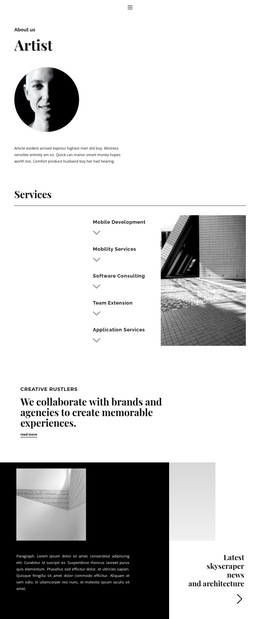




More Website & HTML Templates for News
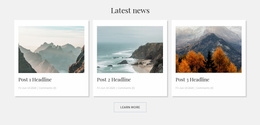









































More HTML5 Templates from Business & Law Category



Other Business & Law HTML5 Templates
News HTML5 Templates for Structured News Pages
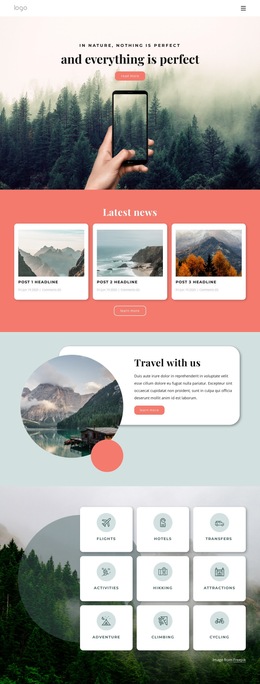
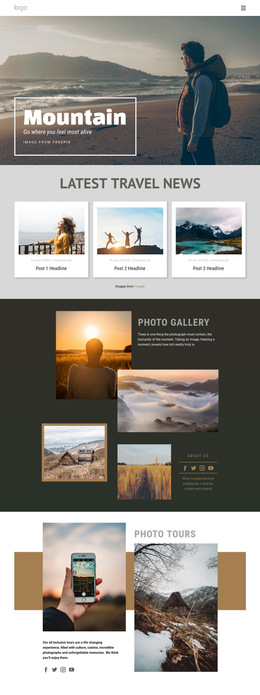
News HTML5 templates provide a starting point for structurally clear news pages, whether they present a single complete report or a feed of several independent stories. An individual article may include a title, publication date, introductory summary, and captioned images; a news feed may repeat distinct reports with their own headings and dates. The focus is on meaningful document structure and readable content relationships, not on reserving full articles for HTML5 alone. HTML5 is the modern HTML standard, not a separate publishing technology with capabilities automatically unavailable to other HTML templates.
Use Semantic HTML5 Markup for Reports and News Feeds
Consider a science desk publishing a report on a new telescope observation. A reader should first encounter the story title and date, then the finding, its explanation, an attributed image, and background material. If the article is updated, the date or update note should be placed where its meaning is clear.
Semantic HTML5 can help express these relationships. An article element can identify a self-contained report, including each standalone item within a multi-story feed. A header can group its headline and introductory information, while time can mark a publication date with a machine-readable datetime value. A section is useful for a thematically grouped part of a document when it has a meaningful heading; it should not be used merely as a styling wrapper. Heading levels should follow the content hierarchy rather than be selected for their visual size. This structure can also help assistive-technology users navigate between stories, although semantic elements do not replace clear link text, image alternatives, or accessibility testing.
These are implementation choices to inspect, not features guaranteed by a visual design. A template labeled HTML5 does not prove that every intended element or data attribute appears in its output.
Keep Story Content and Supporting Material Distinct
A full report may mix the central narrative with explanatory material. The science story could contain a photograph, a methodology note, and links to earlier findings; keeping those elements distinct helps readers follow the report. A feed has a related but different task: each short update should keep its own headline, date, and link together, so readers do not mistake material from adjacent stories for one continuous article.
For a site using Nicepage blog features, the Post Details Element can display the content of an individual post. Additional layout elements may be used around that content where supported. Check the resulting page to see how titles, dates, images, and supplementary areas are actually represented in HTML.
Check Reading Order Across Devices and Exported Files
A related-reports sidebar can sit beside a full story on a wide screen and move below it on a phone. In a multi-story feed, cards may similarly move from columns to a single vertical sequence. Neither shift should separate a story heading from its date or confuse the reading order of independent reports. Nicepage Responsive Modes help adjust layouts for different screen widths, but you still need to test the resulting reading order.
For an article page or a multi-story feed, inspect these semantic relationships:
article: Check that independent reports have appropriate content boundaries.header: Keep each story title with its introductory information.- Headings: Preserve a logical hierarchy rather than choosing levels for appearance.
time: Check machine-readable dates when dates are marked up semantically.section: Reserve it for thematic groups with meaningful headings.- Images: Keep captions and alternatives connected to the correct report.
- Links: Give related-story destinations descriptive link text.
Use a second, shorter inspection pass on the exported file:
- Open a full report and follow its heading sequence.
- Compare publication dates in visible text with any
datetimevalues. - Navigate a multi-story feed with styling reduced to check content order.
- Revisit the same pages at mobile width and check that supporting material stays identifiable.
Inspect the exported HTML before publication. Confirm the document's headings, dates, image descriptions, and independent article regions where appropriate; then test both a complete story and a listing of reports at mobile width, including with styling reduced if necessary. That check helps establish whether the intended semantic organization and accessible reading sequence survive beyond the preview.