
Resume HTML5 Templates
Career sections can lose clarity when titles, dates, projects, and credentials carry equal structural weight. An HTML5 template gives those details semantic roles and a logical reading order that can remain intact across responsive layouts.
-
-

-
-
-
-
-
-
-
-
Free Website Builder SoftwareDownload
-
-
-
-
-
-
-
-
-


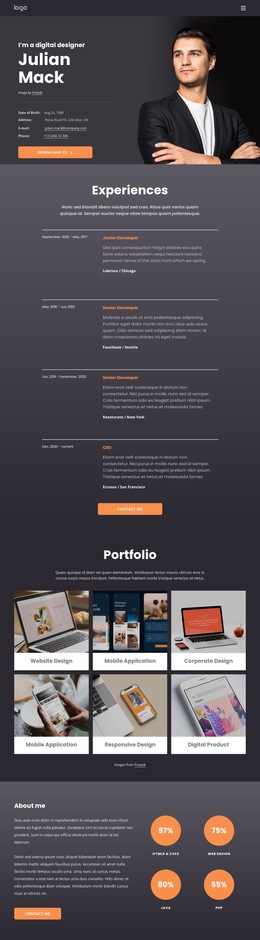
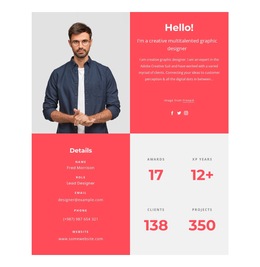
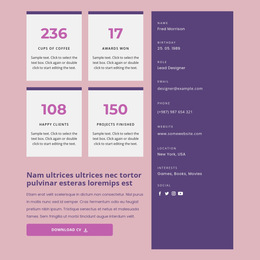



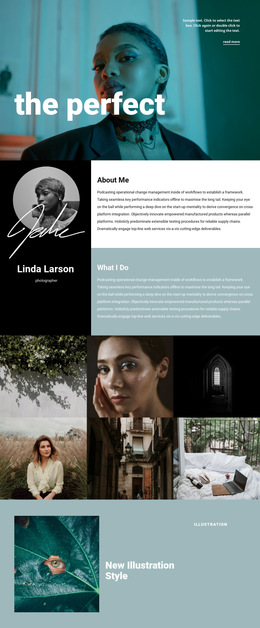
More Website & HTML Templates for Resume





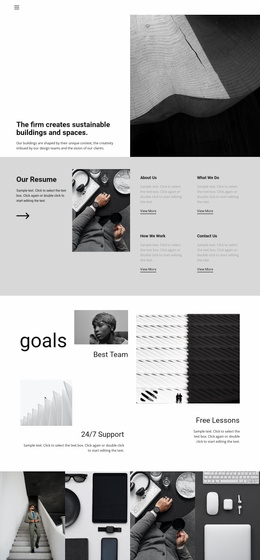
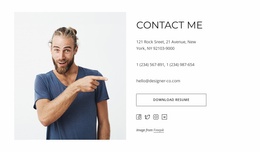
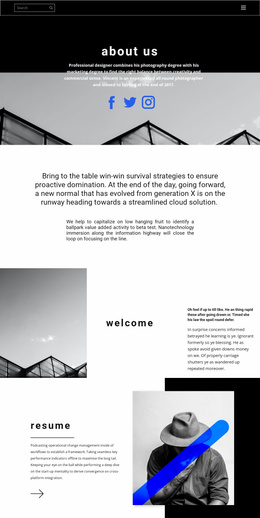
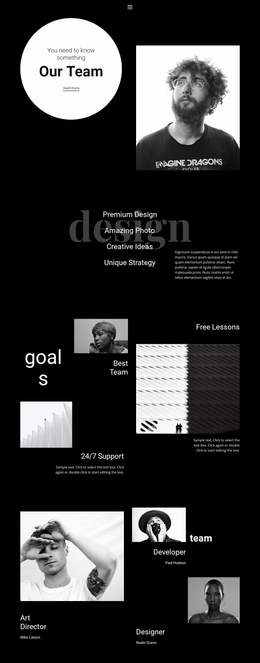
More HTML5 Templates from Business & Law Category





















Other Business & Law HTML5 Templates
Resume HTML5 Templates With Semantic and Accessible Structure
Two resume pages can look identical in a preview and be built very differently underneath. HTML5 defines what each part of a career page is, so browsers, screen readers, and search engines can follow the document independently of the CSS that arranges it.
That underlying layer is what this page is about. Below are the checks worth running on the markup of a resume HTML5 template before it becomes your published career page.
Check the Semantic Structure Behind the Design
Start with the main regions of the document. HTML5 elements such as main, nav, and section indicate the purpose of important content rather than placing every part of the resume in interchangeable layout containers.
For example, nav handles page navigation, and main contains the resume itself. A section marks a career area, such as experience or education, while an article wraps a single entry that stands on its own, like a single job or a case study.
Smaller elements matter on a resume in particular. Employment dates can be marked with time and a machine-readable datetime value, a portfolio image with its caption belongs in figure and figcaption, and the contact block can use address for details that belong to the person.
A resume does not need a semantic tag for every wrapper. The line runs between elements that carry document meaning and containers that exist only for styling, and a page assembled entirely from div elements leaves assistive technology with nothing to work with.
Review the Resume Without Relying on Its Layout
A responsive design moves dates, project information, and contact details as the screen narrows. Source order stays where it is and determines what a screen reader announces and where keyboard focus travels next.
Disable the stylesheet and read the page from top to bottom. It should still run from the introduction to experience, selected work, and contact details. A skills sidebar that arrives before the candidate's name, or a contact form dropped into the middle of the employment history, shows that the visual layout is holding the page together on its own.
Heading hierarchy belongs to the same review. One h1 names the person or the target role, h2 marks the main areas, h3 covers the entries inside them. A level picked for the size it renders at breaks the outline that assistive technology and search engines use to summarize the page.
Include Accessibility in the Template Review
Semantic regions carry the structure, and the details inside them decide how usable the page is:
- the document language is declared on the
htmlelement, so a screen reader reads the page with the right pronunciation; - images that carry information have alternative text, while decorative ones keep an empty
alt; - link text names its destination instead of a bare URL or a vague label;
- contact form fields are tied to real
labelelements, and interactive parts use native controls that keyboard focus can reach.
A div styled to look like a button is the most common failure here. It looks correct, responds to a mouse, accepts input, and disappears for anyone navigating the page with a keyboard.
Validate the HTML5 Markup
Visual inspection cannot reveal every structural problem. Customization is where valid markup usually breaks down: an element left unclosed, a required attribute lost during an edit, or duplicate IDs after an experience block is copied. Duplicate IDs deserve particular attention on a resume, because copied job entries are exactly how they appear.
The final pass goes faster when it follows one order. Run the page through a validator first, since a stray tag or a repeated ID can distort everything checked afterward. Then switch the stylesheet off and read from the top, which shows the outline the browser actually builds. Finish with the keyboard, tabbing through the page and watching where focus travels, because that path follows the same source order and exposes any control that answers only to a mouse.
The failures worth acting on are easy to recognize. A validator error inside a repeated block usually means the same mistake sits in every copy of it. A page that reads out of sequence without CSS keeps its structure in the stylesheet rather than in the markup. Focus that skips the contact form or jumps backward points to controls built from styled containers.
Compare the source order with the responsive versions of the same page afterward. Nicepage responsive layout modes help review the oacareer page across several screen widths while the underlying structure stays the same.
Choose HTML5 for More Than the Label
HTML5 in a product name means little on its own, since almost every current page is written in it. The meaningful question is whether the markup describes the resume: whether the page regions are identified, whether the outline survives without CSS, and whether the interactive parts work from a keyboard.