High-quality courses Website Template


Edit Template Offline
2. Create new page and search for id 6070564
Edit Template Online
Create Awesome Websites


Free Nicepage Builder
Keywords
Course categories and learner proof establish a broader site foundation
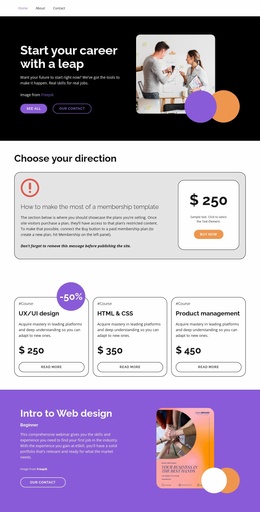
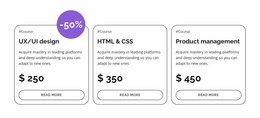
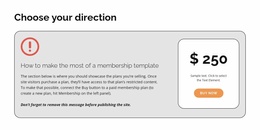
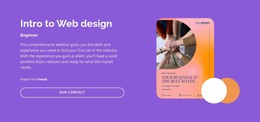
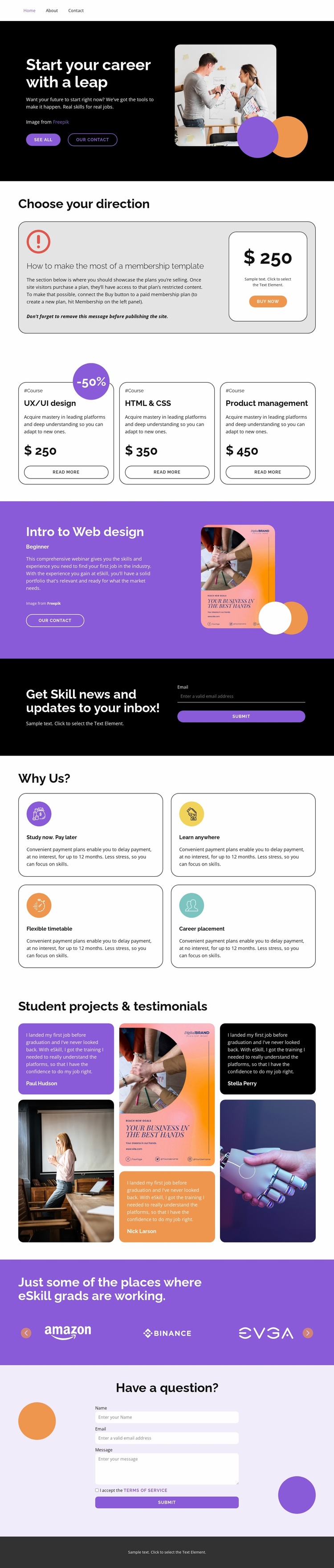
The three course cards give the project an initial content architecture rather than only a decorative homepage. UX/UI design, HTML and CSS, and product management are presented as related but distinct learning directions, creating a natural basis for organizing course information as the project develops. The membership section adds a separate plan-oriented area, while the Beginner web design webinar offers a focused feature that could support a more specific learning pathway.
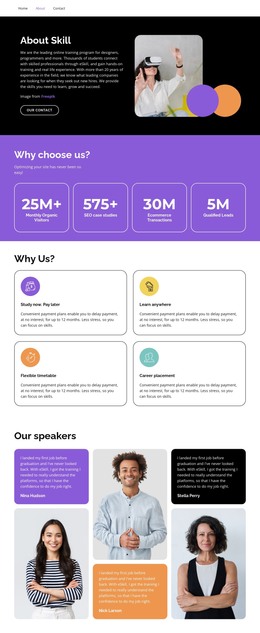
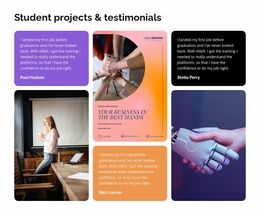
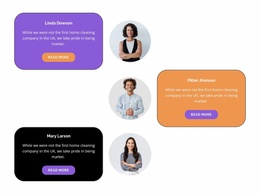
Around these offers, the four benefit cards define the practical questions the wider site needs to answer: payment timing, learning location, schedule flexibility, and career placement. The student project and testimonial section adds learner-centered proof, and the employer-logo strip introduces a separate context for discussing graduate destinations. These areas give the design several durable content categories that can support additional course, information, or support pages without changing the visual direction established by the original page.
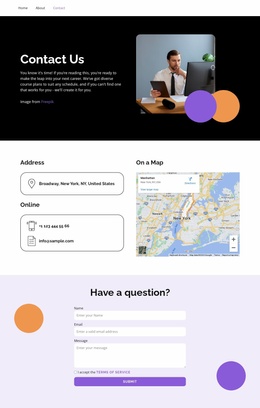
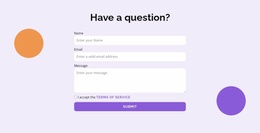
The subscription and question forms also distinguish ongoing updates from direct inquiries. Navigation, the shared dark and purple bands, rounded cards, and repeated typography can connect these areas as the project expands, while each content group retains a clear role. The design therefore works as a website-template starting point because it supplies an organized set of educational topics, offer areas, proof sections, and response points rather than only a single promotional message.
Customize with Nicepage
Open this ready-made template in the Website Template Builder and customize it visually in the Nicepage editor. Replace demo content, edit page sections, and adapt the design to your project without rebuilding the template from scratch.
Build a Complete Website From This Template
Customize the Website Visually
Use this ready-made website template as a starting point for your project and adapt its pages visually in Nicepage. Change content, images, typography, navigation, sections, and other design elements while keeping the website together as a single editable project.
Manage Website Pages in One Project
Use the Pages panel to open, add, duplicate, and manage the pages of your website. Work on individual pages while keeping navigation and the overall site structure accessible from the same project, making it easier to develop a complete website instead of managing separate page files.
Expand the Website With Matching Designs
When you need additional pages or sections, use Page Design Sets to find Page and Block Designs created in the same visual style. Design Sets group matching designs together, making it easier to expand the website with new content while maintaining a consistent look across its pages and sections.
Organize Larger Multi-Page Websites
As the website grows, use Page Folders to organize related pages and keep larger multi-page projects easier to navigate in the editor. This is especially useful for websites with separate service pages, company information, contacts, landing pages, and other content areas.
This workflow makes the template a practical foundation for building and expanding a complete website while managing its pages, content, and visual design within one Nicepage project.