Sports club activities Template


A Two-Slide Image-and-Card Option for Sports Content
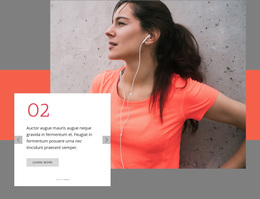
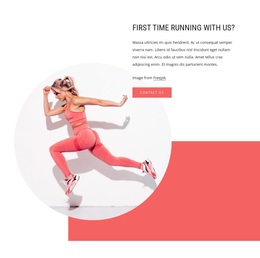
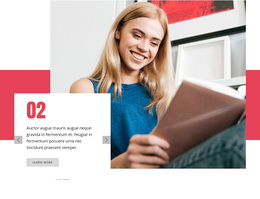
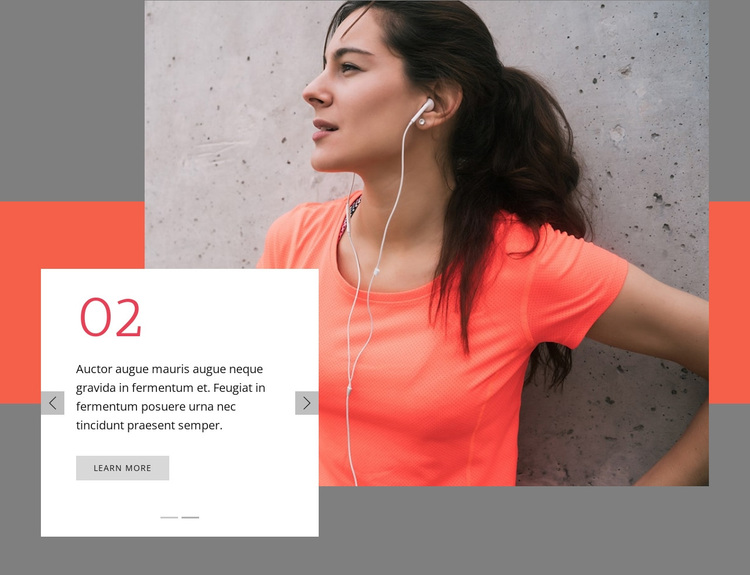
The section stands out through the relationship between its large fitness photograph and the white card that crosses the lower-left image boundary. Rather than presenting several equal cards or a static text column, it uses two numbered slides—01 and 02—to vary the supporting message within one compact arrangement. Each slide retains a Learn more action, so the design can accommodate related activity introductions or content paths without requiring separate visual blocks. The coral numerals add a strong graphic marker, while the gray and white areas keep the image and text visibly distinct.
That combination makes this design a useful choice when a page needs an introductory sports section with more movement and visual emphasis than a fixed hero layout. The previous and next controls and indicators are not decorative additions; they communicate that the content has a small, navigable sequence. The image-led balance also gives the section an immediate lifestyle context without relying on lengthy copy. Because the block remains one reusable section, surrounding content can provide detailed programs, proof, schedules, or contact information. Its distinctive value is the compact carousel, overlapping card, and strong photographic anchor working together as one ready-made design option.
Customize with Nicepage
Open this ready-made template in the Template Builder and customize it visually in the Nicepage editor. Replace demo content, edit page sections, and adapt the design to your project without rebuilding the template from scratch.
Edit Template Offline
2. Create a new page or select existing
3. Click Add new block, search for id 105077 and click enter
Edit Template Online
Create Awesome Websites


Free Nicepage Builder
Keywords
Start With a Ready-Made Template
Choose a Design for a New Page
Use a ready-made template as a starting point instead of creating every page from a blank canvas. When adding a new page in Nicepage, browse available designs, compare different layouts, and choose an option that already fits the general purpose and visual direction of your project.
Browse Different Page Designs
Explore Page Designs using search, thematic categories, Design Sets, and full-page previews. The collection includes layouts for different subjects and page purposes, making it easier to compare alternatives before selecting a design to customize.
Customize the Selected Template
After choosing a design, create the page and continue editing it visually in Nicepage. Replace the demo content, adjust images, typography, colors, sections, and other elements, and adapt the ready-made layout to your own content instead of rebuilding the design from the beginning.
Explore More Design Directions
If the first option does not match your project closely enough, return to the design collection and compare other templates before committing to a layout. This makes the template library useful not only for faster page creation, but also for exploring different visual approaches and finding a suitable starting point for a new project.
This workflow gives you access to a broad collection of ready-made designs that can be selected, compared, and customized according to the needs of each new page or project.